Cell phone is one of the most widely used portable devices in modern life. The video format supported on GSM-based phones is usually 3GP, for its low bandwidth reliance and small file size on average phones. As we know, FLV is now expanding its domain rapidly online with overwhelming popularity. Some developers have even given birth to utilities that can play FLV video on smart phones. However, except for smart phones, most cell phones still accept 3GP only. That would require a conversion from FLV to 3GP before you see the FLV content on your cell phone. If you are a Mac user, Leawo Video Converter for Mac — the best Mac FLV Converter is one of those powerful and easy-to-use programs for you to convert FLV to 3GP for Mac in high quality and compatibility. Leawo Mac FLV to 3GP Converter also allows you to edit the video for entertainment.
Full Guide
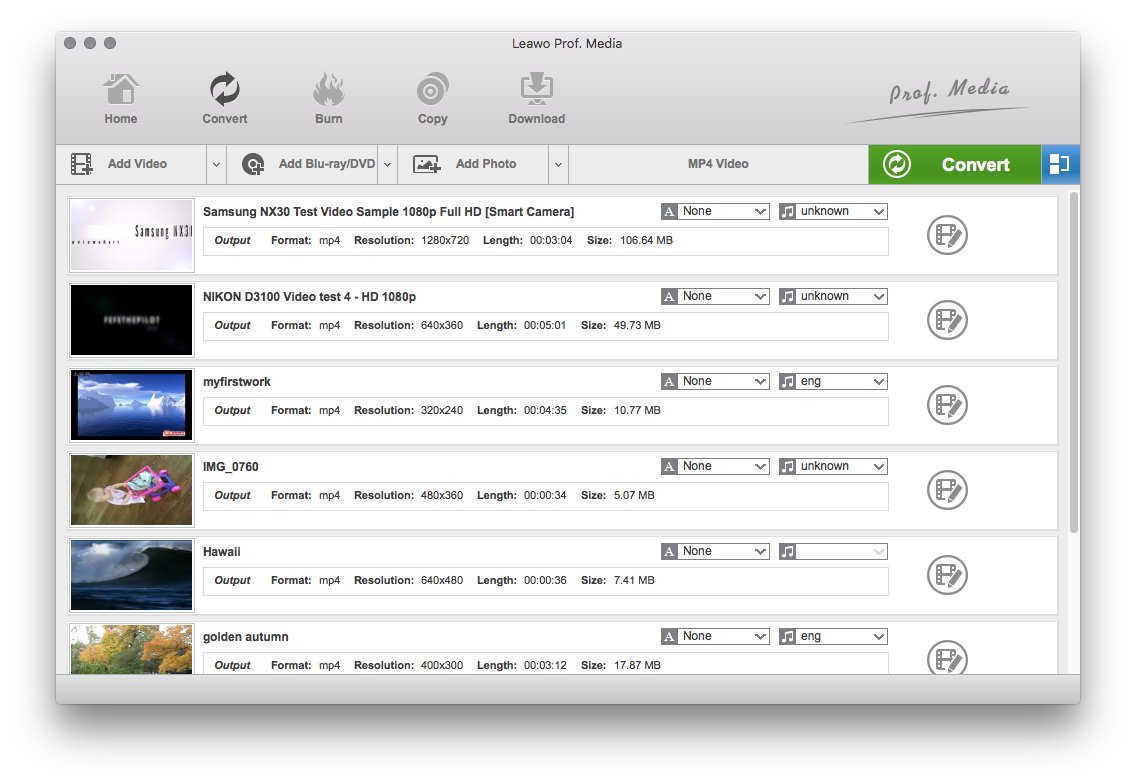
Add FLV Video Files
Click on the "Add Video" icon to import videos to the program or you can directly drag the videos to software.
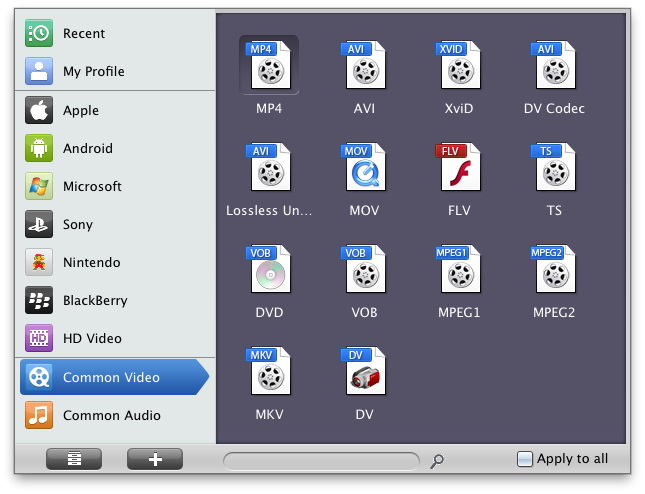
Choose Output Video Format
In the "Profile" drop-down box, choose 3GP as the output format. If you have bunch of FLV videos to convert to 3GP format, use convenient functions like batch and apply-to-all that can save your time and effort.
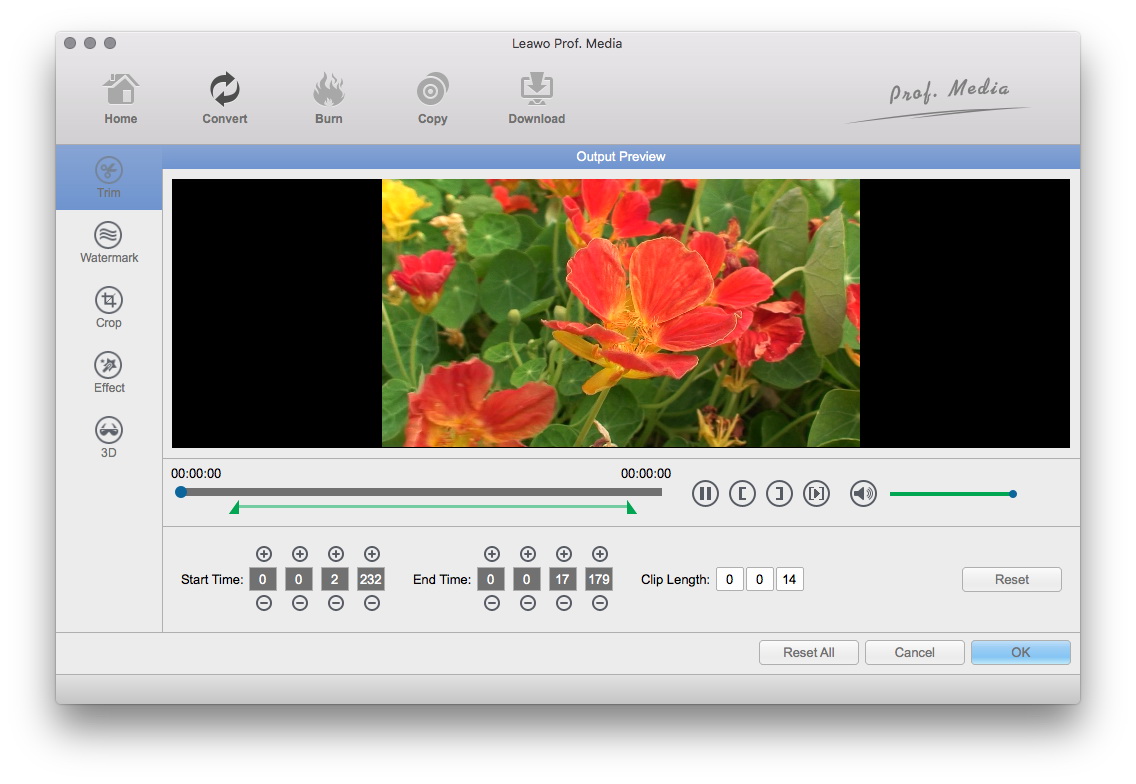
Edit Video with Effects
In this step, you can add some video editing effects to the output video: Trim, Crop, Effect and Watermark.
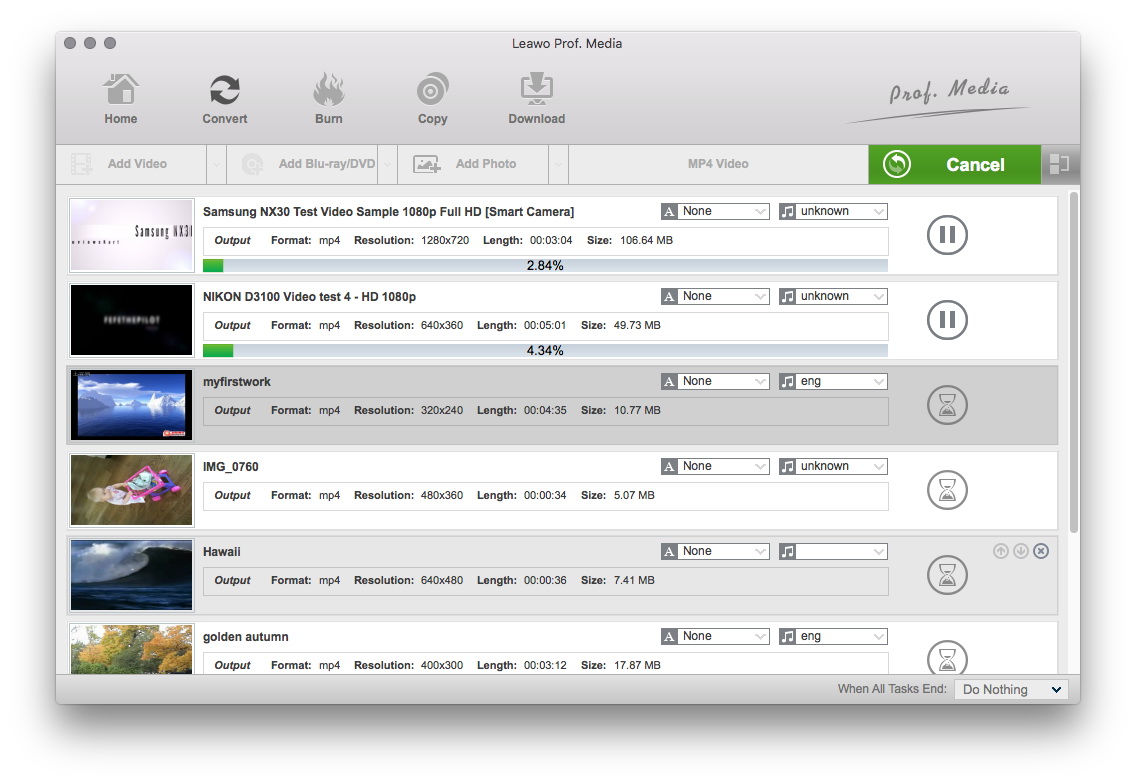
Begin the Conversion
When you have finished all the settings, you can start to convert FLV to 3GP. Moreover, you can turn up the simultaneous processing threads to gain more conversion speed.
With Leawo Mac Video Converter, it is a piece of cake converting FLV to 3GP for Mac. Noticeably, Leawo Mac Video Converter also supports many popular kinds of output formats. For more information, see the website of Leawo Mac Video Converter.
Extended Knowledge
FLV (Flash Video) is a file format used to deliver video over the internet using Adobe Flash Player and, is the most popular file format. Almost all video sharing sites are supporting to play videos in FLV format, that's because 98% of all internet users have installed Adobe Flash Player on their computers, and the webmasters hope the videos on their sites can be viewed by as many as people.
3GP is the mpeg4 based video format used in mobile terminals, like cell phones.3GP is a multimedia container format defined by the Third Generation Partnership Project (3GPP) for use on 3G mobile phones but can also be played on some 2G and 4G phones.
