This guide will show you a very simple learning curve of how to rip DVD to flash player videos using the DVD to Player Converter from Leawo. Leawo DVD Ripper, a professional DVD to Flash Video Converter, can not only rip DVD to AVI player video, but also rip DVD to MPEG player video and convert DVD to video in all other file formats that can be played in flash player. Thus you can play and watch DVD on flash player or share your DVD content online with your friends freely. This DVD to Flash Video Converter is an easy-to-install and green program which does not cause any conflict with other software. Along with the basic ability to rip and convert DVD to Media Player videos, this DVD to Flash Video converter also enables you to edit DVD video and convert 2D DVD to 3D video for unlimited 3D movie enjoyment. If you are using Mac computers, Leawo provides you with Mac DVD Ripper to rip and convert DVD to Media Player video on Mac freely, just as a Mac DVD to Flash Video converter.
Full Guide
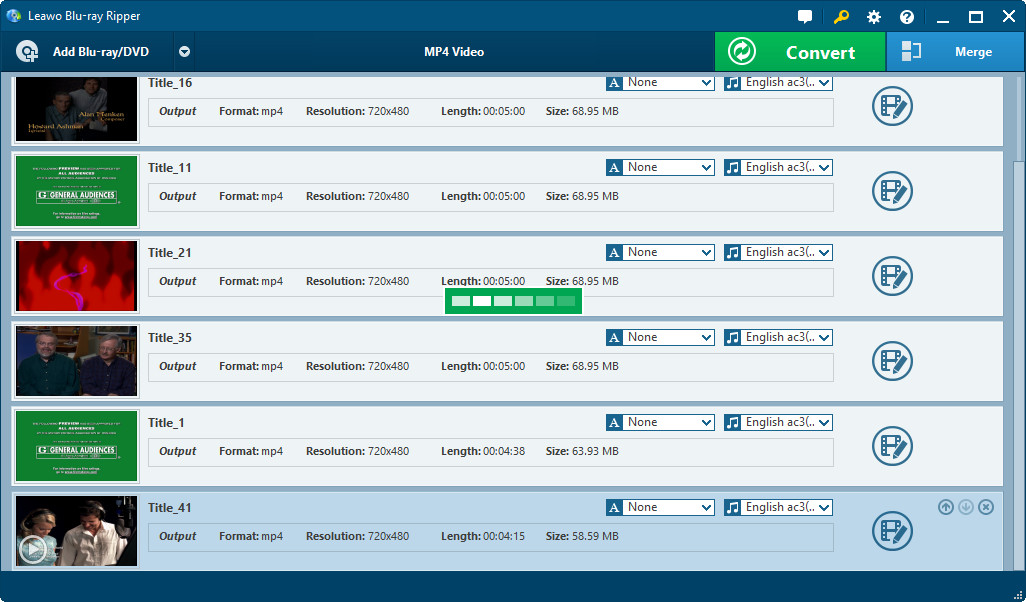
Import DVD to Player converter
Put the DVD disc in your computer and select its drive letter to import by clicking Load DVD and DVD folders on your hard disk are also importable. When DVD content loaded, you can select DVD Subtitle, Audio and Angle.
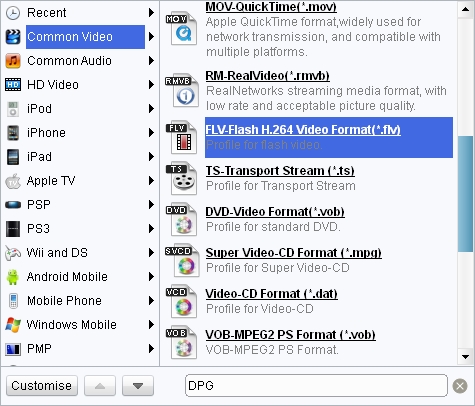
Set output profile for Media Player
In Profile panel (click the icon before 3D button on Mac DVD to Flash Video converter), and choose Media Player compatible video format as output profile.
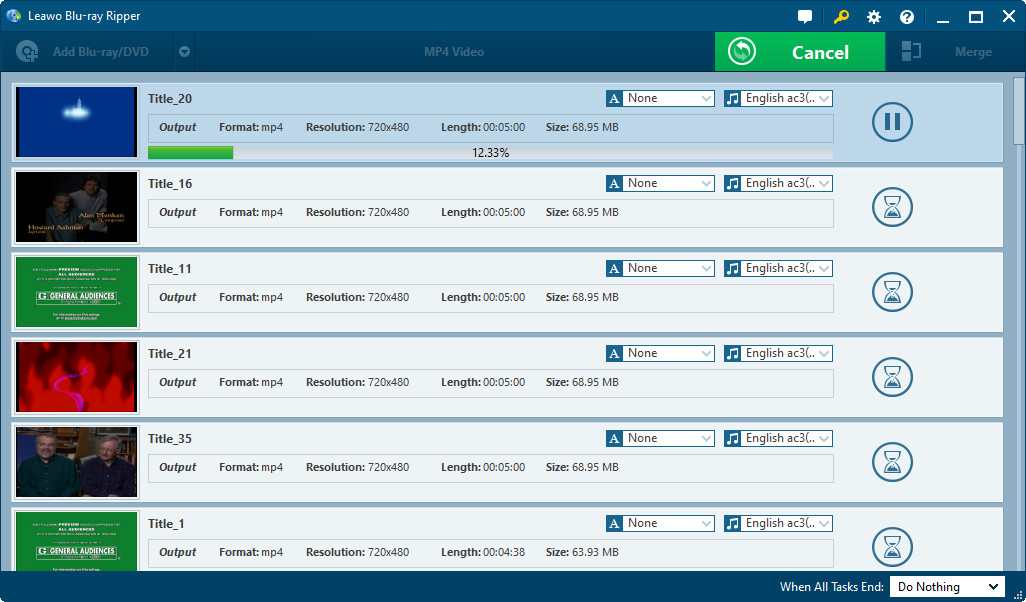
Convert DVD to Media Player videos
Click the convert button on the bottom right to start to convert DVD to Media Player videos. You can freely watch DVD on Media Players after you convert DVD to Media Player video and transfer DVD to Media Player.
If you want to rip and convert Blu-ray to Media Player for convenient playback and enjoyment, you can use Leawo Blu-ray Ripper.
Extended Knowledge
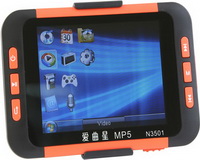
Media player is a term typically used to describe computer software for playing back multimedia files. While many media players can play both audio and video, others focus only on one media type or the other. Such players are known as either audio players or video players and often have a user interface tailored for the specific media type. Media players often display icons known from physical devices such as tape recorders and CD players.
