How to Play PowerPoint on Android Smartphone

The smartphone market is divided by Apple’s iOS and Google’s Android system, maybe later Microsoft’s Windows Mobile Phone could also be a strong competitor after Win 8 is released. Since the iPhone released in 2007, the smartphone market boomed and lots of manufacturers feel the smell of money. But as a close-source system, no one but Apple itself can use iOS system. That’s the opportunity for Android, a free open-source system based on Linux kernel. Now many famous mobile phone producers have released their own Android smartphone, like HTC, Samsung, LG, Motorola, Sony, Sharp, etc.
So if you have an Android smartphone, have you tried to play PowerPoint on it? Nowadays no portable device platforms could perfectly run Microsoft PowerPoint; even Windows Mango 7.5 can’t, because Microsoft PowerPoint has only Windows and Mac version for desktop computers. So we need to find alternative ways to play PowerPoint on Android smartphone.
In this article, we could like to show you how to view PowerPoint on Android smartphone with the best PowerPoint to smartphone converter software. Keep reading and learn how this tool can help you to view PowerPoint on Android smartphone.
Full Guide
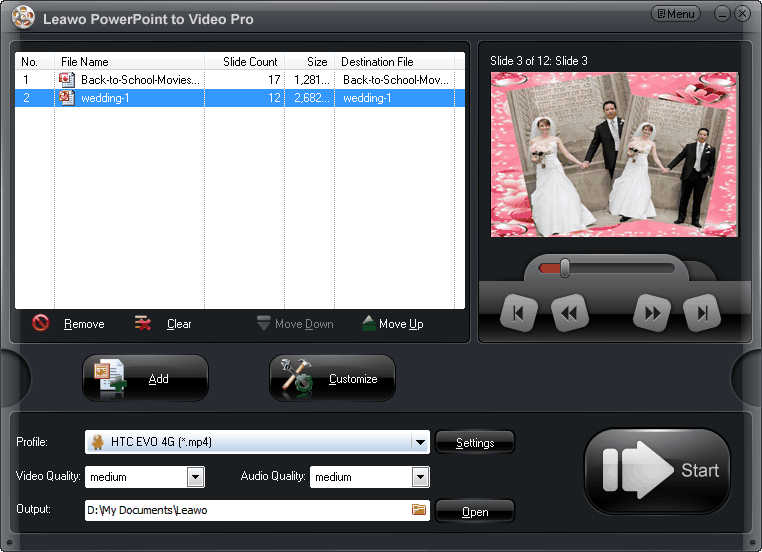
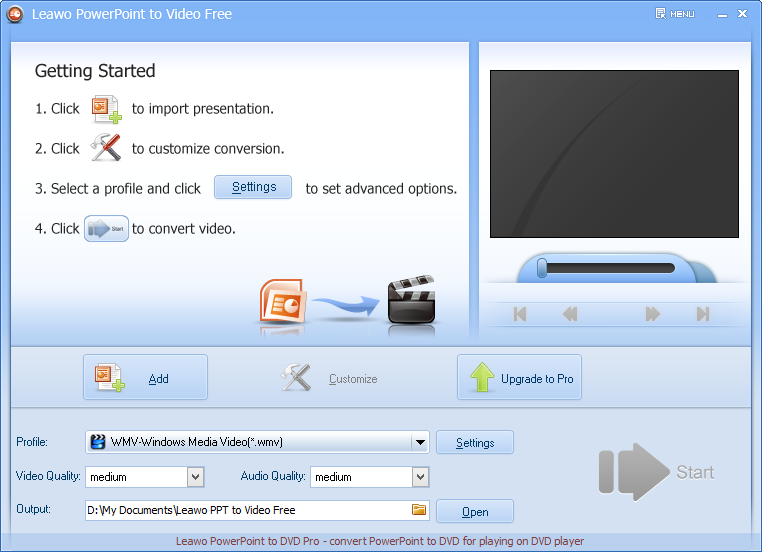
Load PowerPoint files.
Download install Leawo PowerPoint to Video Converter. It is the best tool you have to convert PowerPoint to Android smartphone supported MP4 and many other popular video formats like AVI, WMV, FLV, MOV, etc. Run the program and click “Add” button to import PowerPoint files you want to view on Android smartphone.
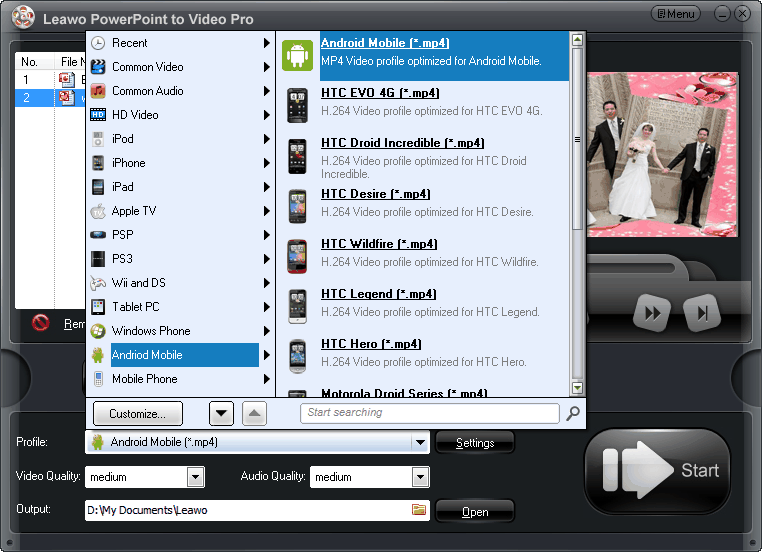
Output settings for Android smartphone.
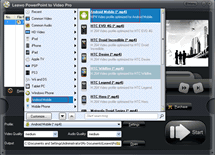
There are already optimized video profiles embedded in this PowerPoint to Android smartphone converter, you can click “Profile”, choose “Android Mobile” from the drop-down list, and choose your Android phone model.
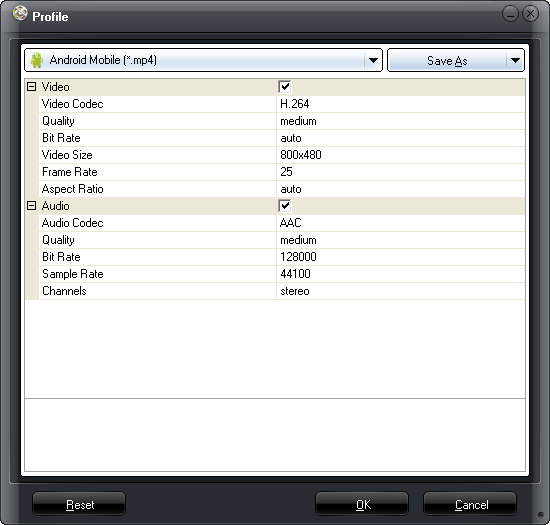
If your Android phone is not on the list, don’t worry. Just choose “Android Mobile” and click “Settings” icon to reset output profile like video codec, audio codec, bit rate, aspect ratio, frame rate, video size, channel, etc. to exactly self-made for your phone. Then you can save your settings as a new profile under the name of your Android phone for future use.
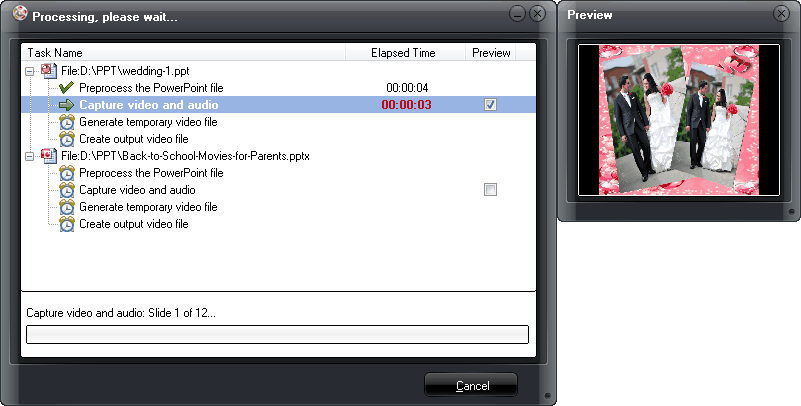
Convert PowerPoint to Android smartphone.
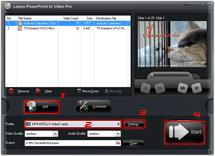
When all the settings are ready, click “Start” button to start the PowerPoint to Android smartphone video conversion. Check “Preview” box and you can watch the output video real-time during the conversion process. Just download and enjoy it!
Software
$44.95
PowerPoint to Android Smartphone Converter 
Convert PowerPoint to Android Smartphone video easily so you can enjoy PowerPoint presentations on Android Smartphone and other computers, portable devices and publish on websites freely.
Platfrom: Windows 8/7/Vista/XP


Share this post








 العربية
 繁體中文
繁體中文 Dansk
Dansk Nederlands
 Suomi
Suomi Français
 Deutsch
 Italiano
 한국어
한국어 Norsk bokmål
 Português
 Русский
 Español
 Svenska