


Summary:
YouTube TV and YouTube Premium are both subscription services launched by YouTube. However, there are significant differences between them. This article aims to clarify the distinctions between the two and help you make a better choice.
MenuCLOSE
With the development of streaming media, the viewing demands of users have become increasingly diverse. Some users request ad-free viewing, while others demand live tv. To meet these different needs, YouTube offers two popular services: YouTube TV and YouTube Premium. Since they are services tailored to different needs, there are significant differences in their service content and functions. Many users will be curious about which one is more worthy of subscription. In fact, in the comparison of YouTube Premium vs. YouTube TV, which one is more worthy depends on specific needs and you’ll understand it as we continue.
Part 1: What is YouTube TV?
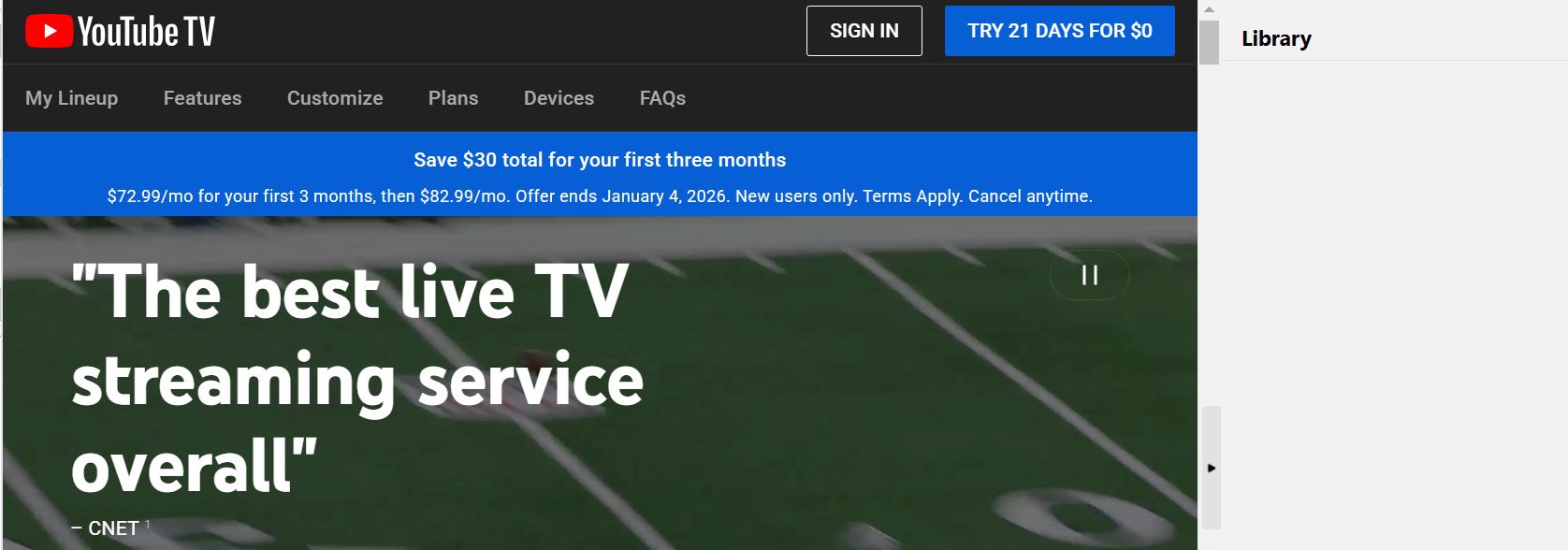
YouTube TV is a live TV service that replaces traditional cable or satellite TV, offering users a more flexible and modern way to watch live TV. It has over 80 live channels, including the basic options you would expect from any TV service such as ABC, CBS, PBS, and many niche channels like ESPN, HGTV and TNT. Additionally, YouTube TV also provides a large number of on-demand programs and movies to meet users’ diverse viewing needs. Besides, YouTube TV also provides other features:
- Unlimited Cloud DVR. Each YouTube TV subscription comes with YouTube TV DVR, allowing you to record almost all live TV programs or movies, and the recorded content will be saved in the cloud for up to 9 months.
- Family sharing. One subscription supports up to 6 family accounts, and each account has its own collection and viewing capabilities.
- Multi-screen playback. It also allows for the playing of different content on 3 different devices simultaneously.
Part 2: What is YouTube Premium?

YouTube Premium is also a membership service offered by YouTube. It does not provide any live TV channels, but focus on optimizing your experience of watching on-demand videos and listening to music on the YouTube platform. Here are its core functions:
- No ads. When watching videos on the YouTube website or app, there will be no opening credits, in-video ads, or interstitial ads at all.
- Background playback. When the phone screen is turned off or when switching to another application, the video or music can continue to play.
- Offline download. It supports downloading videos to the local device, allowing you to watch them even in environments without internet connection, such as on an airplane or in the subway.
- Enjoy YouTube Music for free. Subscribe to YouTube Premium and it will automatically include YouTube Music Membership, which means you can listen to music without ads in the standalone YouTube Music app.
- Original content. You can watch the YouTube Originals series of programs and movies produced by the platform.
Part 3: Key Differences Between YouTube TV and YouTube Premium
|
|
YouTube TV |
YouTube Premium |
|
Content Type |
100+ live TV channels |
On-demand videos, YouTube Music, original content |
|
Ads |
Yes |
No |
|
Recording & Downloading |
Unlimited DVR: supports recording, not downloading |
Download supported, no recording |
|
Device Compatibility |
Smart TVs, streaming players, game consoles, smartphones, and tablets |
Mobile phones, tablets, computers, and other common devices such as smart TVs |
|
Pricing |
The basic package is $82.99 per month. |
Individual: $13.99 per month; |
Part 4: Which Service Fits Your Needs?
So based on the comparison of these five dimensions, which one should you choose? Don’t worry, I’ll summarize it for you. If you have the following characteristics, then you should choose YouTube TV:
- Loves watching live sports events, including NBA and NFL games.
- Accustomed to watching local news and prime time TV programs.
- Need to record live shows for watching later.
- Relatively sufficient budget.
If you possess the following characteristics, then you should choose YouTube Premium:
- Hate advertisements and pursue a smooth viewing experience.
- Always in scenarios with no Internet, requiring offline viewing feature.
- Like to listen to music on YouTube.
- Want to support the creators, because the membership fees will be distributed to the YouTubers.
- The budget is relatively limited.
Part 5: Tip: Best Tool to Save YouTube Content
Although the platform offers cloud recording or offline download services, no matter which service you choose, they usually have certain limitations. For example, there are restrictions on the retention period, the number of simultaneous downloads, the range of content that can be recorded or downloaded, etc. Therefore, you can use third-party recording tool like CleverGet Recorder. It can not only record regular on-demand videos, but also capture live programs and avoid missing any real-time content. Moreover, this software allows you to record all YouTube videos and to skip YouTube ads, recording in the highest 4K quality and saves as common formats such as MP4 or MKV. Most importantly, it is free to use. Here are the specific usage steps:
Step 1: Install and download CleverGet Recorder.

-
Free streaming video recorder to record online on-demand video and live streaming video without quality loss and cost.
- 100% free to use.
- Record movies, TV shows, game streams, lectures, live concerts, etc.
- Record up to 4K video with 60FPS in MP4 or MKV.
- Schedule recording upon preset recording length.
- No watermark, no time limit, and ad-skipping (beta).
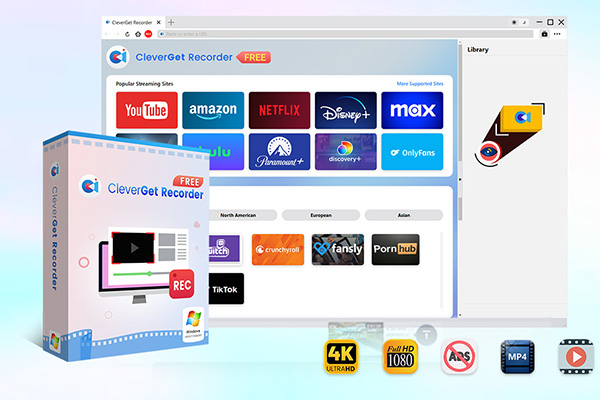
Step 2: Click the three dots on the top right corner of the page, then click “settings”, and make the settings according to your personal preferences.

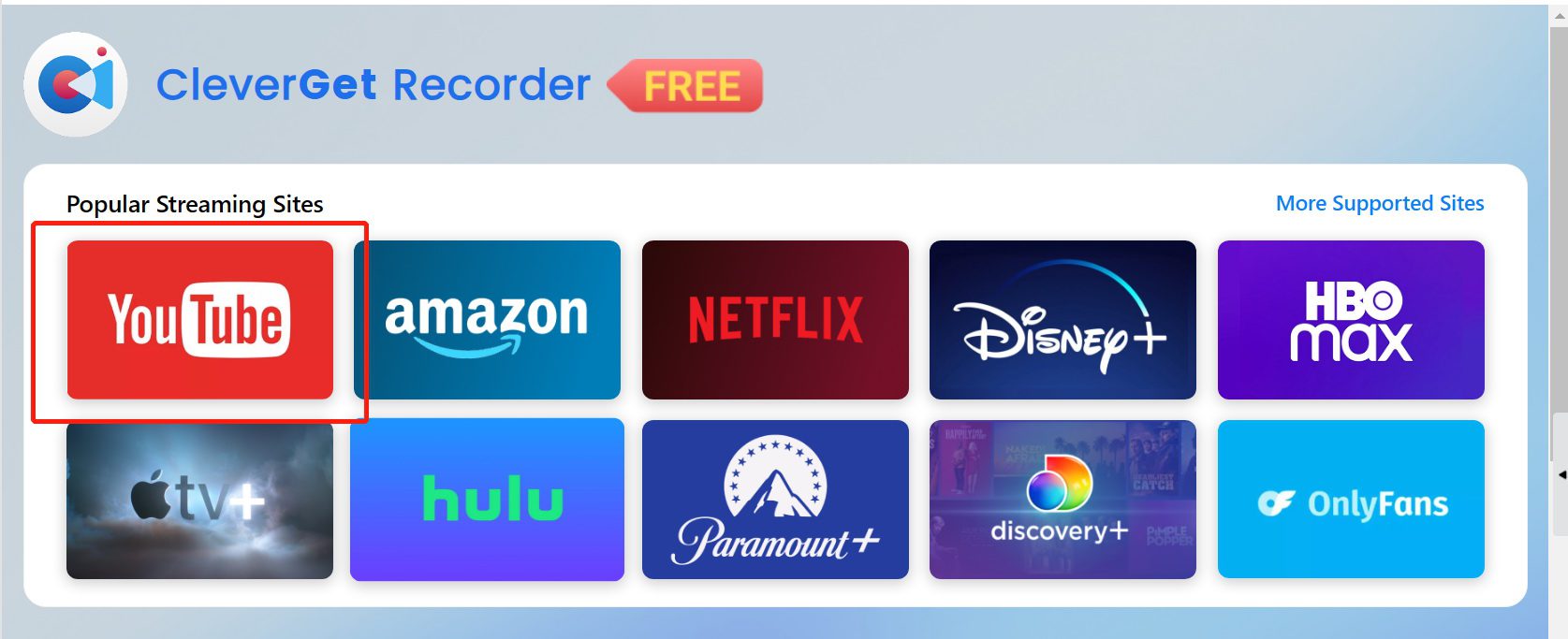
Step 3: Click on the YouTube website and open the content that needs to be recorded.
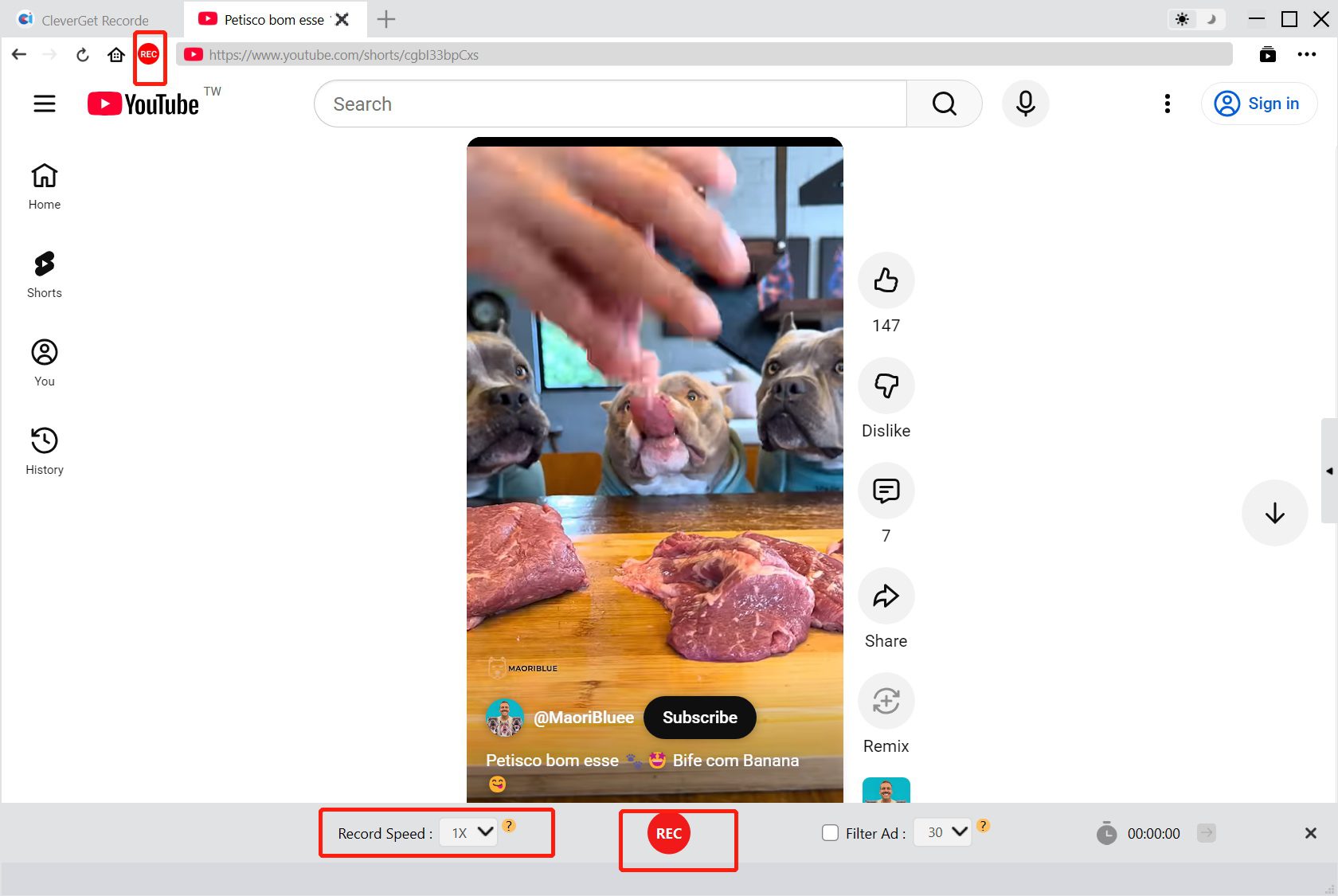
Step 4: Click on the “REC” button in the upper left corner to adjust the recording speed, then, click the middle button at the bottom to start the recording.
Step 5: The recorded content can be found in the “Library”

Part 6: Conclusion
YouTube TV and YouTube Premium serve different purposes and have almost no overlapping features, so they cannot replace each other. Therefore, before making a choice, the most important thing is to base it on the introduction I provided above and your own needs. If you really want to save on-demand videos on YouTube or live shows on YouTube TV for a long time without being restricted by YouTube, you might consider the CleverGet Recorder I recommended.
-
Detailed Review: Is KeepStreams Safe? Is it Worth Trying?
-
How to Record a YouTube Live Stream on Any Device (Step-by-Step Guide)
-
Disney Plus HDCP Issue: Complete Troubleshooting & Fix Guide
-
How to Download Bilibili Videos? All Methods Explained
-
How to Fix OBS Not Capturing Game on Windows
-
Wondershare UniConverter Review: Answers to All Your Doubts
-
OBS Studio Review: How Good Is It for Recording Your Screen?
-
Is SameMovie Safe to Use? Honest Review
-
How to Save Videos from Facebook on Any Device
-
Sling TV vs YouTube TV: Cost Breakdown and Hidden Differences





-
Best Twitter Porn Accounts You Shouldn’t Miss
-
How to Download Pornhub Videos? Ways to Download from Pornhub
-
Top 5 OnlyFans Viewer Tools to View OnlyFans Content for Free
-
Full Review of Savethevideo: Is Savethevideo Safe & How to Use it?
-
Netflix Download Limit: What it is & How to Avoid
-
How to Import Bookmarks from Safari to Chrome
-
Full Guide to YouTube Members Only Videos: Watch, Download
-
How to Download MissAV Porn Videos in HD for Offline Viewing?
-
How to Download Videos from Fansly with Fansly Downloader
-
4 Methods to Burn ISO Files to Blu-ray Discs Easily












 العربية
 繁體中文
繁體中文 Dansk
Dansk Nederlands
 Suomi
Suomi Français
 Deutsch
 Italiano
 한국어
한국어 Norsk bokmål
 Português
 Русский
 Español
 Svenska