What Is YouTube Premium? A Complete 2026 Guide

Summary:
Users can get to know YouTube Premium through this article about plans and features. It also provides alternative options to help make the most informed decision based on their individual needs and budget.
MenuCLOSE
When you are commuting by subway or other public transport, you can notice that many people are gluing their eyes on YouTube. Its large content library has earned it great popularity worldwide. But have you ever been annoyed about the ads in the video while watching and wondered how to solve it? Or are you searching for a plan that has both video and music membership? You are in the right place. YouTube has launched YouTube Premium, which can provide you with its ad-free content, a large music library and other advanced features. Join this article, you can know more about it and figure out whether the cost is worth it.
Part 1: What is YouTube Premium?
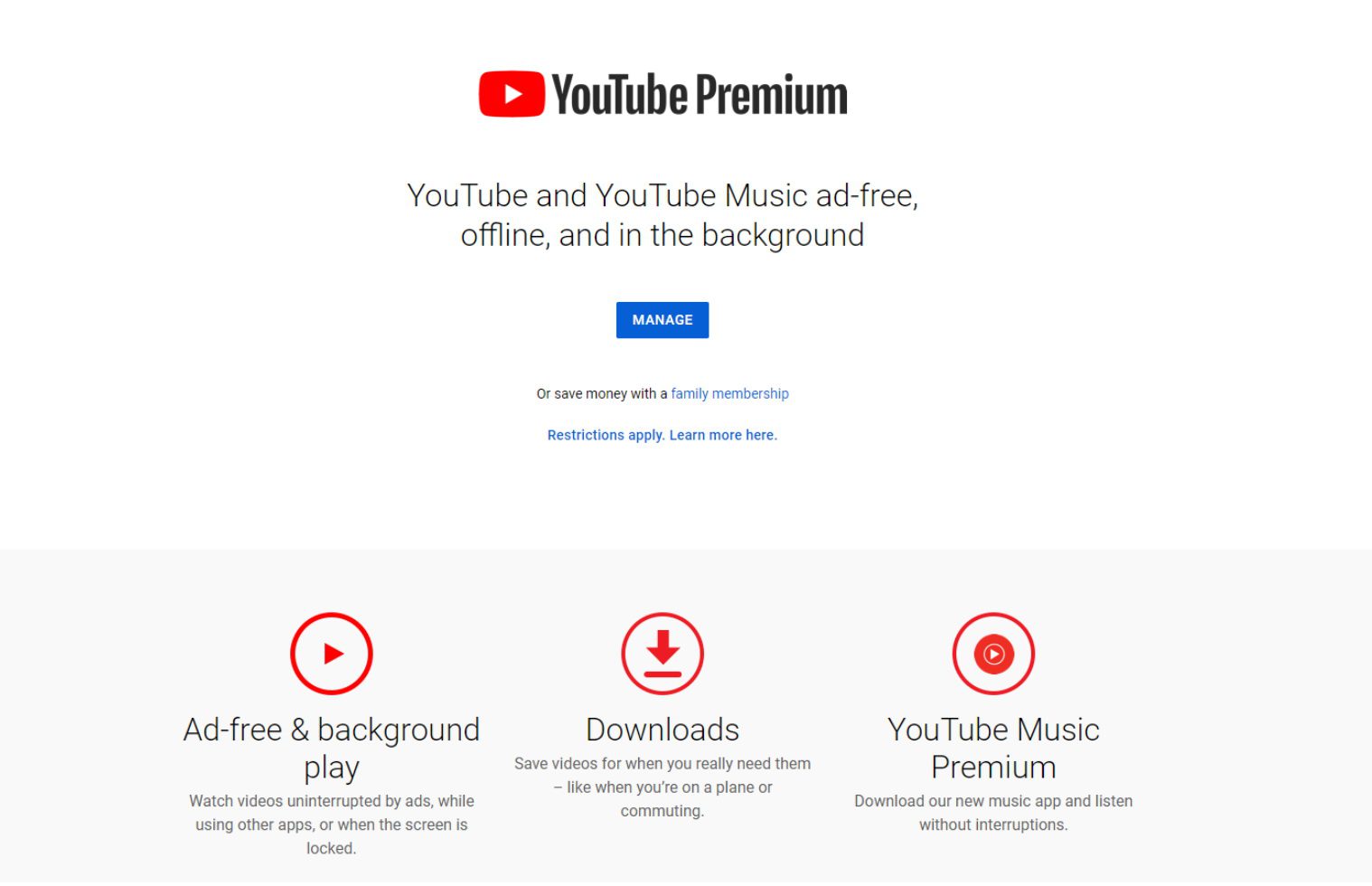
Many advanced features are included in YouTube Premium, including ad-free content, background playback, and offline downloading. What makes it more attractive for users is that it integrates YouTube’s video and music membership. Users can enjoy both videos without ads and its large music library. More surprisingly, for those who don’t want to watch the screen for too long, YouTube Premium offers a solution. When you lock your screen, the video content can still play in the background. You can also download videos or music to your device for offline viewing.
Part 2: Key Features of YouTube Premium
YouTube Premium benefits can improve your viewing experience with high efficiency and convenience.
1. Ad-Free
This feature allows users to remove most ads in the video, so they can watch their favorite content on YouTube without interruptions.
2. Background Playback
Your video on YouTube can still play in the background even when you lock your screen or visit other applications.
3. Offline Downloads
You can download content you’d like to watch to your devices. After the content download is completed, you can enjoy them without time or address limit.
4. YouTube Music
As YouTube Music Premium is also included in YouTube Premium, you can have access to its large music library and download your favorite songs to your devices.
5. YouTube Originals Access
If you subscribe to YouTube Premium, you can watch a series of original content produced by YouTube, which includes episodes, films, documentaries.
Part 3: YouTube Premium Plans and Pricing in 2026
|
|
Price |
Core Features |
|
Individual Plan |
$13.99/month |
1 account, enjoying all the core features of YouTube Premium, including YouTube Music Premium. |
|
Family Plan |
$22.99/month |
It can cover up to 6 accounts. All members can enjoy the core features of YouTube Premium. |
|
Student Plan |
$7.99/month |
The benefits are the same as those of the individual plan. Annual verification is required through third-party services such as SheerID in order to continue enjoying the discounted price. |
Part 4: Is YouTube Premium Worth It?
Whether YouTube Premium is worth its cost depends on your own needs. For people who like to watch or listen to videos, this plan can offer a better and smoother experience. But for people who only require a music plan, its cost-efficiency may be too low to subscribe. The following are types of users who will benefit the most from subscribing:
1. YouTube Lovers
If you spend a lot of time on YouTube every day, you may want this plan. Because once you subscribe, most ads will be removed from the video, thus offering you a better watching experience.
2. Multi-taskers and Commuters
You can listen to the video’s content while your hands are occupied or have to work on other applications. If you don’t want to hold your mobile devices in the crowded subway, then you can also lock the screen and listen to the content.
3. Music Enthusiasts
This plan includes YouTube Music Premium. If you are a music lover and happen to like watching videos as well, then YouTube Premium will be highly cost-effective.
4. Users in Unstable Network Environments
For users who are frequent travelers by plane, subway, or live in areas with poor network signals, the offline download feature is of great importance. It ensures that you can enjoy the saved video content anytime and anywhere without the need for network connection.
Part 5: How to Enjoy Your YouTube Without Premium?
1. Use an Ad-Blocker
If you want to remove the ads in the video without a subscription, you can try to install an ad-blocker. By installing an ad-blocking application on your web browser or mobile device, you can remove most of the advertisements from YouTube videos. Then you can enjoy content on YouTube without interruption. If you still can’t skip the ads, you can try YouTube ads troubleshooting by refreshing the interface.
2. Use CleverGet Recorder for Offline Viewing
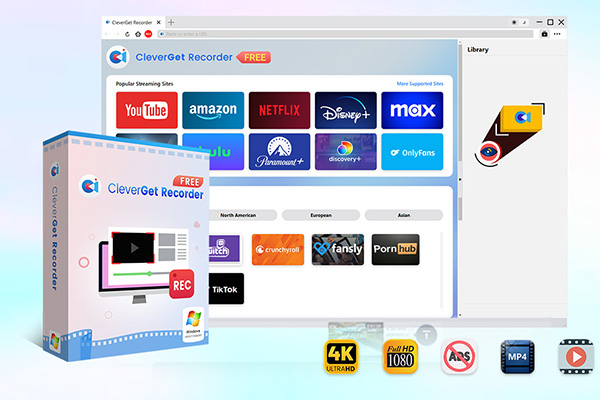
CleverGet Recorder is a professional software to record YouTube videos. Its core feature is to capture video played on the platform. When you play a YouTube video on your computer, it can automatically locate the player interface and record it, and record the system sounds at the same time. Then you can save the recorded content as MP4 format.

-
Free streaming video recorder to record online on-demand video and live streaming video without quality loss and cost.
- 100% free to use.
- Record movies, TV shows, game streams, lectures, live concerts, etc.
- Record up to 4K video with 60FPS in MP4 or MKV.
- Schedule recording upon preset recording length.
- No watermark, no time limit, and ad-skipping (beta).
Tips: If you want to use a more convenient tool, then you might want to give CleverGet a try. It is a comprehensive video capture software where a video downloader module is built. You can download movies from YouTube, TikTok, and other common streaming services with a maximum resolution of 8K. Whether you choose to use CleverGet Recorder or CleverGet, please note that the content saved through these tools is only for personal study or research purposes.
3. Choose Cheaper Music or Video Subscription Plan
If you subscribe to YouTube Premium mainly for YouTube Music or to enjoy an ad-free video experience, you might consider other streaming services. You can compare the individual subscription prices of platforms such as Spotify, Apple Music, to YouTube Premium. Sometimes they may offer more competitive discounts or plans. If you are more interested in watching movies and episodes, services like Netflix and Disney+ might be more suitable for you.
Part 6: Final Verdict
For those who obsess with video and music, YouTube Premium may be an ideal plan, as it contains a video and music library alike. Moreover, other YouTube Premium benefits like ad-free viewing, background playback and offline downloading can offer you a smooth experience. But whether it’s worth the cost depends on your watching preference and budget. If you are budget-sensitive, you can also have an offline viewing with such third-party tools as CleverGet Recorder and CleverGet. Hope this article can assist you in figuring out the solution that suits you.
Share this post










 العربية
 繁體中文
繁體中文 Dansk
Dansk Nederlands
 Suomi
Suomi Français
 Deutsch
 Italiano
 한국어
한국어 Norsk bokmål
 Português
 Русский
 Español
 Svenska