

Latest Tips – How to Choose a HEVC (H.265) Player?

Summary:
HEVC (H.265) is a video compression standard. It will deliver high-quality playback at smaller file sizes. It’s ideal to play 4K and 8K videos. You just need to make sure to choose the right HEVC player, or you can convert your files to common formats in MP4 or MKV format.
Looking for a good HEVC player? The thought sounds simple, but the moment you start looking around, you know it’s not as easy as it seems. You realize every option claims to be the best. A weak player can not even play H.265 videos, and other options might stutter, glitch, and show random error messages. But if you choose a really nice option, HEVC player isn’t just about playing a file. It’s about smooth performance, proper hardware support, and a clean interface. It’s a perfect all-in-one solution.
In this article, we’ll share what actually matters when choosing a player for HEVC videos. Also, how can you set it up so your videos run without any headaches? Let’s figure it all out here.
OutlineCLOSE
1. What Is an HEVC/H.265 File?

An HEVC or H.265 file is basically a video that’s been compressed using a newer, smarter method. The basic aim, keep the picture quality high while the file size is as small as possible. And compared to the older H.264 format, HEVC can cut the file size by almost half. And your videos will look good quality. That’s why this format is usually used for things like 4K and even 8K footage. This format is basically built for modern screens and streaming needs. If you see a big file that is not eating up too much space on your device, then you will notice this format is the main reason.
When it comes to how it works, HEVC works by spotting parts of a video from frame to frame. Then in those areas, there will be more compression. Also, this format uses larger and more flexible block sizes and smarter prediction methods. Also, the filtering will be better to squeeze out unnecessary data. This makes encoding more demanding for the device creating the video. But you will notice smooth playback on any hardware that supports it.
2. Top HEVC Encoded Video Players Recommendations
Now let’s move towards the main question. How to choose the right HEVC encoded player? There are so many reliable options. Many players struggle with heavy files. But so many other players handle 4K and 8K like it’s nothing. Here are six solid options that are our recommendations.
1. VLC Media Player

Most of us already know VLC. And the popularity has a reason. VLC can handle HEVC files smoothly. It can support almost any video format. It also works with almost any operating system. It’s simple, stable, and great if you just want something that opens your video without any issues.
2. Leawo Blu-ray Player

-
A 100% free Blu-ray media player combo that offers totally free media playback solutions for 4K Blu-ray, Blu-ray, DVD, video and audio playback. It could play back 4K Blu-ray, Blu-ray and DVD discs regardless of disc protection and region restrictions, without any quality loss and subscription required.

Leawo Blu-ray Player is another clean, distraction-free software. The interface is simple, but the engine is powerful. It handles HEVC, HDR, and high-resolution files with ease. In the main interface, you will see an overwhelmed menu options. The software offers smooth playback simply.
3. MPC-HC (Media Player Classic)
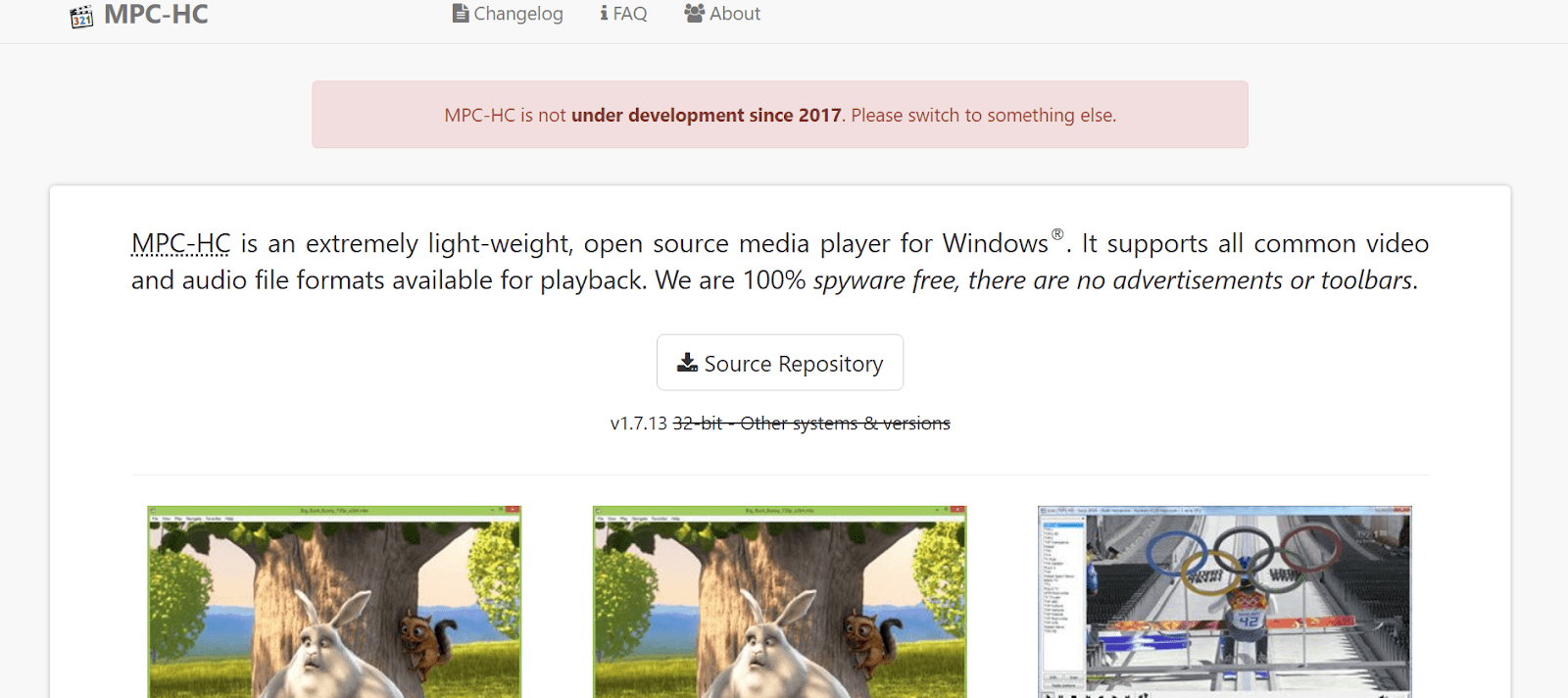
This option, you may notice, looks a little old-school. But MPC-HC is lightweight and still handles modern codecs like HEVC reliably. If you are a Windows user, it’s a reliable option that you should consider. Also, it’s perfect for anyone who wants a fast, no-nonsense player that doesn’t drain system resources.
4. PotPlayer

If you are an advanced user and want to choose something more powerful, then PotPlayer is your option. This player gives you room to play. It can play HEVC, high-bit-depth videos. Not only does HEVC it supports multiple formats. You can simply customize performance, filters, subtitles, and almost anything else. It’s powerful, especially for Windows users who want to have a little more control.
5. 5KPlayer
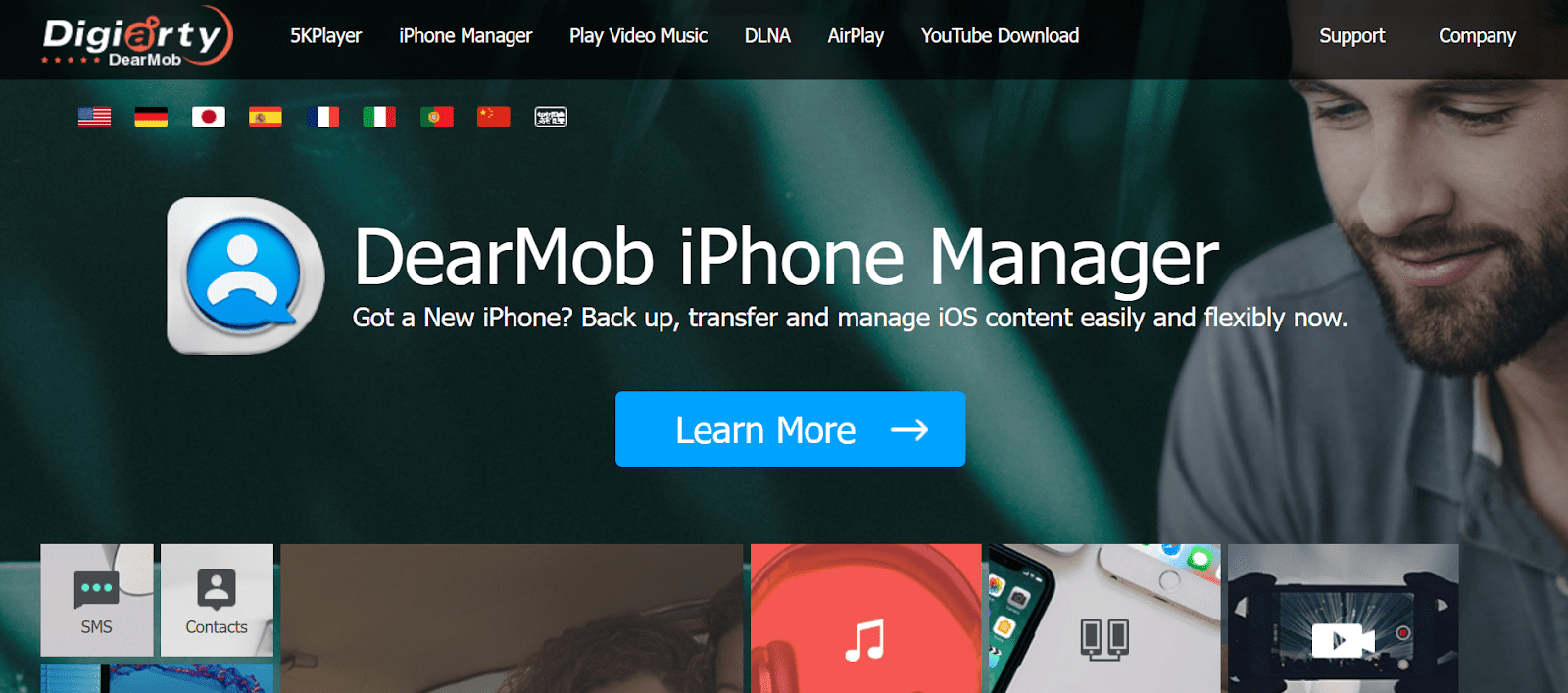
The next option is 5K player. It’s a really nice option for someone who wants to watch 4K or higher-resolution videos. It does well with HEVC. Also, it will work smoothly on high dynamic range footage. Also, with 5kPlayer, you can stream to TVs through built-in wireless features. Lastly, its interface is clean and modern. So it’s a good choice for everyday use.
6. DivX Player

DivX is built with high-quality video playback in mind. It supports HEVC up to 4K. The best thing is to manage subtitles well, and keep your library organized. It’s a good choice if you prefer a polished interface and tools that help manage large video collections.
3. Bonus: Tips to Make HEVC File Playback Easier
Now, if your device struggles with HEVC files and does not play no matter what player you are using, then we have a bonus tip for you. HEVC files are not playing, just converting them to a more common format like MP4 or MKV. The conversion could be done in just 1 or 2 minutes with good software, and then you can play your file on any device without any problem. A reliable option is Leawo Video Converter. This is a perfect tool for conversion that can handle HEVC smoothly. You can convert your file into formats that almost every media player supports. Also, you can pick the output format, adjust the quality if you want, and the tool handles the rest.
And don’t worry about the quality issues as well during conversion. Leawo Video Converter will maintain your video quality with large 4K or 8K HEVC videos. Also, you can adjust a few settings like resolution and bitrate to fit your device’s capabilities.
4. FAQs
Q1. Is HEVC better than MP4?
HEVC isn’t a common video format like MP4. It’s a compression method. On the other hand, MP4 is just a container that can hold different types of video, including HEVC. The HEVC format provides good quality with a small file size.
Q2. What is the difference between HEVC and normal video?
A normal video usually means older formats like H.264. And HEVC compresses video more efficiently. With this, you will get higher quality video at a lower file size. It’s usually used for 4k, HDR format.
Q3. Is HEVC better than 1080p?
Both are different. HEVC is a compression technology. And, 1080p is a resolution. You can have a 1080p video encoded in HEVC for smaller files.
Q4. Is HEVC supported by Netflix?
Yes, Netflix uses HEVC for many shows and movies. This format is common in 4K and HDR. The only limitation you will face is your device’s support. You need to make sure your phone or computer supports HEVC decoding to stream those versions.
Share this post











 العربية
 繁體中文
繁體中文 Dansk
Dansk Nederlands
 Suomi
Suomi Français
 Deutsch
 Italiano
 한국어
한국어 Norsk bokmål
 Português
 Русский
 Español
 Svenska