MKV vs MP4: Which Video Format Should You Choose

Summary:
When should you choose MKV or MP4? In this article, I will compare the two formats to look at their performances for you to decide when to use them.
Outline
MKV and MP4 are common formats we watching videos. However, many people asked if MKV is better than MP4, since it has better quality. That depends. Every format is suitable for certain scenarios. In this post, I will compare the two formats and help you know when to choose MKV or MP4.
What Are MKV and MP4? — Definitions & Origins
MKV stands for Matroska Video. It was first created by the Matroska development team in 2002. This format is an open-source container that can put everything in it, like video, multiple audio tracks, subtitles, chapters, and extra metadata, etc., in one file. This format aims for high-quality playback and high-end ability, so it is used on Blu-ray rips and movie collections, and more.
MP4 is the short form of MPEG-4 Part 14, which was developed by MPEG (Moving Picture Experts Group) in 2001. It aims for efficient and smooth playback; thus, it is easier to deliver videos across devices and systems. And because of this, MP4 is widely used in video streaming, video sharing, and mobile video playback.
Technical Comparison: Features & Capabilities
If you look into more technical details, such as codec support, subtitles, and compression, you will learn the true differences. Let’s make a deeper exploration.
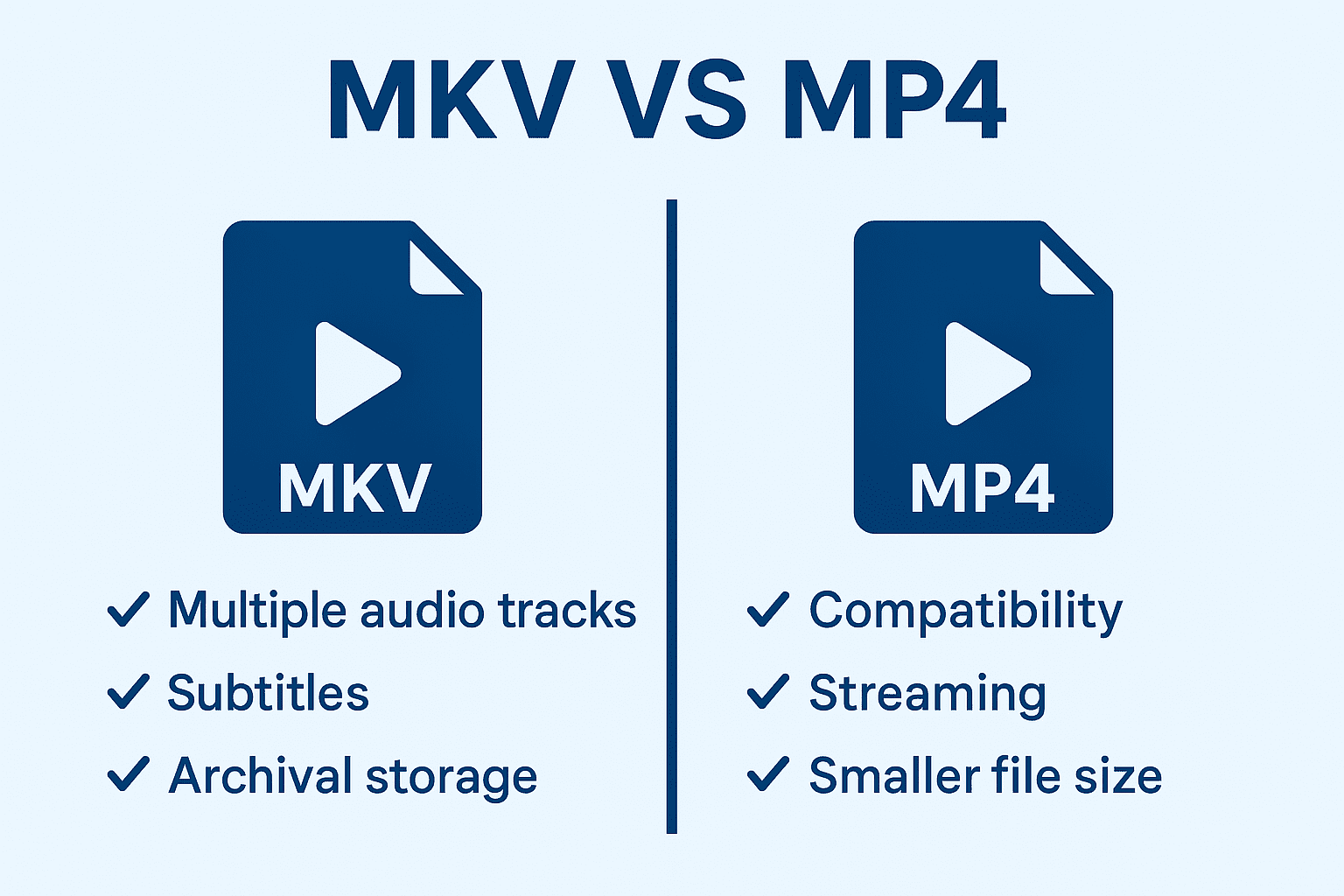
1. Codec Support & Flexibility
Although both MKV and MP4 support popular codecs, MKV has more versatility than MP4. MKV supports codecs including AAC, MP3, FLAC, ALAC, AC-3, DTS, Opus, Vorbis, and even lossless PCM. This widespread support of codecs makes MKV an excellent format to use when backing up Blu-ray discs or archiving high-quality files due to its ability to adapt multimedia content.
On the other hand, MP4 mainly supports codecs such as AAC and AC-3. While some players can handle DTS in MP4, it is not universally supported. These common codecs provide adequate quality for people who use MP4 on a daily basis. MP4 is also highly optimized for hardware acceleration, which means that MP4 video decode and playback faster on a mobile device, smart TV, or when streaming via internet services and networks.
2. Subtitle Tracks, Audio Tracks, Metadata & Extras
MKV is built feature-rich with fewer limitations. It supports an unlimited number of audio tracks and virtually all subtitle formats (including SRT, ASS, PGS) and maintains chapter markings and extensive metadata within the file itself. Thus, when using MKV, a file will have original lossless audio, multiple language translations, commentary tracks, both soft and forced subtitles, and easy-to-identify chapters. All without altering the structural integrity of the file.
MP4, on the other hand, is a more limited format. Although it supports multiple audio tracks, it only supports “basic” subtitles. MP4 functions best when it contains a single main audio file, with optional subtitles and some limited metadata. While this may have advantages to bloggers or casual content creators who require only simple uploads and streaming, when you need to make complicated multi-track audio projects, as well as complex setups with multiple subtitle tracks, MKV offers better capability and level of control.
3. File Size and Compression
In fact, MKV and MP4 don’t have direct control over compression and the determination of the file’s size. They are only containers, and this means they just contain the content within them. File size is determined by the codecs, bitrate, resolution, and audio quality, etc.
For example, if you have a movie encoded in H.264, saving both in MKV or MP4 at the same bitrate, same tracks, and same in everything will result in nearly identical file sizes and visual quality (the minor difference in size can be neglected). Just remember, there is no built-in compression advantage in MKV or MP4 themselves.
The difference appears to be that MKV often tends to keep higher bitrates, lossless audio tracks, and multiple subtitles, which naturally increases file size. MP4 commonly tends to use a lower bitrate and single subtitles, etc., to keep the file size smaller for fast playback. They serve in two directions, and you can use them both.
Compatibility & Device / Platform Support
Knowing how MKV and MP4 differ is important, but the next question is: Can your device play the files? Being compatible with many devices is important when you need to watch something on your phone, TV, or live video streaming. Therefore, I compare both formats across various devices and operating systems in the following section.
|
Device / Platform |
MKV Support |
MP4 Support |
|
Windows (PC) |
Mostly supported by third-party players |
Fully supported |
|
macOS |
Mostly supported by third-party players |
Fully supported |
|
iOS (iPhone / iPad) |
Not natively supported. Need to install third-party players |
Fully supported |
|
Android |
Supported by many players |
Fully supported |
|
Smart TVs |
Depends on the brand and model, and is mostly supported |
Fully supported |
|
Game Consoles |
Limited or partial support |
Fully supported |
|
Web Browsers |
Not supported directly |
Fully supported |
|
Video Editing Software |
Well supported in professional tools |
Fully supported |
|
Streaming Platforms |
Rarely accepted |
Standard format |
Use Cases: When to Use MKV vs When to Use MP4
When to choose MKV or MP4 depends on the content you create and what you plan to do with it. Long-form and complex content producers (e.g., tech filmmakers) who work with multiple cameras can find that they are better off using MKV with greater media preservation, lossless quality, and the ability to handle complex content. Plus, even if you are a streamer, to save the archives, when using recording software like OBS, MKV also allows you to use separate audio tracks and safer rendering, so you won’t lose the quality.
Of course, if you’re like me, just a normal user who watches, shares, and downloads videos daily, MP4 is adequate. For example, if you want to watch videos offline on your phone from streaming sites like Disney Plus, you can download Disney Plus to MP4 and easily transfer the video to your phone. In short, MKV is for more professional use, and MP4 is for more casual use.
How to Convert MKV to MP4 or MP4 to MKV
As mentioned, the compatibility of MKV is not as versatile as MP4. Sometimes, you need to switch between the two formats according to the actual uses. For example, if you plan to watch your favorite video on your phone during a trip on a train, you may need to convert the MKV to MP4 because it can run fluidly on your phone, although it will lose some advanced features.
Conversely, when you need to work on complex projects, MKV is better than MP4. If you use MP4 to record something, and now you need to add more details like multiple audio tracks, multiple language subtitles, and more advanced elements, converting the MP4 to MKV and then editing the clip can deliver better performance.
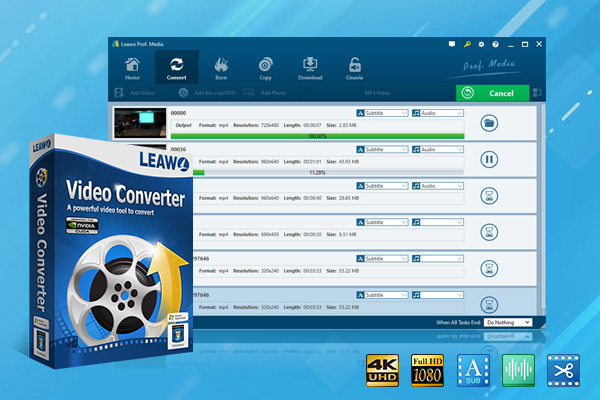
How to make the conversion easier? You know, when converting, there may be quality loss, and to overcome this, tools like Leawo Video Converter are a perfect choice. Leawo supports over 180 types of video and audio format conversions, keeping the original quality, allowing for editing the video in the software, adding effects, and turning any format into a fully compatible one. If you need to convert MKV to MP4, or vice versa, this is.

-
- Convert video/audio between 180+ formats.
- Convert video/audio with 100% quality reserved in 6x higher speed.
- Turn photos (folders) into photo slideshows video.
- Convert 2D to 3D video via editting 3D depth range and 6 different 3D modes.
FAQs
1. MKV VS MP4: Which One is Better for Storing Blu-ray Movies
If you just want to keep your Blu-rays for longer preservation, MKV is a wiser choice. It keeps the original structure of the discs and everything, multiple audio tracks, different subtitles, and chapter markers. Most importantly, the quality stays intact. If you just want to watch your Blu-rays more easily on your phone or TV, MP4 is good to go. To rip your Blu-rays and keep the best quality of them, you can use Leawo Blu-ray Ripper to transfer Blu-rays to MKV/MP4 with all details saved.
2. What are the disadvantages of MKV?
Some old devices may not be able to play MKV files, and due the its ability to keep lossless quality, the file size is usually large. If you just need to share a video, MKV is not an ideal format.
3. Does MP4 reduce quality?
MP4 doesn’t reduce quality, but in fact, MP4 is usually encoded with more aggressive compression, so there is likely to be quality loss.
Conclusion: How to Choose for Your Needs
MKV and MP4 are not competing with each other. They fulfil different needs. When quality, advanced editing flexibility, and long-term storage are needed, MKV is better. If convenience and playback speed are what you seek, MP4 is your choice. So, instead of asking which one is better, just look at this post and know what you need, then choose the one that fits your needs.
Share this post










 العربية
 繁體中文
繁體中文 Dansk
Dansk Nederlands
 Suomi
Suomi Français
 Deutsch
 Italiano
 한국어
한국어 Norsk bokmål
 Português
 Русский
 Español
 Svenska