Camtasia Review: Is It Worth the Investment?

Summary:
This article introduces the core information of Camtasia to help readers gain a general understanding of its production process which includes basic recording to video editing, and select the subscription plan based on their own needs and budget.
MenuCLOSE
Camtasia is a premier all-in-one solution that integrates screen recording and video editing. Empowered by a comprehensive suite of built-in assets and robust features, it enables users to produce high-quality video content with ease. However, although it has both low using barriers for beginners and features for professional creators, diverse pricing strategies may give rise to a question: Is It Worth the Investment?
What Is Camtasia?
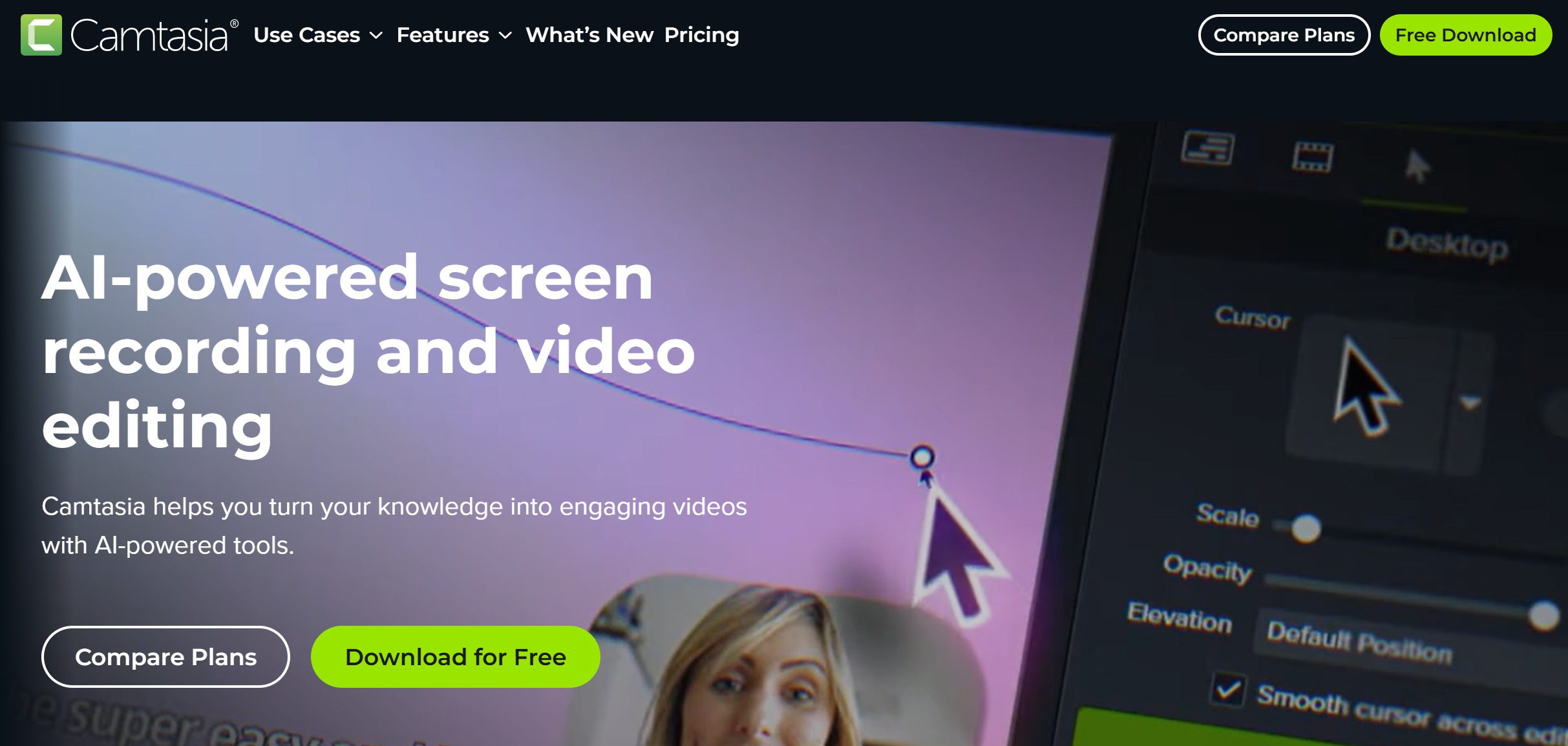
Camtasia is a software developed by TechSmith which combines screen recording and video editing. It can not only screen record on Windows but also supports MacOS system, which means it may also be an alternative for other Mac screen recorders. With the rich built-in resources and operation tutorials, even beginners can have an opportunity to create high-quality videos. And the software integrates AI technology to empower more advanced features, which can reduce the time cost for post-processing.
Core Functionality
Camtasia possesses professional core functionality. This means, it can take users less time and energy to generate a high-quality video. Here are more details about it.
1. Screen & Webcam Recording
The software can capture various data sources at the same time, including system audio and in-app sounds, Users can choose to record the entire screen or a specific area. It supports a maximum resolution of 4K and 60 frames per second, ensuring clear and smooth output quality.

2. Integrated Video Editing
The recorded materials can be directly edited within the software. Camtasia editor adopts a multi-track timeline structure, allowing you to start editing by a single drag. The built-in transition library contains over 150 transition effects. Users can add annotations to any position on the screen to stick out key points and guide the viewer’s attention. AI technology is applied in features like background removal, which costs less time and energy.
3. Built-in Assets & Effects
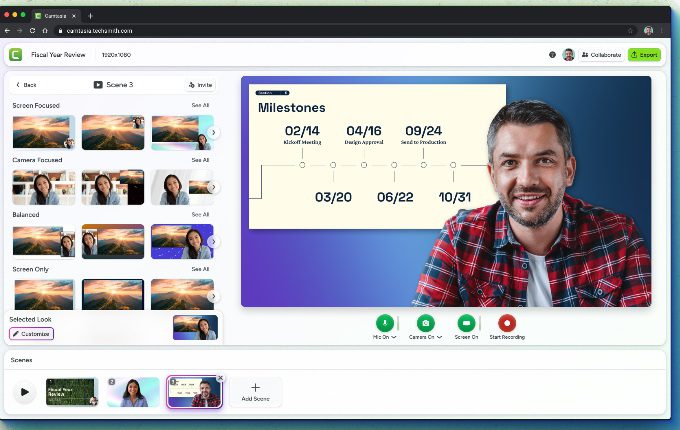
Users can visit the built-in resources library to set the music, dynamic backgrounds, etc. This can reduce the time cost for searching and authorizing materials. There are templates preset with professional color schemes and layouts. The AI voice generation feature can generate captions with multiple languages and accents. Therefore, users can find it convenient to create content in different language environments.
4. Export & Sharing Options
When the video is completed, users have many export and sharing options. Users can upload it directly to platforms such as YouTube, Vimeo, and Google Drive. The video can also be output in formats like MP4, GIF, and WMV, which are suitable for different scenarios. The resolution and bitrate can be customized as well.
Pricing and Licensing
Camtasia offers both subscription and licensing, providing flexible options for different user groups.
|
|
Price |
Watermark |
Core Editing |
Premium Assets |
Applicable Groups |
|
Camtasia Starter |
$39 per year |
√ |
Basic |
× |
Trying Camtasia |
|
Camtasia Essentials |
$179.88 per year |
× |
Full |
× |
Most beginner |
|
Camtasia Create |
$249 per year |
× |
Full |
× |
Content creator |
|
Camtasia Pro |
$599 per year |
× |
Full |
√ |
Pros/Teams |
Pros and Cons
Camtasia integrates recording and editing, and has developed distinct characteristics through years of market experience. However, the selection of any tool bases on both demand and cost. A thorough analysis of its advantages and weaknesses can help users decide whether this product suits their creative workflow.
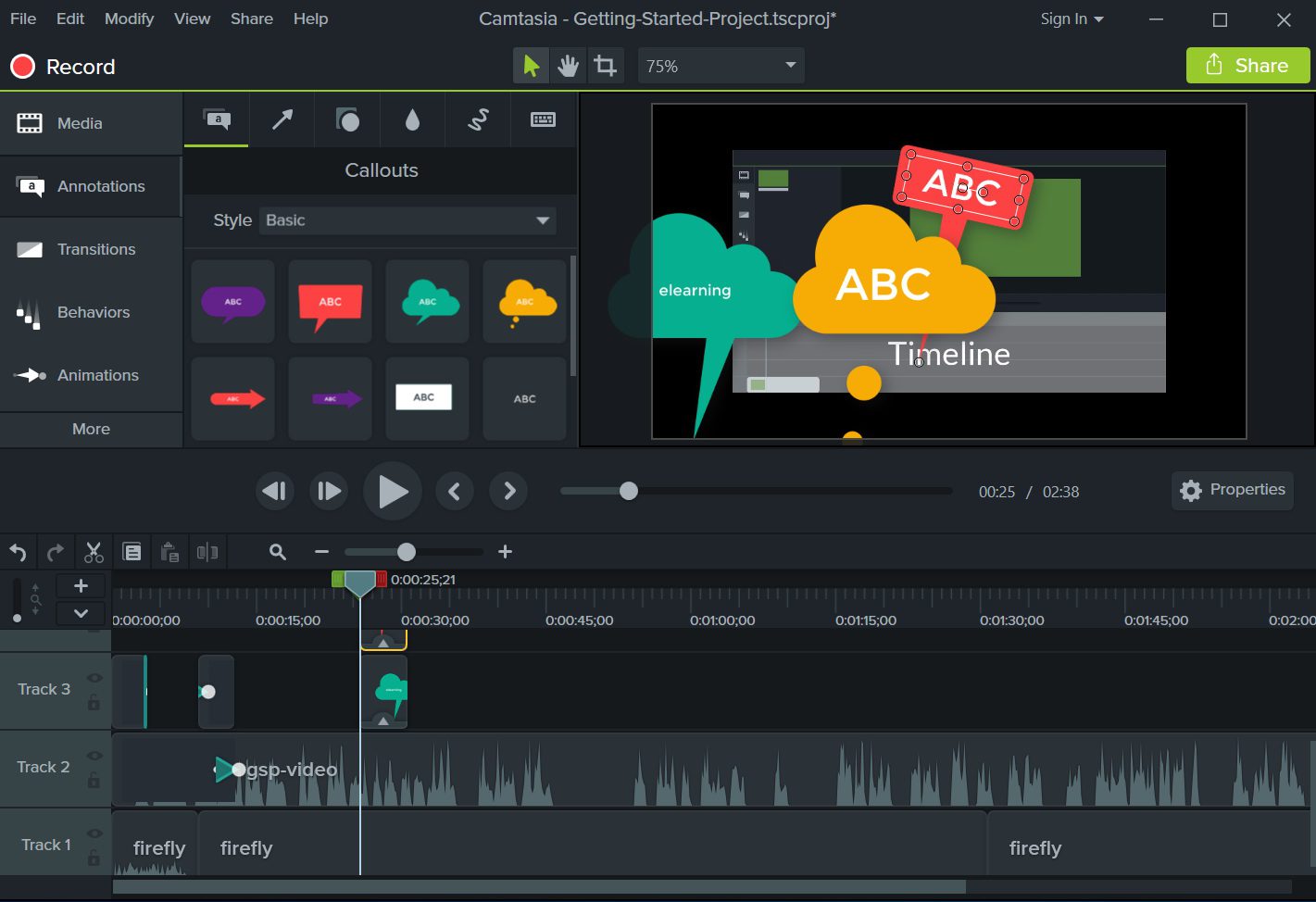
- The interface design is simple, the functional areas are clearly defined, making it easy for beginners to quickly familiarize themselves with each function area.
- Equipped with detailed beginner tutorials and guidance, even novice users can get started smoothly.
- The screen recording feature supports both full-screen and customizable areas. It can conducts simultaneous recording of the camera and microphone as well.
- The editing feature is comprehensive, including multiple track timelines and a wide range of transition effects, etc.
- Supports the addition of annotations to enhance the interactivity of the video.
- Supports multiple export formats, including MP4, GIF, MOV, etc. You can customize the resolution and bit rate.
- It has higher hardware requirements. When running large-scale projects, old configuration computers may experience lag.
- The pricing is slightly higher. For users who only need basic recording and editing, its features may seem a bit redundant.
Camtasia vs Alternatives Comparison Table
|
|
Supported OS |
Price |
Export Format |
Video Quality |
Best Use Cases |
|
Camtasia |
Windows, MacOS |
$179.88 – 599 per year |
MP4, GIF, MOV, WMV, etc. |
4K; 60 fps |
YouTubers, Trainers, Teams |
|
Adobe Premiere Pro |
Windows, MacOS |
$239.88- 599.98 per year |
H.264, HEVC, ProRes, etc. |
4K; 60 fps |
High-quality production, advertising and brand videos, social media content |
|
ScreenFlow |
MacOS |
$79 per year; $169 for a one-time purchase |
MP4, ProRes, GIF, APNG |
4K; 60 fps |
Educational videos, game recording |
|
OBS Studio |
Windows, MacOS, Linux |
Free |
MP4, FLV, MKV, MOV |
1080p; 60fps |
Real-time streaming and game live broadcasts |
|
Windows |
Free |
MP4 |
4K; 60 fps |
Quick and easy screen recording |
Final Verdict
Camtasia is highly functional and easy to use. It integrates screen recording and video editing, making it suitable for various groups. However, Camtasia has high hardware requirements and is relatively expensive. If you only need to record the screen, then free screen recorders for Windows like Leawo Free Screen Recorder can meet your needs. If you are an iOS user, you can try the more affordable Screenflow. Therefore, if you finally choose Camtasia, when choosing the subscription plan, you should consider it based on your specific needs and budget.
Share this post










 العربية
 繁體中文
繁體中文 Dansk
Dansk Nederlands
 Suomi
Suomi Français
 Deutsch
 Italiano
 한국어
한국어 Norsk bokmål
 Português
 Русский
 Español
 Svenska