How Many People Can Watch YouTube TV at Once? Streaming Limits Explained

Quick Answer
- YouTube TV allows you to simultaneously stream on up to 3 devices if you have the base plan. But when you stream on the 4th device. On YouTube TV, you will face limitations on the number of devices, device compatibility, and home-area access. This complete guide will help you know about YouTube TV streaming limits.
If you’ve ever shared your YouTube TV account with family members or friends, then it may have crossed your mind how many of them could tune into the service at once. Are there any simultaneous streaming limits on YouTube TV? Yes, there are. YouTube TV is great at streaming your favorite shows, movies, and live sports, but it has certain limitations on how many streams can happen at the same time. In this article, we will discuss the exact number of screens you can simultaneously use on YouTube TV and what that means for your household.
Quick AccessCLOSE
How Many People Can Watch YouTube TV at Once?
You can share your YouTube TV account with members of your family or roommates. But it has restrictions when it comes to the number of people who can stream at the same time. Below, we will discuss everything you should know about YouTube TV’s simultaneous streaming limits.
1. YouTube TV Simultaneous Streams Rule
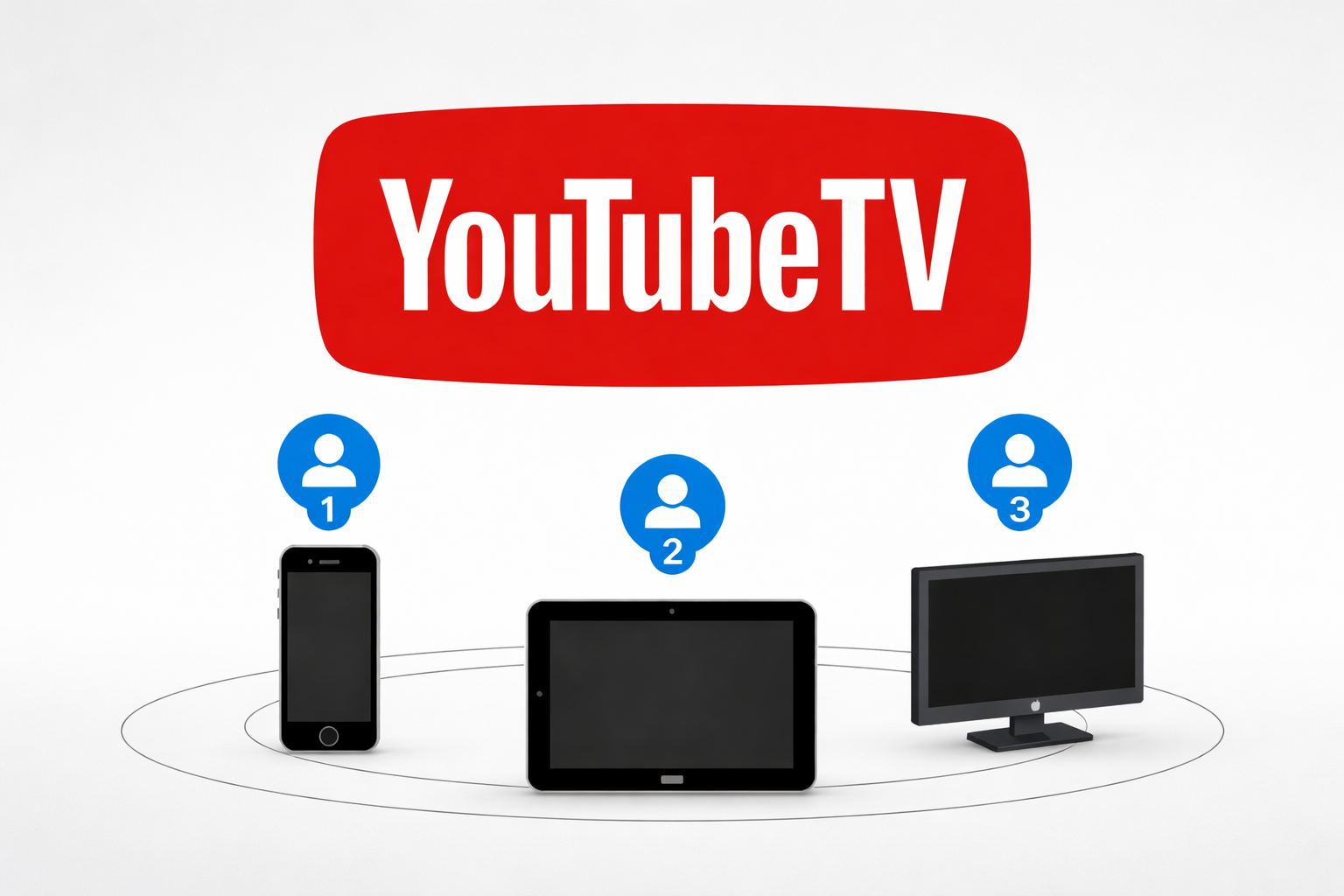
On YouTube TV, you can stream on three devices simultaneously by default. Most households are satisfied with this. On a single subscription, you can easily create up to six profiles under an account in YouTube TV. The profiles are excellent in terms of personal recommendations, DVRs, and watchlists. However, remember profiles do not add the number of streams at once. There is still a limit of 3 devices on the base plan.
If you have a larger family or if you want to stream on more devices simultaneously, YouTube TV has an option for the 4K Plus add-on. This add-on allows unlimited simultaneous streams within your household. However, the streams rule of 3 devices still applies outside your home.
One thing to note: YouTube TV can be used both at home and on the go, but you must sign in at least once every 3 months within your home area. This retains access to your local and region-specific channels.
2. What Happens If You Exceed the Limit?
When the number of devices that attempt to stream YouTube TV reaches or exceeds three, the additional device will be unable to connect. Rather, on that device you will see a display message that the limit of streams is reached.
In that case, you have only a few options. You need to wait until someone has signed out, and the new device will begin streaming. The second thing that you can do is to visit your account settings and delete an active device, which allows you to have a free slot. But if you have households that often reach the three-device limit, it is a good idea to upgrade to the 4K Plus add-on to avoid all this hassle. Remember to make sure your device has 4K support.
Device Compatibility on YouTube TV
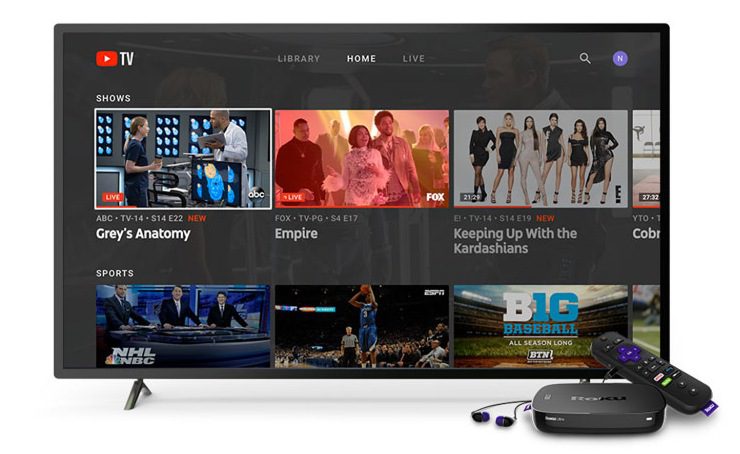
One good thing about YouTube TV is that it is compatible with a broad range of devices. And this means you have many choices when and where to watch. Smartphones and tablets, computers with a web browser, smart TVs, and streaming devices such as Roku, Apple TV, or Fire TV can be used. Moving on, Xbox and PlayStation gaming consoles are also compatible. Last but not least, you can also cast anything on a phone or tablet to a TV.
Usually, you can switch between all your devices easily. However, the unlimited in-home streaming feature may not available in some devices and regions, and 4k recordings playback is only available on select devices, which you can check in the FAQ part below. Also, YouTube TV monitors your active devices. So, if you have a device that has not been used recently, you might have to sign in once again.
YouTube TV Offline Viewing Limits
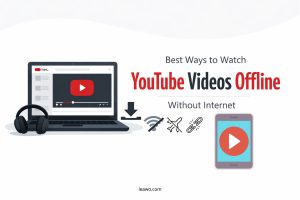
YouTube TV doesn’t offer a regular download choice like Hulu. However, you can record movies and shows through its Cloud DVR feature, and then download these recordings for offline viewing. Here are some limitations of YouTube TV offline viewing:
YouTube TV Offline Viewing Limits
- Plan Requirements: If you are on a base YouTube TV plan, you can enjoy recordings online. Features like offline viewing and 4K streaming are only available with the 4K Plus add-on.
- Download Expirations: Next, remember that downloaded recordings are not forever. All downloads expire 9 months after the original video is recorded.
- Mobile Devices Only: You can only download and watch a video recording on one device at a time. Only app in your smartphones and tablets supports offline streaming, and your device should connect to the home internet at least once every 30 days.
- Regional & Content Availability: Not all content can be recorded, and not all recordings can be downloaded. The availability varies by your regions and the content license requirements. For example, local broadcast channels are tied to the geographic area you’re currently in.
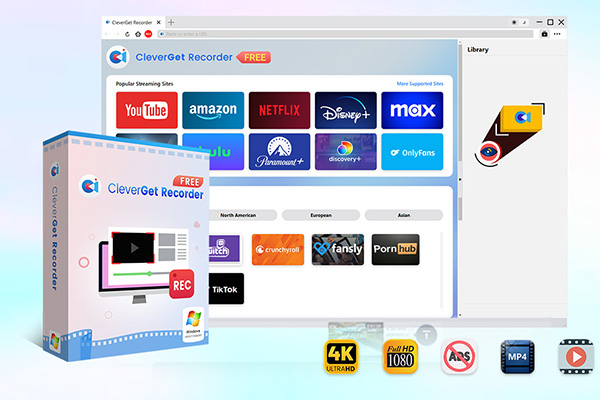
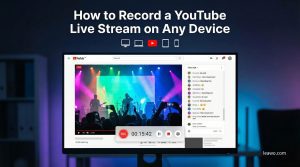
If you are someone who wants more flexibility with offline viewing, then you can use free screen recording software like CleverGet Recorder. It allows you to record live streams, on-demand content, and even content that uses DRM protection for free, such as YouTube TV, Netflix, Disney+, Hulu, and others. What’s more, You can schedule recording time. That way, you can continue using your computer normally while it works, and it automatically stops and saves the video when playback ends. It’s a perfect tool if you want to save or record something from YouTube TV for offline watching without any extra cost.

-
Free streaming video recorder to record online on-demand video and live streaming video without quality loss and cost.
- 100% free to use.
- Record movies, TV shows, game streams, lectures, live concerts, etc.
- Record up to 4K video with 60FPS in MP4 or MKV.
- Schedule recording upon preset recording length.
- No watermark, no time limit, and ad-skipping (beta).
Traveling & Out-of-Home Streaming Limits
You can watch YouTube TV away from our home. However, again, there are rules that you should remember. The location where you initially signed up or where you set as your base is your home area. Some local stations and local content can only be accessed when you are within your locality.
If you are traveling on vacation or commuting to work, you can watch what you want on your smartphones and tablets anywhere in the U.S. However, you may have to log in every three months or so on YouTube TV. Frequent use in multiple locations may trigger access restrictions.
It’s ideal to log in from inside your house, to keep watching area-specific channels. And on smart TV and other devices that are away from your home, you will not get full access. You can still use them at home, but for travel or remote streaming, stick to mobile devices to avoid interruptions.
FAQs
Q1: Can I Watch YouTube Offline on a smart TV?
No. Offline downloads are limited to mobile devices like phones and tablets.
Q2: Can I watch YouTube TV outside my home area?
Yes, on mobile devices in the U.S., you are required to sign in at least once every three months in your area of residence to continue accessing local channels.
Q3: What device support 4K recordings playback?
4k recordings playback is only available on 4K smart TVs and 4K Streaming Devices connected to a 4K TV. You can check the list below:
- 4K Android TV models like Sony Bravia, and others
- Samsung, LG and HiSense 4K smart TVs (2019 or later)
- Chromecast with Google TV
- 4K Roku Streaming Devices
- Apple TV 4K (2021, select content)
- PS4 Pro (select content)
- Amazon Fire 4K Stick (1st Gen – 2018)
- Nvidia Shield
Conclusion
On YouTube TV, you can stream shows from anywhere, but there are some limitations you will face when you simultaneously stream on different devices. On the base plan, you can only stream on a limited number of devices. Also, there are restrictions on downloads and streaming when you are away from home. When you know all these rules, you can watch YouTube TV without hassle. CleverGet Recorder is free to use, and it is great if you want to save content offline or want a recording. It allows saving high-quality streams of YouTube TV and other sites.
Share this post








 العربية
 繁體中文
繁體中文 Dansk
Dansk Nederlands
 Suomi
Suomi Français
 Deutsch
 Italiano
 한국어
한국어 Norsk bokmål
 Português
 Русский
 Español
 Svenska