


what this guide covers:
- While Sling TV has been a top choice for watching live streaming videos, there is no official free trial available. But that doesn’t mean you can’t get Sling TV for free. This post will show you ways to get Sling TV free.
“Is there a Sling TV free trial? I know there is now a Sling Freestream and many Sling Freestream channels to watch. But the Sling TV and Sling Freestream seem to be 2 different things. Can I still get a Sling TV free trial, since it previously did offer 7-day free trial?” While Sling TV does provide an extensive media library of both live TV networks and on-demand contents, its high price would prevent people from valid continuous subscription. Many people have been searching for ways to get free Sling TV access or at least Sling TV free trial. This post will show you whether or not you can get Sling TV free trial and how you can watch Sling TV for free or at lower cost.
Quick AccessCLOSE
Does Sling TV Have a Free Trial?
Let’s firstly make clear this question before trying to get a Sling TV free trial: does Sling TV have a free trial? The official answer is NO. Sling TV did provide a 7-day free trial previously, but it had ended this free trial policy for a long time. Right now, Sling TV provides no official free trial for all its subscription plans.
In total, Sling TV usually provides 3 subscription plans, respectively Orange, Blue and Combo (Orange & Blue), plus a Select plan that provides a curated mix of news, sports and entertainment channels. All these 3 different types of subscription plans offer no official free trial. Though you can watch Sling Freestream, it is actually not a Sling TV plan but a Sling streaming service.
How to Watch Sling TV for Free?
Since there is no official Sling TV free trial, can you still watch Sling TV for free? Or, can you get free Sling TV channels?
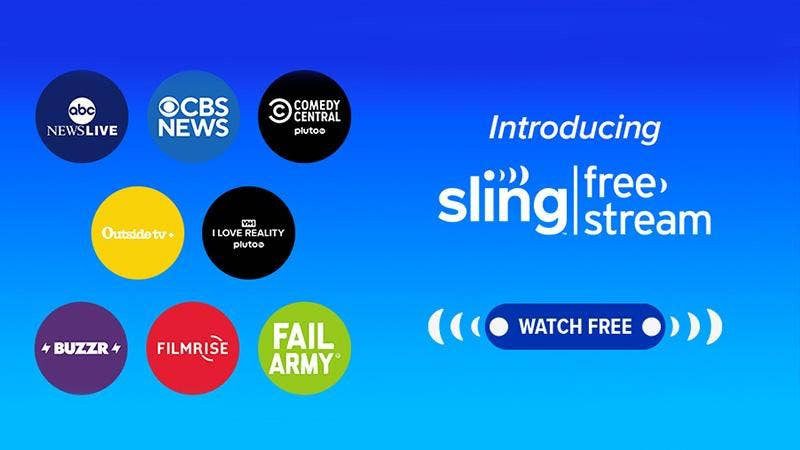
For the total free Sling TV streaming, you could try to watch Sling TV for free through Sling Freestream. Sling Freestream is Sling’s ad-supported free streaming service that provides hundreds of live channels and thousands of on-demand movies/shows, even without the need of a Sling account. Of course, once you create a Sling account, you could create your own watchlist, add favorites, set parental controls, and get up to 10 hours of free DVR storage for recording live contents.
All contents on Sling Freestream are free to watch but come with ads. Contents provided by Sling Freestream include:
- 600+ free live channels, including free news channels like ABC News Live, CBS News, etc.
- 40,000+ on-demand movie and TV show titles.
- 10 hours of free DVR storage.
Can You Get Free Sling TV Through Promotions?
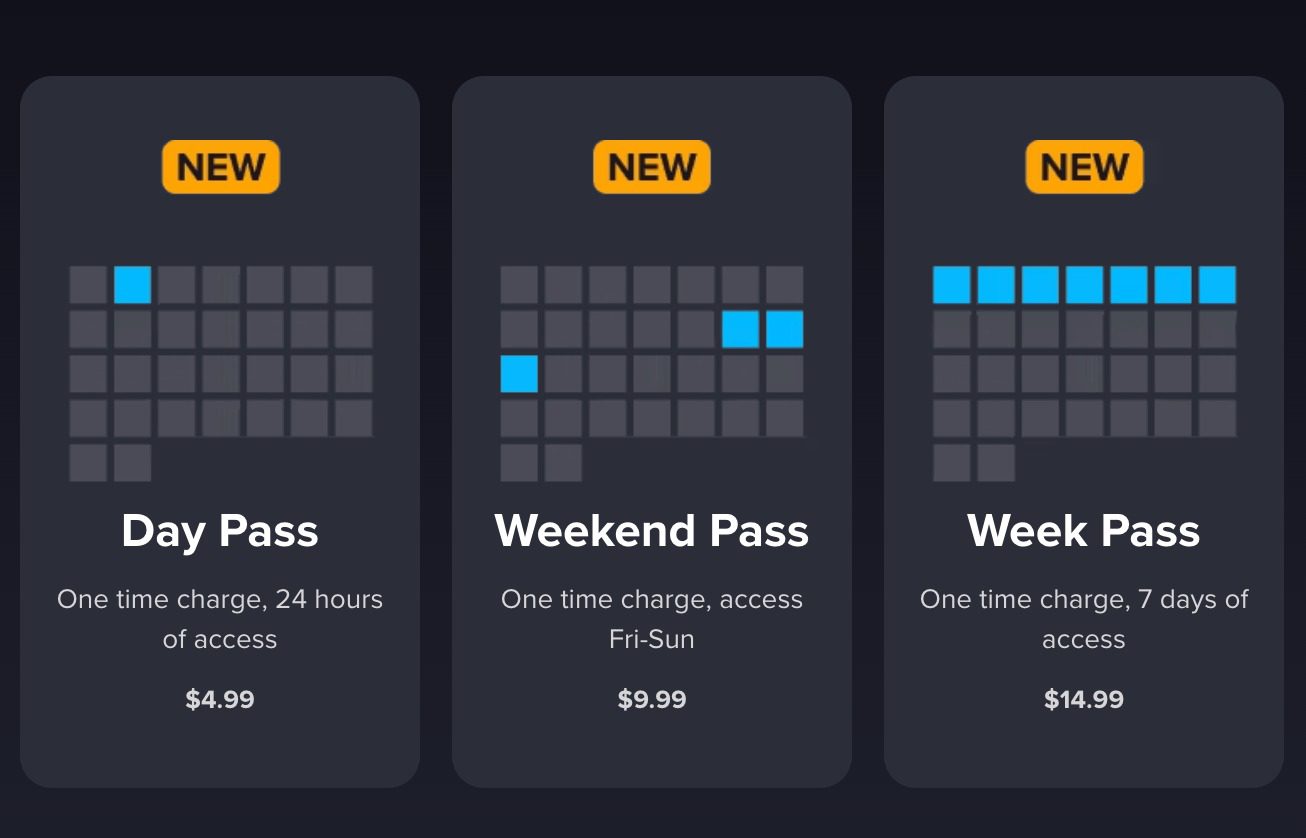
Yes, you might get Sling TV free trial or high-discount from Sling TV promotions occasionally besides the Sling Freestream. Sling will occasionally offer short free trials (3 to 7 days) or short passes (like 1-day, 3-day or 7-day passes) to try paid packages before being fully charged. To get this, you need to visit Sling TV’s official website and look for “Free Trial” promotions. However, it should be noted that the free trial is not always available.
Meanwhile, there are also odds to get high discounts in subscribing Sling TV plans. For example, in the current 10th anniversary celebration, the Sling Combo plan (Orange & Blue) delivers 50% off for the first month, which will save $31 for the first month. Therefore, you need to stay tuned on Sling.com website to get the latest promotion news for big saving.
How to Watch Sling TV Anytime with a Free Account?
If you get a free Sling TV account, you will be able to watch Sling contents anytime you like. There are multiple ways to help you do that.
1. Use Sling Free DVR
The Sling Freestream DVR is a game-changing new feature that enables you to record your favorite TV shows, movies, news and sports for totally free. After recording, you can then watch the DVR recordings later. It is a cloud-based recording feature, which means all recorded contents will be saved online in the cloud and can’t be accessed offline.
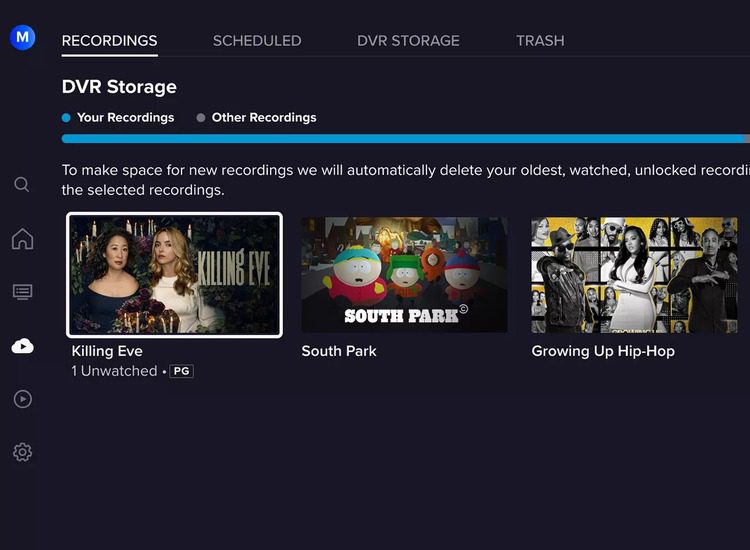
As long as you get a free account of Sling TV, you can record Sling Freestream contents via the DVR feature by following the below steps:
Step 1. Open Sling TV website or the Sling app and log in with your free account.
Step 2. Open the Sling Freestream section.
Step 3. Browse Live TV or Channel Guide to look for a Record or DVR icon (Note: Not all contents on Freestream support DVR).
Step 4. Select the title and then click the Record icon to record single title or entire series.
Step 5. The recordings will be saved automatically to your Freestream DVR library.
Step 6. You then can go to “My TV (or Recordings)” to select and play back recorded title.
There are a few things you need to notice when using the Sling Freestream DVR feature:
Sling Freestream DVR limitations
- Up to 10 hours of cloud DVR storage only.
- Free Sling account is required.
- Recordings will automatically expire after a certain period.
- You can only view the recordings within Sling app or website.
- You can’t download recordings to a device.
- Not all contents on Freestream support recording.
- Watching Freestream recordings require internet connection.
2. Use a Sling TV Downloader
Alternatively, you could make use of Sling TV downloader programs to download Sling TV and Sling Freestream titles for offline watching. CleverGet Sling Downloader is such a program. It is a professional on-demand Sling video downloader to download Sling TV movies and shows at up to 1080P quality to MP4/MKV files in batch with ads removed for unlimited offline watching.

-
- Download any on-demand videos from Sling TV in up to 1080P resolution.
- Support to download Sling TV episodes of certain/all seasons in batches.
- Save desired multi-language audio tracks and subtitles.
- Remove ads during the Sling video download process.
- Easy-to-use UI with multilingual settings.
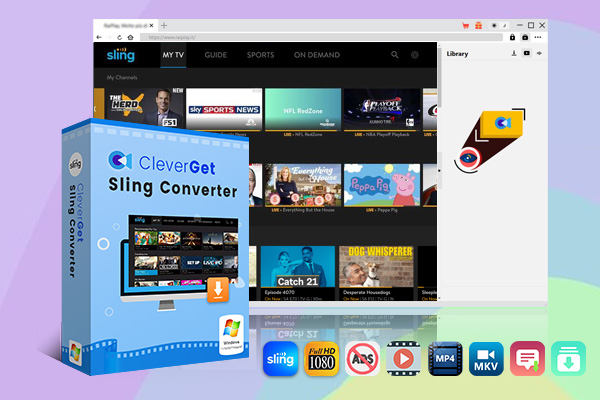
You can download Sling TV on-demand movies and shows for offline viewing by following the below steps:
Step 1. Download, install and kick off CleverGet.
Step 2. Open Sling.com website within CleverGet, and log in if needed.
Step 3. Play back target on-demand video and parse it.
Step 4. Select download options and then click the “Download” button to start downloading Sling videos.
You then only need to wait for the download to complete. Once the downloads complete, you could directly open the file folder on the program interface or play back downloaded Sling videos via default media player or Leawo Free Blu-ray Player.
FAQs
1. How long will Sling TV free trial last if available?
Promotional Sling TV free trial could be 7 days, 14 days or even 30 days, if available. There is no definitive and fixed answer to this.
2. Is Sling TV free with Amazon Prime?
No, Sling TV is not free within Amazon Prime. However, sometimes Amazon offers promotional codes or discounts, bundles or even trials for Sling users by teaming up with Sling TV.
3. Is Sling Freestream completely free?
Yes, Sling Freestream is completely free to stream, but contains ads.
4. Does Sling TV provide 30-day free trial?
No, there is no Sling TV free trial available currently, though Sling TV offers special discount upon its Combo pack.
Conclusion
Sling TV provided free trials previously, but now it has ended the free trials. Therefore, currently there is no Sling TV free trial available. However, you could still watch Sling contents for free through the Freestream service, or make use of the Sling promotions to get Sling TV at lower cost.
-
Detailed Review: Is KeepStreams Safe? Is it Worth Trying?
-
How to Record a YouTube Live Stream on Any Device (Step-by-Step Guide)
-
Disney Plus HDCP Issue: Complete Troubleshooting & Fix Guide
-
How to Download Bilibili Videos? All Methods Explained
-
How to Fix OBS Not Capturing Game on Windows
-
Wondershare UniConverter Review: Answers to All Your Doubts
-
OBS Studio Review: How Good Is It for Recording Your Screen?
-
Is SameMovie Safe to Use? Honest Review
-
How to Save Videos from Facebook on Any Device
-
Sling TV vs YouTube TV: Cost Breakdown and Hidden Differences





-
Best Twitter Porn Accounts You Shouldn’t Miss
-
How to Download Pornhub Videos? Ways to Download from Pornhub
-
Top 5 OnlyFans Viewer Tools to View OnlyFans Content for Free
-
Full Review of Savethevideo: Is Savethevideo Safe & How to Use it?
-
Netflix Download Limit: What it is & How to Avoid
-
How to Import Bookmarks from Safari to Chrome
-
Full Guide to YouTube Members Only Videos: Watch, Download
-
How to Download MissAV Porn Videos in HD for Offline Viewing?
-
How to Download Videos from Fansly with Fansly Downloader
-
4 Methods to Burn ISO Files to Blu-ray Discs Easily












 العربية
 繁體中文
繁體中文 Dansk
Dansk Nederlands
 Suomi
Suomi Français
 Deutsch
 Italiano
 한국어
한국어 Norsk bokmål
 Português
 Русский
 Español
 Svenska