


Summary:
Is Disney Plus Down? If you don’t know how to verify if Disney Plus server is down, check out this article to find solutions.
Outline
Are you having trouble getting your favorite movie to load when watching Disney Plus? Are you questioning, "Is Disney Plus down?" Well, this situation is really frustrating. At times, this may be a technical issue stemming from Disney’s servers, but it could simply be from your side.
In this guide, I will provide step-by-step instructions to find out if Disney Plus down right now to everyone or just you, and I’ll also give you tips to troubleshoot some common problems to help get you back into your movie as quickly as possible.
Is Disney Plus Down Right Now
Sometimes, it is hard to verify that the Disney Plus playback problem is really a server issue or just from your own. Normally, there are some common signs:
The Infinite Loop: When you open the movie you want to watch, but only find an infinite loop circle that keeps loading on your screen.
The Blank Screen: The screen may be completely black or show nothing, without any buttons or movie posters to click on.
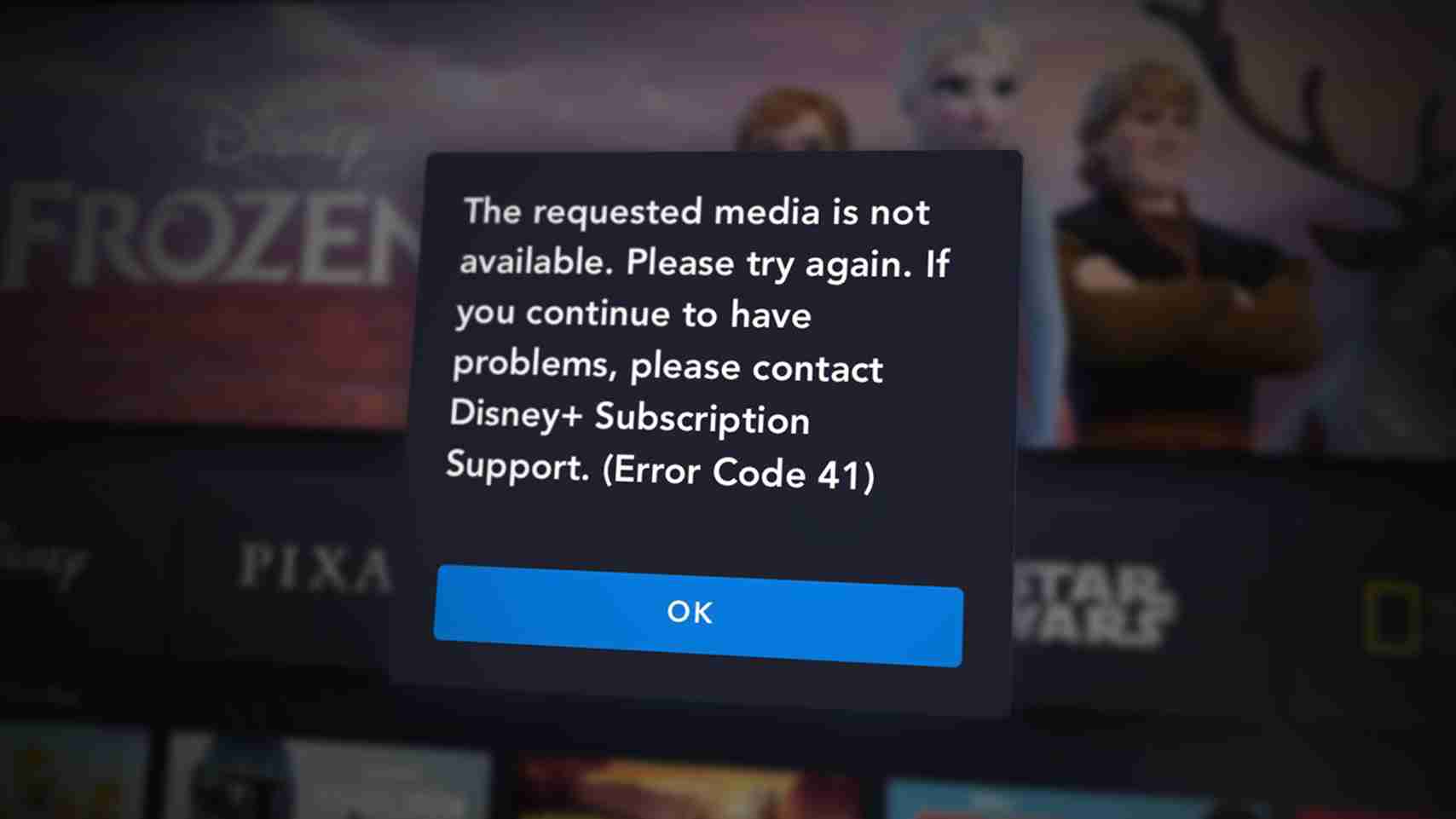
Error Messages: In some cases, you can see the error code messages on the screen, such as Error Code xx. These messages give you the exact reason why this is happening.
App Crashes: Sometimes, when you try to play a movie on your Disney Plus app, it closes immediately and brings you back to the home screen.
But wait, could it be your side problems? Well, maybe that’s your WIFI, device issues, or other causes. There is no need to worry. The signs are just heads-up to let you know there is something wrong. You can follow the steps in the next section to check if the problem is truly from Disney Plus server.
How to Check If Disney+ Is Actually Down
If you see any of the above signs when playing your favorite Disney Plus movies, follow the steps below to check if Disney Plus is actually the cause.
1. Use a Third-Party Website
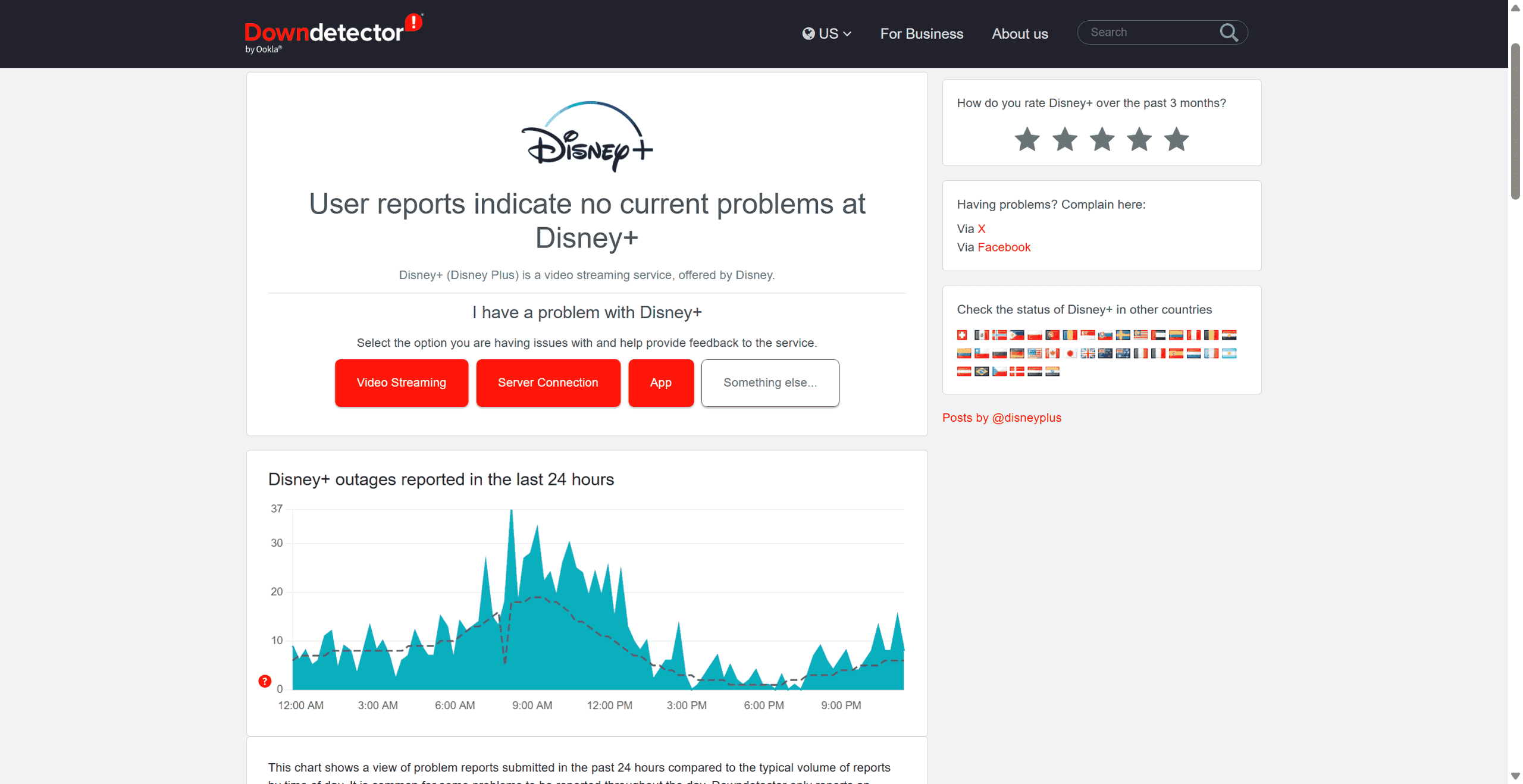
This is probably the fastest way to check if the Disney Plus server is down or not. Use third-party tracking websites like DownDetector and isitdownrightnow, and you know Disney Plus website runs well or not.
The reports from these websites are from thousands of users in real-time. If you see a big spike on the chart or the chart is full of red dots, the server is having a problem. However, some users may hold suspicion for these websites and believe they are not reliable. If you think so, you can try other methods.
2. Check Disney Plus’ Official Account
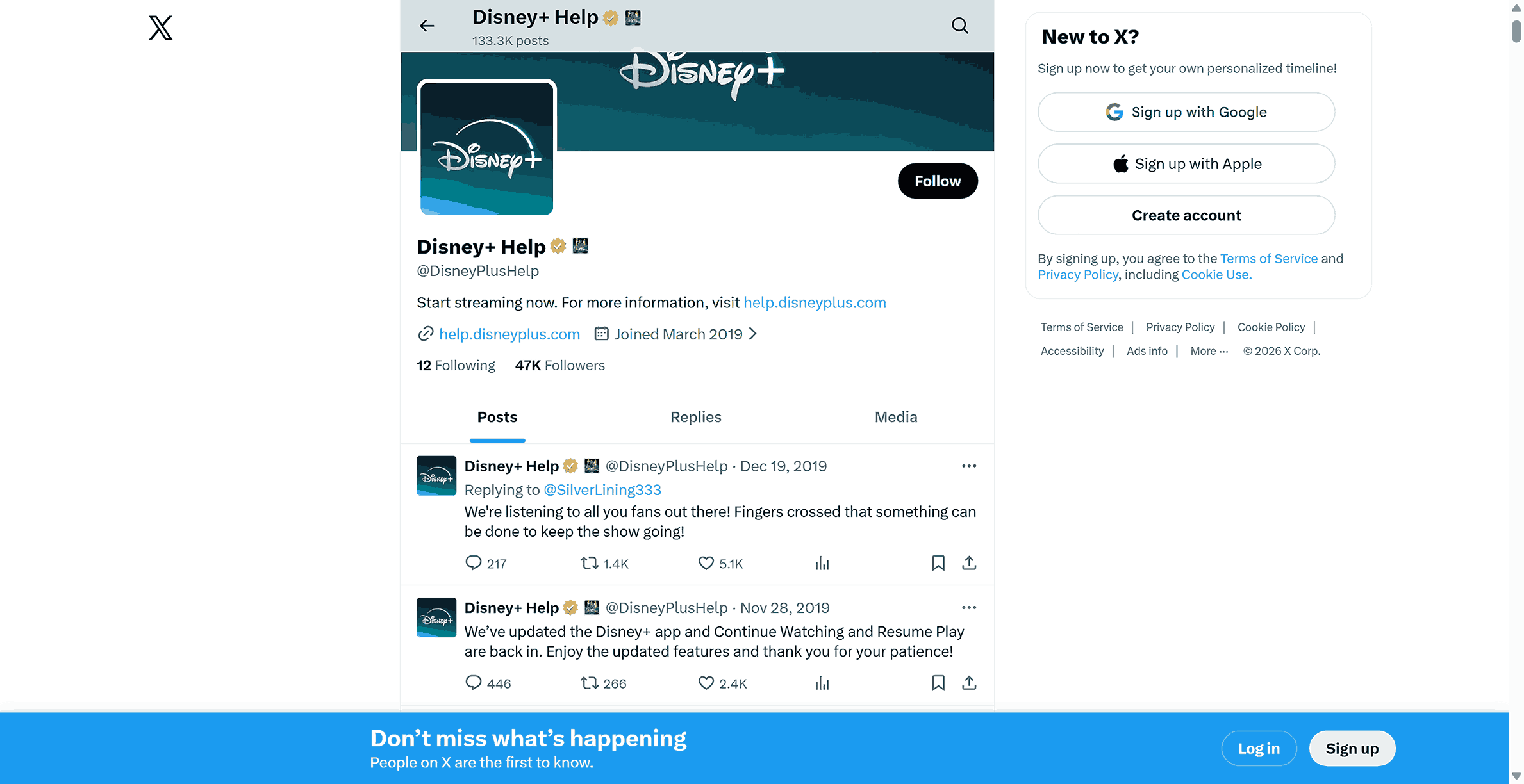
Disney often uses social media to communicate with its subscribers. Visit Disney Plus Help’s social media platforms, including X, Facebook, and Instagram. You can search for updates concerning “Technical Issues.” If no recent posts are available, check the comments to see if any complaints, and use hashtags (e.g., #DisneyPlusDown) in your search. If many users have posted that hashtag at the same time as you, there is a strong chance that you are not alone.
3. Contact Disney Plus Customer Service
If the websites and social media accounts indicate everything is good, but your side remains non-functional, it is probably something wrong on your side. You can try to fix it by yourself (see the methods in the later paragraphs). Or, you can just ignore the causes and directly contact a real Disney person. You can call them any time since Disney Plus offers 24/7 support.
How to contact Disney Support: Open the Disney+ Help Centre. At the bottom of the page will be "Get in touch" (usually the quickest way) or "Call 888-905-7888".
Be very prepared: Make sure that you have the following information before starting: Your email address used to create your account and the name of your device, for example, Mac, Roku, or Samsung TV. Describe what you have encountered. With that information on hand, the representative will be able to assist you much faster.
Common Error Messages You Might See
As we mentioned, the error code is a clear sign to tell what’s going wrong, so you can fix the problem accordingly. Here are some error codes and their meaning:
Error Codes 4-9, 24, and 29 (Account Issues): This indicates that your account has issues. Try to sign out and log in, and check if your payment information needs to be updated.
Error Code 13 (Too Many Logins): This indicates that there are too many users actively using your account. Due to Disney Plus’ limits on using people in a single account at the same time, you need to inform the users currently using your account to log out.
Error Codes 31 and 73 (Location Problems): These error codes indicate that Disney Plus has determined that you are not located where you should be (or in the correct country) due to the fact that you are using a VPN service that prevents you from accessing Disney Plus.
Error Code 39 (Connection & Security): It indicates the device you use may not be trusted by Disney Plus (generally older devices), and/or if your HDMI cable isn’t securely connected.
Error Codes 41, 42, and 76 (Busy Servers): These are the most frequent "down" error codes from Disney Plus, due to the high volume of traffic attempting to use the platform at once or because of a server-related problem on Disney’s end.
Error Codes 83 and 90 (Random Bugs): There are currently no clear definitions for these codes. They may indicate a broken app, or they could indicate an issue with your internet connection, etc.
Top Troubleshooting Steps for Users
If you have checked that Disney Plus is normal for others, the root is probably on your side. Don’t worry. In most cases, you can fix this by yourself. Here are some ways you can try to solve the problem.
1. Check Your Internet
Open another app, like YouTube, to check if the internet is running well. If you think your connection is not working properly, try to move closer to the router. Also, turn off the router and turn it on after 1 minute. This usually solves most connection problems.
2. Reboot Your Device
If your connection is normal, restarting your device may be the fastest way to resolve small glitches. No matter whether you use a computer, phone, or smart TV, just shut down the device and turn it on after a while.
3. Clear App Caches
Temporary files help programs run more efficiently. However, these files are easily damaged or corrupted, which leads to playback issues on Disney Plus. You can clear caches, and here are the steps for different devices.
Android/Smart TVs: Go to the device settings, find applications, choose Disney Plus, and from the available options, locate and click Clear Caches.
Browsers (universal way): Open settings, go to Privacy & Security, select Clear browsing data.
IOS (iPhone/iPad/Mac): Apple devices don’t have clear cache buttons. You need to delete and reinstall the app to clear the old caches.
4. Reinstall Disney App
If the steps above do not resolve the issue, reinstalling is usually effective. It will install the newest app version and clear any hidden bugs in the app. Just delete the app from your device and go to the store, such as App Store or Google Play Store, to download and install the app.
Extra Tip: Avoid Down Errors by Watching Offline
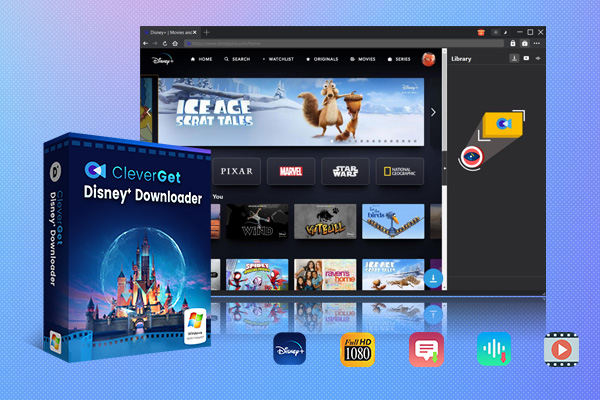
If you are tired the Disney Plus buffering, server down, or any playback issues, another way out is to download movies on Disney Plus to watch offline. You can use third-party Disney Plus downloaders to bypass the platform’s limitations, like DRM. CleverGet Disney Plus Downloader is one of the best Disney Plus downloaders, which allows you to download Disney Plus movies and shows directly to your computer and save them as MP4/MKV files.

-
CleverGet Disney Plus Downloader
Professional Disney Plus video downloader to download on-demand videos like movies and series at 720P quality with selected subtitles and audio tracks.
- Download and convert Disney Plus video to MP4/MKV.
- Batch download TV episodes across seasons from Disney+.
Conclusion
By following the methods in this article, you can know the cause and get back to streaming in no time. If none of these methods work, reaching out for help from Disney Plus is always a good next step for further assistance. Also, you can try to use CleverGet Disney Plus Downloader to download your favorite movies in advance in case you encounter a Disney Plus server down in the future.
-
TunePat VideoGo All-In-One Review: Really of Great Value?
-
YouTube TV DVR Explained: How It Works, Limits, and Tips
-
4 Easy Methods: How to Download Reddit Videos?
-
How to Watch Movies with Friends Online Together?
-
Cyberlink PowerDVD Review: Best Paid Media Player?
-
ScreenRec Review: Real Performance Test
-
Best Ways to Watch YouTube Videos Offline Without Internet
-
How Many People Can Share a Netflix Account?
-
5 Proven Methods to Watch YouTube Without Ads
-
How Long Do Recordings Stay on YouTube TV? Full Breakdown










-
Best Twitter Porn Accounts You Shouldn’t Miss
-
How to Download Pornhub Videos? Ways to Download from Pornhub
-
Top 5 OnlyFans Viewer Tools to View OnlyFans Content for Free
-
Full Review of Savethevideo: Is Savethevideo Safe & How to Use it?
-
How to Download MissAV Porn Videos in HD for Offline Viewing?
-
Netflix Download Limit: What it is & How to Avoid
-
Full Guide to YouTube Members Only Videos: Watch, Download
-
How to Import Bookmarks from Safari to Chrome
-
How to Download Videos from Fansly with Fansly Downloader
-
4 Methods to Burn ISO Files to Blu-ray Discs Easily

















 العربية
 繁體中文
繁體中文 Dansk
Dansk Nederlands
 Suomi
Suomi Français
 Deutsch
 Italiano
 한국어
한국어 Norsk bokmål
 Português
 Русский
 Español
 Svenska