

Windows Media Player Review: Is It Working on Windows 11?

Summary:
Learn how the new Windows Media Player works and discover a better media player for Windows 11 in this comprehensive review.
For an entire generation, Windows Media Player has been the go-to choice for playing videos and music on PCs. But there haven’t been major upgrades to this software since 2009. On your latest Windows 11, does it still hold up, or do you need an alternative to Windows Media Player? This review has all the answers you need.
Also Read: VLC Media Player Review | Can Windown Media Player Play Blu-rays? | VideoByte Blu-ray Review
OutlineCLOSE
1. Windows Media Player: Overview
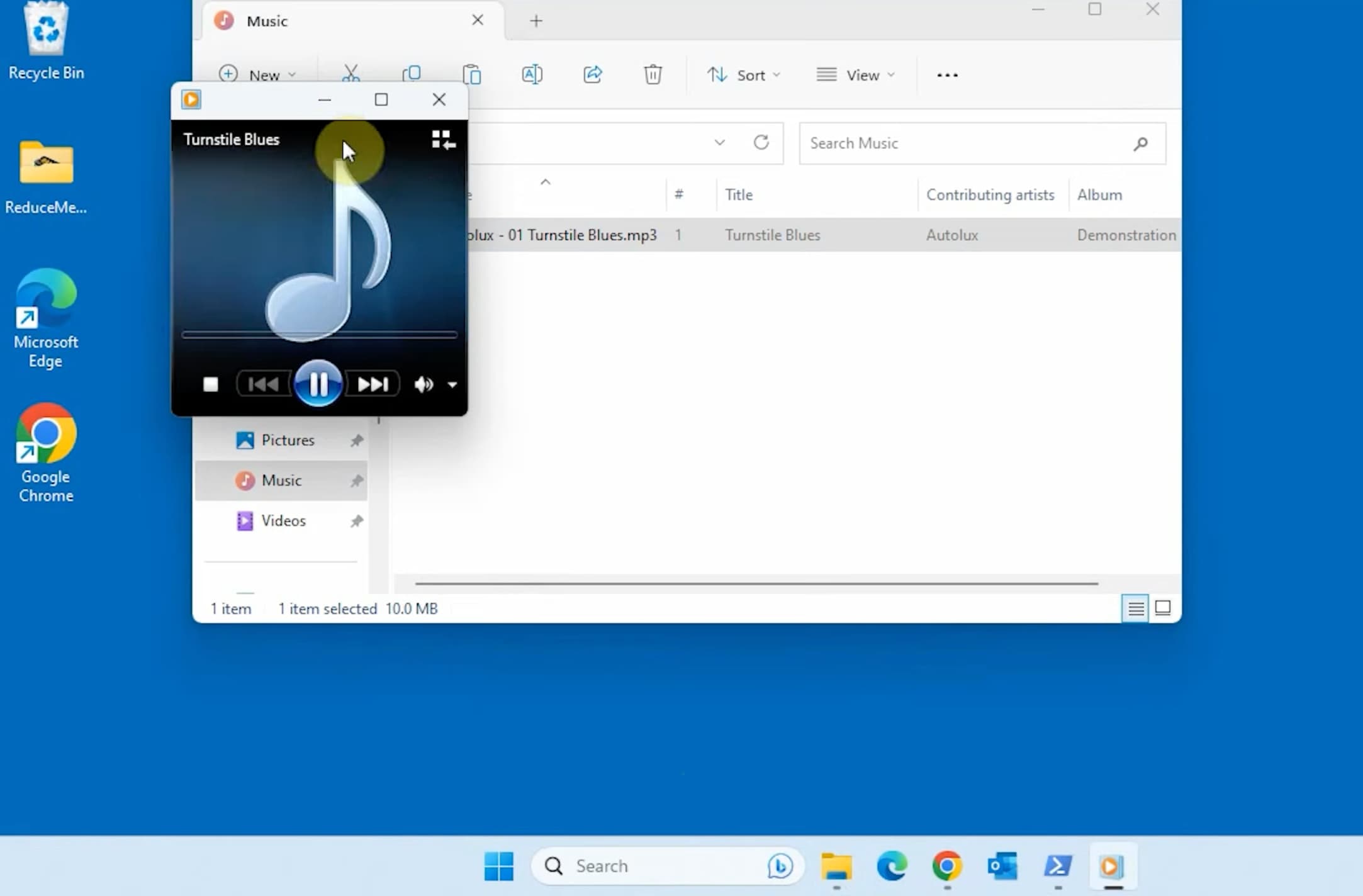
Windows Media Player has been around for several decades. Even today, on Windows 11, it still serves, only renamed to Windows Media Player Legacy. Before getting to how it performs on the latest system, it helps to understand what Windows Media Player is and where it came from.
History and Legacy
Windows Media Player was originally launched in 1991. During the Windows XP and Windows 7 eras, it became most people’s first-ever media player. Whether we watched DVDs, listened to CDs, or played media files in different formats, it was the go-to choice. It was more than just a media player: back in the days, we used it to rip CDs, burn mixes, and organize massive MP3 libraries. Version 12 was released with Windows 7 in 2009, and since then, Microsoft has stopped its active development.
In the Windows 10 era, it released Groove Music while keeping WMP on PCs. Over a decade later, Windows 11 arrived, with Groove Music rebranded as the Media Player app. The Windows Media Player we are familiar with is now called Windows Media Player Legacy. It is pre-installed on your Windows 11. Alternatively, you can follow the steps to enable it:
- Step 1: Select Start > Settings > System > Optional Features > View features.
- Step 2: Search for Windows Media Player Legacy. Check the box next to it. Select Next, then Add.
Key Features
While features have been quietly taken away from the Windows Media Player legacy, here’s what this version can still do at the time being:
- Broad format support: It supports formats like MP3, WMA, WAV, WMV, AVI, MP4, MPEG, DivX, XviD, etc. Some of them are no longer recognized in modern apps.
- Library management: You can easily organize your local music collection by artist, album, and genre, and edit its metadata in this tool.
- CD ripping and burning: While you can still rip audio CDs with this tool, it fails to retrieve album and track data. The "find album info" feature has been removed.
- Visualizations: During music playback, it can display animated visuals like Alchemy.
- Device sync: It can sync music and videos to supported portable devices.
- Media streaming: It allows you to stream music and video across home and office local networks.
2. Where Windows Media Player Falls Short Today
As a legacy tool, Windows Media Player fails to meet the needs generated in the streaming age. Here’s where it struggles today:
Outdated User Interface:
The WMP Legacy hasn’t seen a major design update since Windows 7. The interface of the player is so outdated, with tiny buttons and cramped menus, which contrasts with Windows 11’s clean, modern UI.
Limited Codec and Format Support:
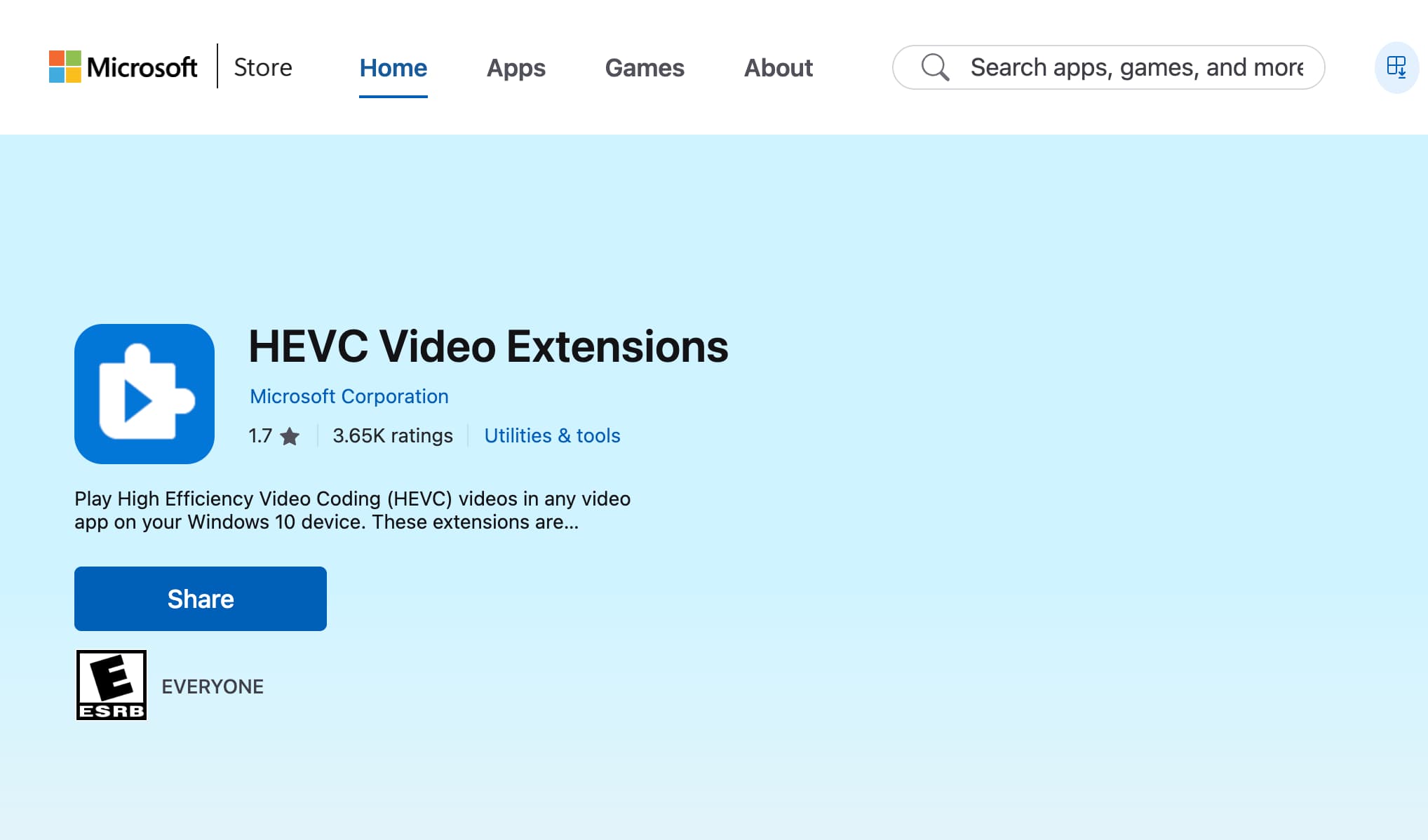
This is one of the biggest hurdles for most users. Most 4K videos today use HEVC (H.265). It is one of the most widely used video codecs. However, if you play those files in WMP, it simply shows a "Missing Codec" error. That’s because it does not include the HEVC decoder natively. You can get the HEVC Video Extensions in the Microsoft Store for $0.99.
No DVD playback:
This is where WMP Legacy hurts the most. Once a standout feature, DVD playback was stripped from WMP since Windows 8. Microsoft’s solution was to roll out an official Windows DVD Player app for $14.99, which received mixed reviews.
No Streaming or Online Integration:
In an era when everything is about streaming, WMP remains local. You can’t find lyrics or subtitles for your media files through the player. It doesn’t support casting to your smart TVs either. It has no integration with any online streaming service.
Taken together, as its name suggests, Windows Media Player Legacy is left behind. For anything beyond basic playback needs, it’s no longer enough.
3. How Is The New Media Player in Windows 11?
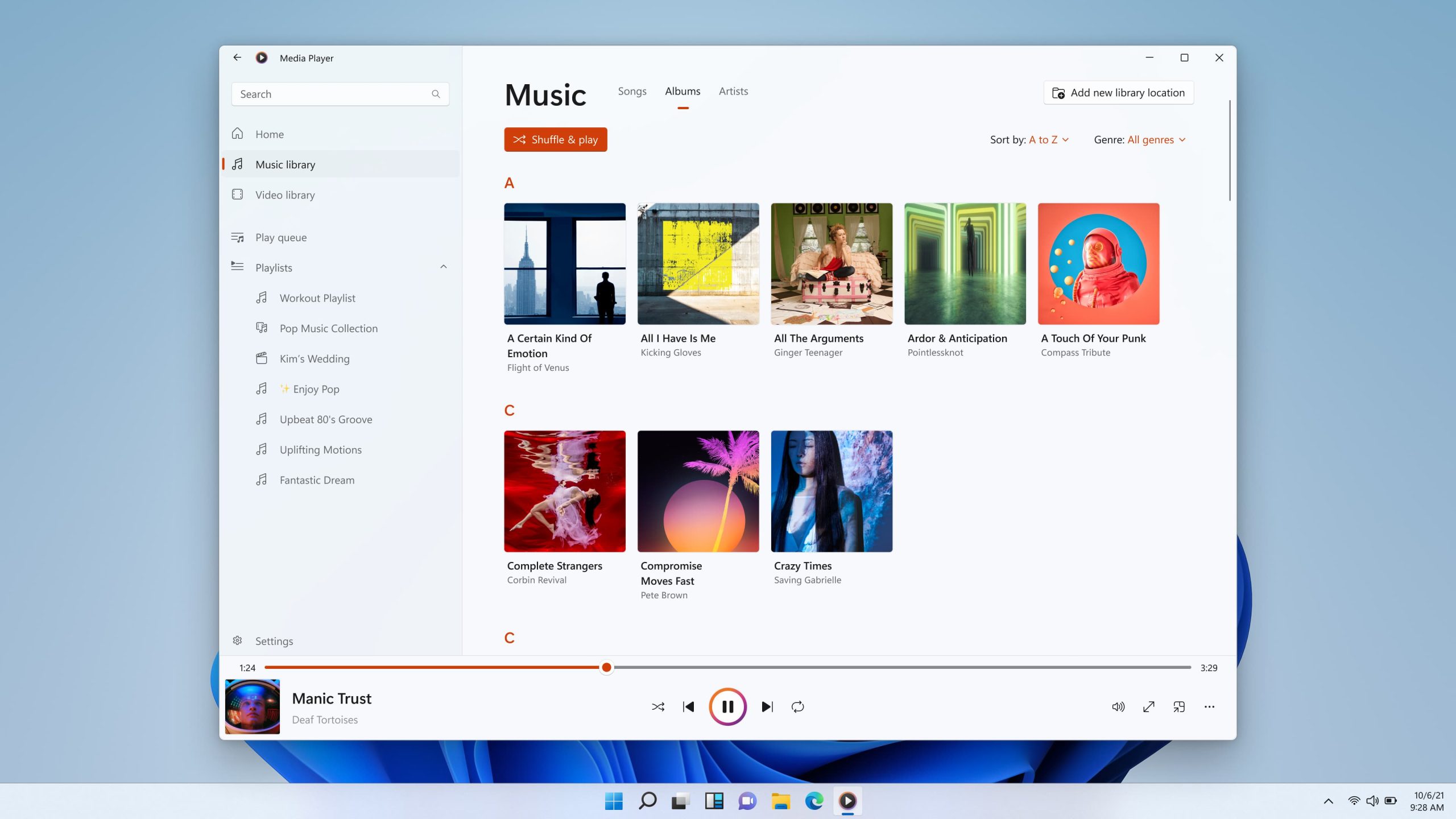
Designed to fill the gaps WMP Legacy has, how does the new Media Player perform exactly? Here’s what we can conclude from a deep review of the app:
- Video format support: AVI, MP4, WebM, MKV, WMV, MOV (unfortunately, FLV is excluded). Like WMP Legacy, you will need to buy a HEVC video extension to play HEVC videos in the app.
- Subtitle support: It can display embedded subtitles or load subtitle files.
- Audio format support: MP3, WAV, FLAC, OGG, WMA. You can switch to Legacy to play AIFF and MIDI.
- Audio playback: It can display the cover photo, but visualizations are removed.
- Audio CD support: It can only play CDs; ripping is not available.
- DVD support: The new app can’t play DVDs. You may turn to its $14.99 DVD player or third-party players.
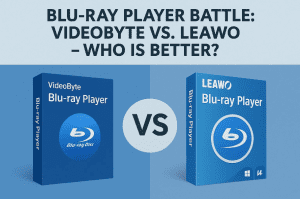
4. Need a Better Option? Try Leawo Blu-ray Player
How to convert iTunes M4V to MP4? With the 3 methods introduced above, the tasks can be easy and efficient. Since iTunes has now fully transitioned its video services to Apple TV, I personally think downloading content directly from there is an even smarter approach. I can skip the extra conversion step and download movies or shows straight in MP4 format. Just try it and see it yourself!

-
A 100% free Blu-ray media player combo that offers totally free media playback solutions for 4K Blu-ray, Blu-ray, DVD, video and audio playback. It could play back 4K Blu-ray, Blu-ray and DVD discs regardless of disc protection and region restrictions, without any quality loss and subscription required.

Conclusion
From this full review, it is safe to say that Windows Media Player, whether the new app or the legacy version, can handle basic media playback only. If you are looking for a better choice that saves you the trouble of switching apps, and more importantly, supports more file formats, Windows Media Player alternatives like Leawo Blu-ray Player serve you right.
Share this post











 العربية
 繁體中文
繁體中文 Dansk
Dansk Nederlands
 Suomi
Suomi Français
 Deutsch
 Italiano
 한국어
한국어 Norsk bokmål
 Português
 Русский
 Español
 Svenska