

KMPlayer Review: Is KMPlayer the Best Free Media Player?

Summary: Is KMPlayer safe? Find out more about this media player, how to use it and the best alternative available.
Looking for a reliable free media player that can handle almost any video format? With lots of options out there, KMPlayer stands out as a popular choice these days. So, what is KMPlayer? Is KMPlayer really safe to use? This KMPlayer review will share my personal experience with the software. I will cover its features, performance, step-by-step, and comparisons with other alternatives. Don’t miss out!
1. What Is KMPlayer?
KMPlayer is a multimedia player designed for media playback. It’s considered one of the most popular players these days.
A Quick Overview of KMPlayer
Primarily, KMPlayer is a solid media player for Windows PC, with versions for Android and iOS available. According to my research, it has been around since the early 2000s. The software was developed by Kang Yong Huee and is now associated with Pandora TV.
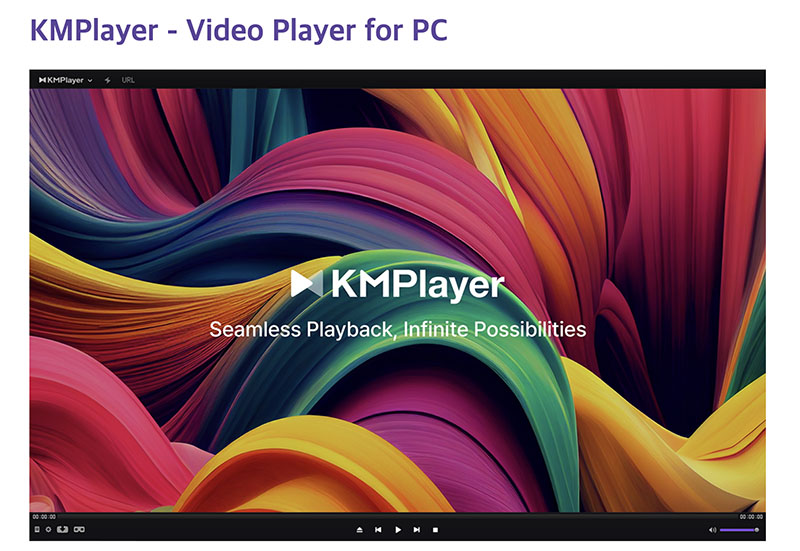
Main Features of KMPlayer
The versatile media player offers plenty of advanced features, which are way more than you can think of. I’ve wrapped them up based on my experience.
- I can truly play almost any file type: AVI, MKV, MP4, MOV, FLV, and more with 4K, 8K, and 60FPS.
- I can work with multiple subtitle formats (SAMI, SubRip, ASS). It also supports color customization, position, sync, and playback adjustment.
- I like the modern interface, which lets me change various themes freely. I can also rotate videos, change screen ratios, sharpen images, adjust colors, and even apply filters!
- It comes with an internal equalizer that lets me tweak audio. I can also play high-quality formats and capture screenshots, audio clips, or GIFs.
- Its streaming support is so powerful, which is compatible with FTP, UPNP, SMB protocols, and cloud services. I can watch 3D, VR content, and even cast videos to my TV via Chromecast.
Is KMPlayer Safe to Use?
According to my experience, yes, it’s a legitimate player that is trusted by millions of users worldwide. To confirm its safety, I even downloaded it from the official website and scanned the installer with antivirus software. It turns out it’s 100% safe without malware. Overall, it’s safe to install and use, if you stick to official sources.
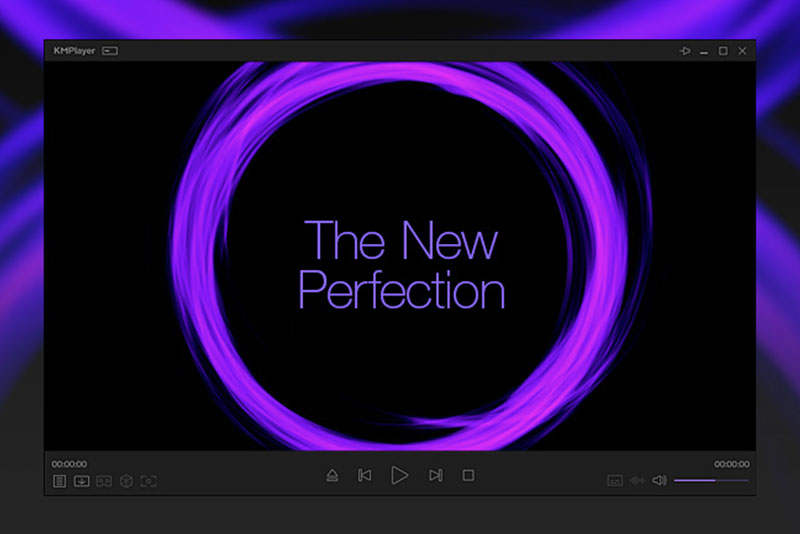
However, like many free/ad-supported programs, the installer can include optional offers for upsell. My advice is to watch for extra installs and decline them. Also, ads often appear as a sidebar or pop-up in the Windows version. Personally, I find this a bit intrusive.
2. How Is KMPlayer Performing in Real life
Now you might have a basic knowledge of KMPlayer. But how’s the real-world performance? I’ve also wrapped them up as pros and cons.
What’s KMPlayer Good At?
From my hands-on testing, I think it’s a strong contender among free media players on the market. Similar to VLC, its format support is truly outstanding, which can play many formats without extra codecs. This built-in codec capability is one of its biggest strengths. It can also render heavy 4K, 8K, and UHD videos without choking my CPU.
Playback options are another thing that impressed me. It provides dedicated decoding for 3D content and immersive 360° VR videos. The support for FTP, HTTP, SMB, and cloud service streaming is effortless and useful.
For users who love to tweak their software, KMPlayer is a dream. The customization for the interface, video color tweaking, and image sharpening lets me get exactly the look I want. Subtitle handling is pretty excellent, which is perfect for foreign films or multi-track videos.
What’s KMPlayer’s Short for?
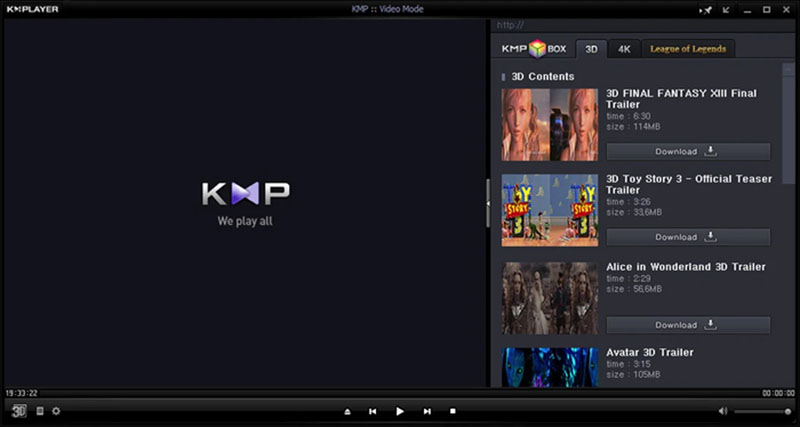
The most obvious issue is the intrusive ads, which I definitely agree with. They appear on the homepage, disrupting the entire experience. Although you can use full-screen playback to hide them, I still found them distracting for a free tool.
Moreover, the interface feels cluttered. Buttons are small and scattered, so I often had to right-click to access features. For beginners, it can be confusing, and it definitely has a steeper learning curve than VLC.
3. How to Use KMPlayer
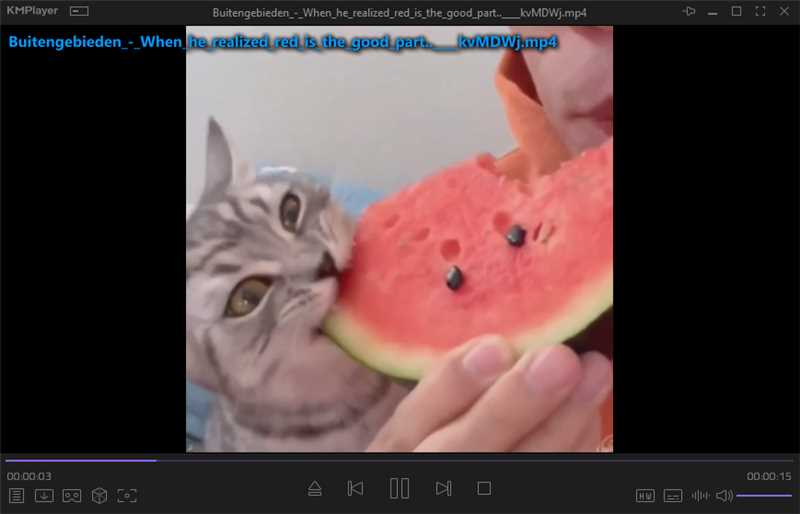
Is KMPlayer safe, and what are the pros and cons? The previous KMPlayer review should have covered the answers. After testing KMPlayer for a while, I found that it was relatively straightforward to use. Let’s take a step-by-step look at how it works.
Grab KMPlayer straight from kmplayer.com, staying safe matters.
Open KMPlayer next. Then drag a video file to the window. The video will start playing immediately.
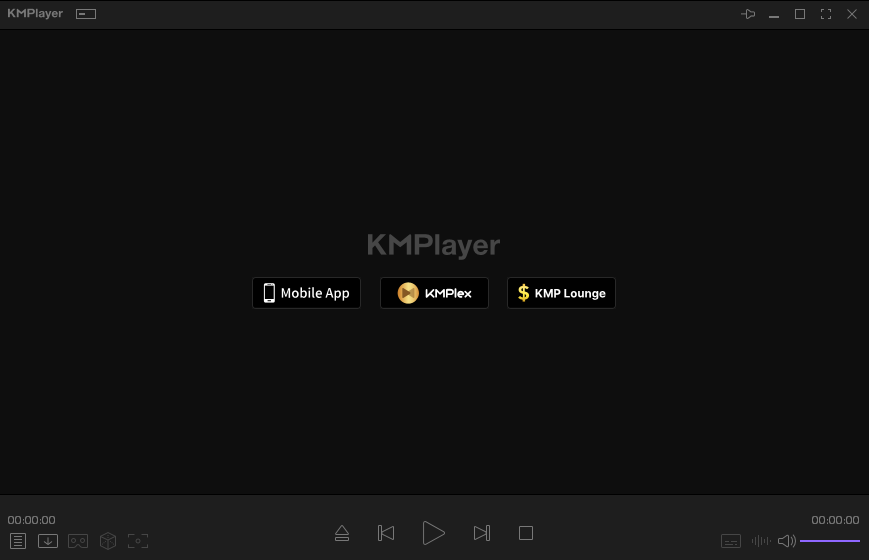
Playback tools sit along the lower edge of the window. A click with the right mouse button brings up subtitle choices, sound options, among others.
4. Best Alternative to KMPlayer for Blu-ray/DVD Playback
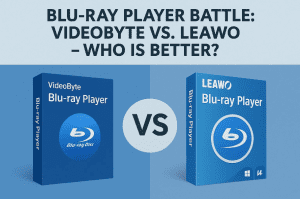
While KMPlayer handles most media well, I find the adverts quite annoying. For DVD enthusiasts like myself, it’s also not powerful enough as it doesn’t support BDMV folders or ISO images. That’s why I switched to Leawo Blu-ray Player, which I found to be a solid option.
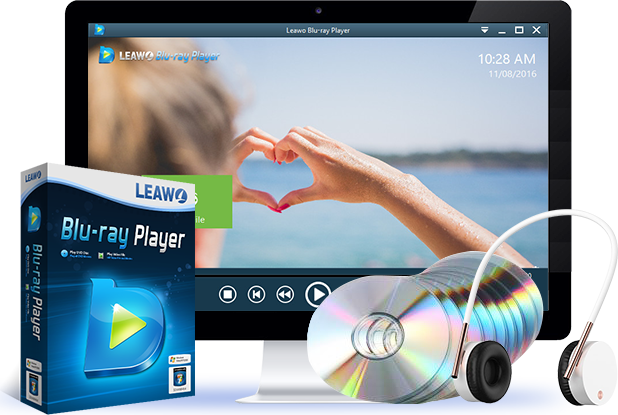
- Play back discs of various kinds, regardless of disc protection and region restriction.
- Quality-lossless video playback for HD media file.
- Totally free to use. No subscription is required.
Like KMPlayer, Leawo delivers excellent HD and 4K playback and comes with all the features I expect from a media player, such as subtitle customisation and advanced audio options. For example, it offers subtitle customisation and advanced audio options. For me, the biggest advantage is its clean interface and freedom from intrusive ads, which makes watching movies much more enjoyable.
Here’s a quick comparison of the two software.
| Features | KMPlayer | Leawo Blu-ray Player |
|---|---|---|
Blu-ray Discs |
Partial support |
Full support (protected discs) |
Blu-ray Folder/ISO |
Limited/No reliable support |
Excellent support |
Format Support |
Very broad (most video/audio) |
Broad, also good at physical media |
Ads |
Yes, noticeable |
Minimal |
Customization |
High (skins, effects) |
Good (audio/video settings) |
Ease of Use |
Moderate (cluttered) |
High (clean interface) |
Resource Usage |
Low to moderate |
Optimized for media playback |
Price |
Free (ad-supported) |
Free version + premium upgrade |
5. FAQs
-
Is KMPlayer free to use?
Yes, KMPlayer is completely free to download and use. But you just have to bear with some ads.
Does KMPlayer support 4K videos?
Yes. It supports HD, 4K, UHD, and even 8K video playback.
Why does KMPlayer show ads?
One way it generates income is by displaying advertisements in the free version of its software. There have been reports suggesting that certain parts track users’ online activity, enabling more targeted advertising.
Is KMPlayer better than VLC?
Most times, KMPlayer lets you tweak things your way, often bringing richer sound. Still, VLC runs without cost, skips ads entirely, while handling many file types easily. When picking between KMPlayer and VLC, simplicity pulls toward VLC; those wanting control usually land on KMPlayer.
Share this post










 العربية
 繁體中文
繁體中文 Dansk
Dansk Nederlands
 Suomi
Suomi Français
 Deutsch
 Italiano
 한국어
한국어 Norsk bokmål
 Português
 Русский
 Español
 Svenska