How to Rip and Convert 2D DVD to 3D Video?

Currently, 3D has been a major trending feature of most electronic devices, which has widened the options for you to watch 2D DVD in 3D videos on the go. Yet to watch 2D DVD in 3D videos on various 3D-enabled devices, you need to use a 2D DVD to 3D Video converter to firstly rip 2D DVD to 3D video and then convert 2D DVD to 3D video files to import 2D DVD to your devices to watch 2D DVD in 3D effect. Leawo 2D DVD to 3D Video Converter is one of those first 2D DVD to 3D Video converters to realize the ability to rip 2D DVD to 3D video. It could freely rip 2D DVD to 3D anaglyph to help you play 2D DVD in 3D video. For Mac users, Leawo Mac 2D DVD to 3D Video converter is the best 2D DVD to 3D Video converter for you to rip 2D DVD to 3D videos on Mac and watch 2D DVD in 3D effect on your own players.

- Decrypt, rip and convert DVD to video/audio files.
- Convert 2D DVD to 3D video in various 3D effects.
- Edit DVD contents before converting to video.
- Handle DVD discs, regardless of disc restrictions.
- Leawo DVD Ripper could only handle 2D DVD to 3D video conversions. If you want to convert 2D Blu-ray to 3D video, try Leawo Blu-ray Ripper.
- Only convert those DVD and Blu-ray contents you have legally owned, for copyright protection.
Full Guide on Converting 2D DVD to 3D Video
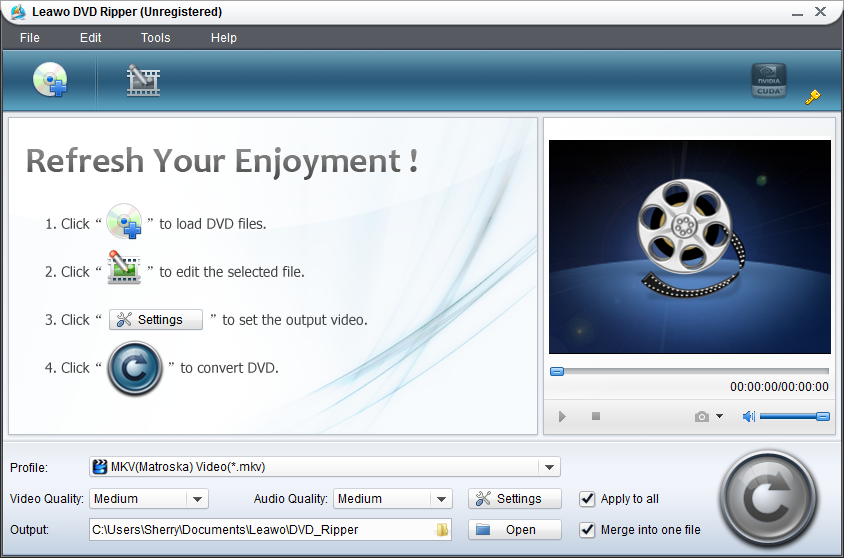
Load 2D DVD
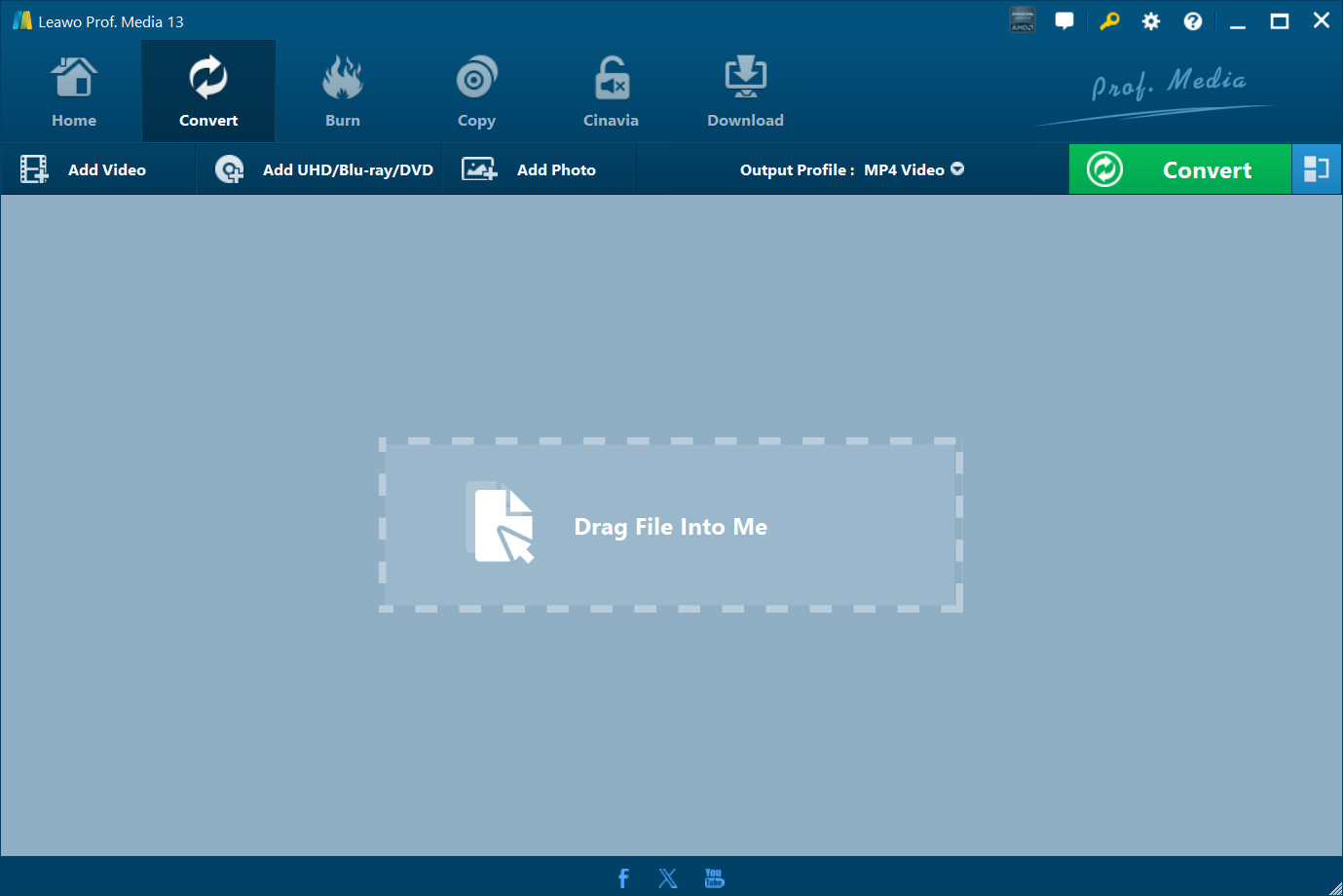
Start the 2D DVD to 3D video converter by clicking Load DVD button to import DVD discs or folders for converting 2D DVD to 3D videos. You can select subtitle, audio and angle if provided.
Choose 3D effect
Click 3D button to enter the 3D panel and select 3D effect for destination devices. You can select 3D effect according to your devices or 3D glasses, set 3D Depth and preview 3D effect.

Select target profile
You need to figure out output profile for your devices. According to your device supported video formats, select your target profile by clicking Profile frame (Mac users click the clickable icon before 3D).
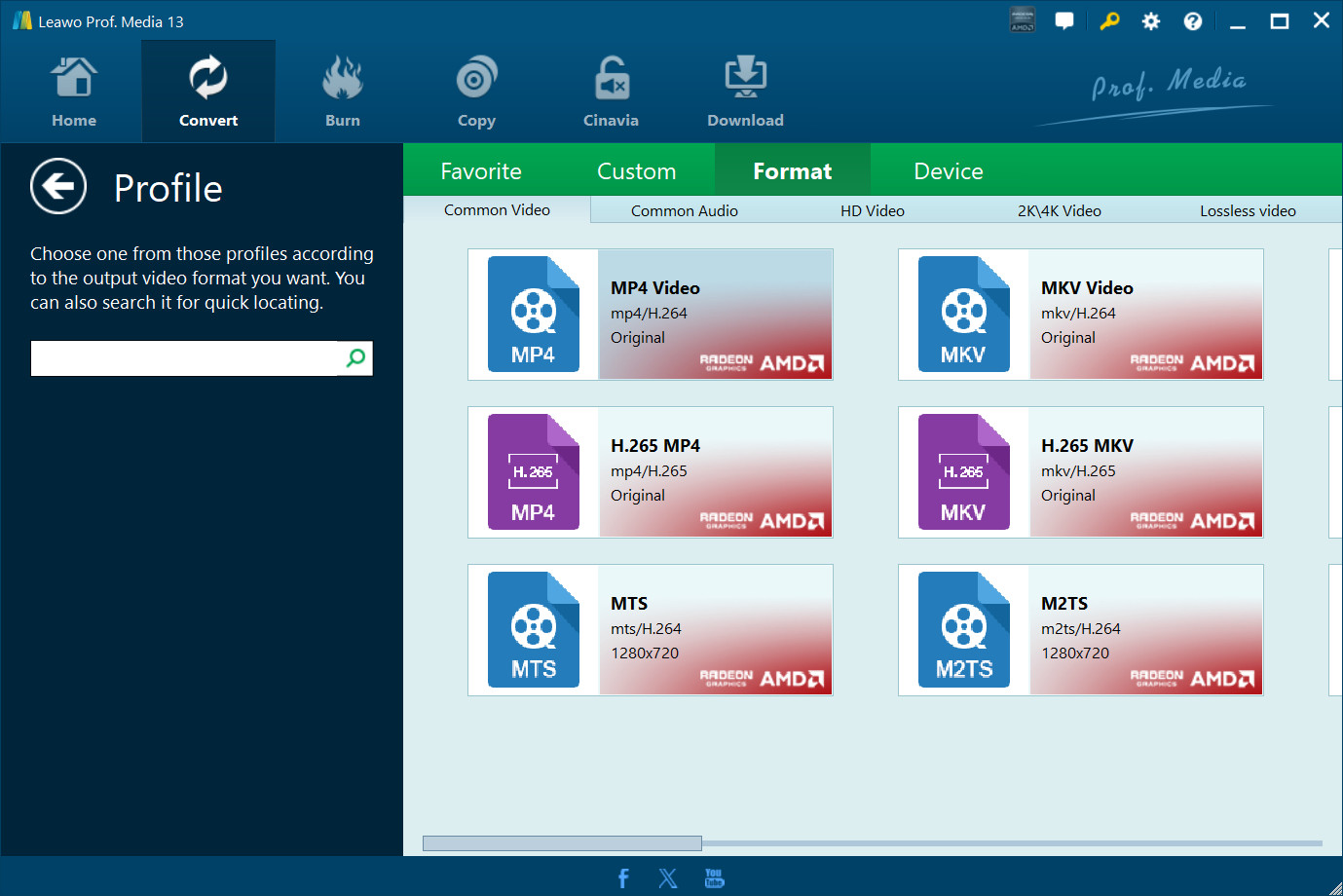
You can change parameters to meet your devices exactly by clicking settings button in the end of Profile frame (Mac users click “+” button in Profile panel): codec, quality, video size, bit rate, frame rate, etc.
Start to convert 2D DVD to 3D video
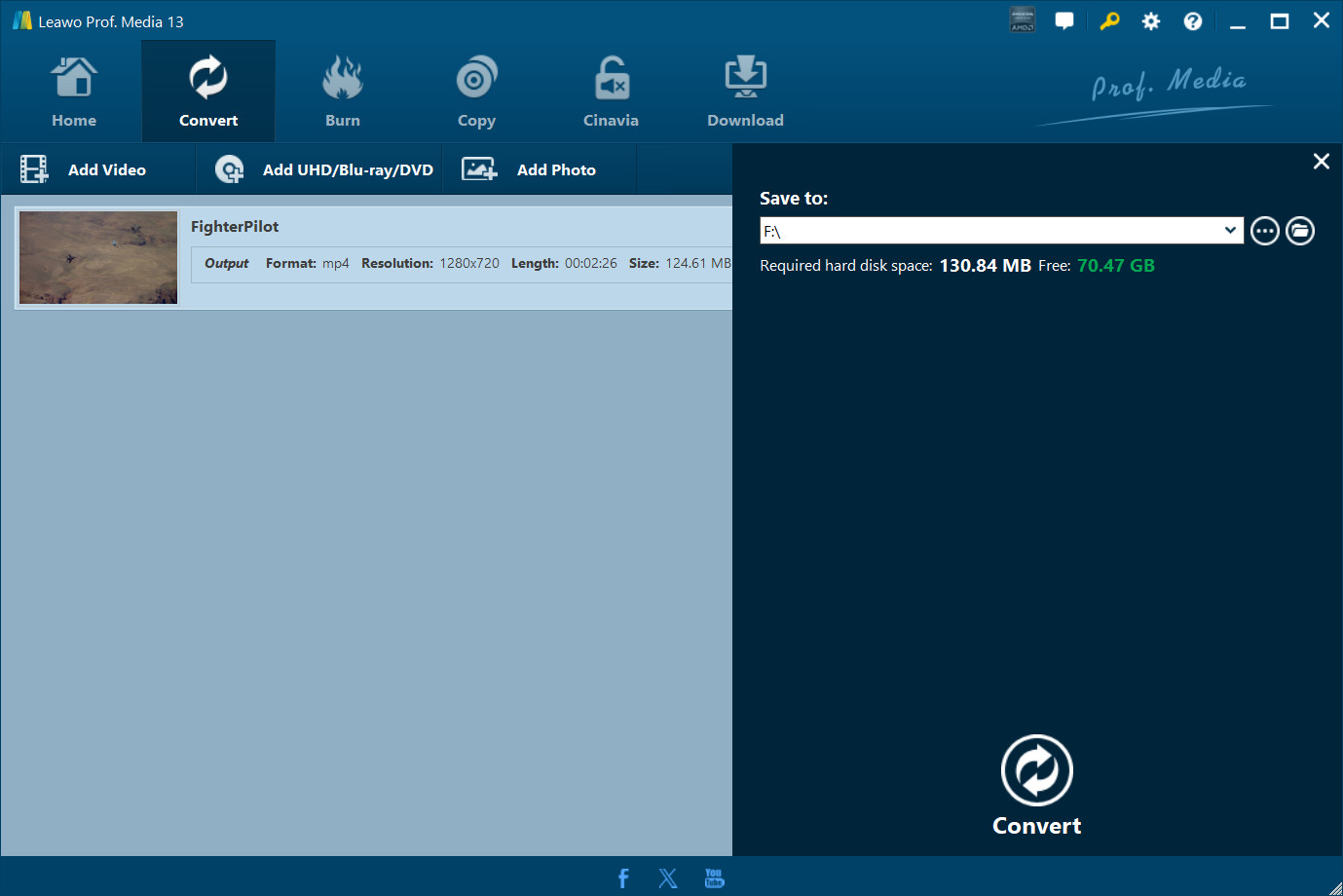
Hit the big green “Convert” button to set output directory and then start to convert 2D DVD to 3D videos by hitting the “Convert” button at the bottom of the sidebar.
- If you like, you can edit your 2D DVD before you rip 2D DVD to 3D videos like trimming video length, adjusting video effects, etc. Check how to edit 2D DVD or how to edit 2D DVD on Mac.
- If you want to rip 2D Blu-ray to 3D video, please use Leawo Blu-ray Ripper or >2D Blu-ray to 3D Video converter for Mac.
Extended Knowledge
A 3-D (three-dimensional) film or S3D (stereoscopic 3D) film is a motion picture that enhances the illusion of depth perception. Derived from stereoscopic photography, a regular motion picture camera system is used to record the images as seen from two perspectives, and special projection hardware and/or eyewear are used to provide the illusion of depth when viewing the film. 3D glasses were required for viewing 3D films and videos before, while lots of 3D glasses-free devices emerge in current market for glasses-free 3D enjoyment.
Share this post








 العربية
 繁體中文
 Dansk
 Nederlands
 Suomi
 Français
 Deutsch
 Italiano
 한국어
 Norsk bokmål
 Português
 Русский
 Español
 Svenska