

Is SameMovie Safe to Use? Honest Review

Summary:
This article provides a comprehensive analysis of SameMovie, including its features, advantages and disadvantages, as well as its security and legality. This article compares SameMovie with its competitor, CleverGet, offering practical guidance for readers choosing a video download tool.
In the streaming era, offline video downloading has become a necessity for many. I’ve also been searching for a user-friendly and secure video downloader. SameMovie, a popular streaming downloader, frequently appears on various recommendation lists. But is SameMovie safe, what’s the actual user experience like, and is it worth buying? With these questions in mind, I personally tested SameMovie and wrote this SameMovie review. I will conduct a practical test of SameMovie from multiple dimensions, including functionality, security, and legality, and make a detailed comparison with the currently popular video downloader, CleverGet. Next, I will share my honest review results with you.
SameMovie Overview
Of course, many readers may not be familiar with SameMovie. Therefore, before formally reviewing SameMovie’s features and security, I will first provide an overview of SameMovie based on my own user experience, giving you a basic understanding of the software and facilitating a deeper understanding of its details later.
What is SameMovie
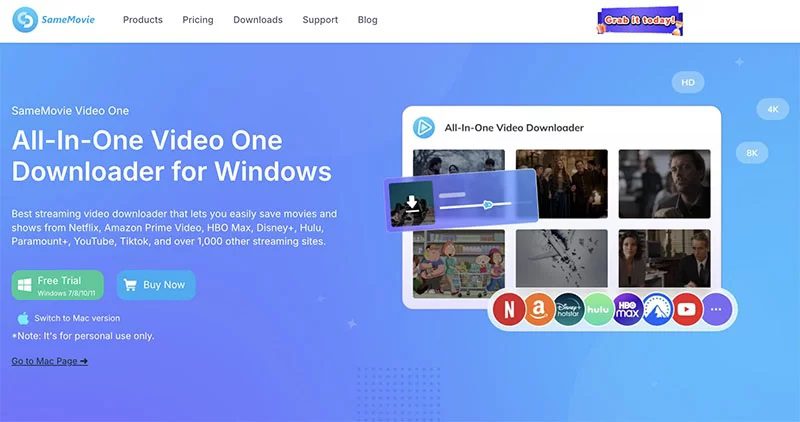
Developed by a globally renowned multimedia company, SameMovie is a professional desktop tool primarily focused on downloading streaming video. SameMovie supports both Windows and Mac operating systems. Its core function is to help users download videos from mainstream streaming platforms for offline viewing. Currently, SameMovie is mainly divided into a single-platform dedicated downloader and an all-in-one multi-platform version. The former is designed for a single streaming platform, while the latter is compatible with multiple platforms, meeting the download needs of different users. In short, SameMovie is one of the mainstream tools in the field of offline streaming video viewing.

Key Features of SameMovie
Based on my experience, I find SameMovie to be highly practical, with its key features being particularly outstanding. Here are SameMovie’s key features:
1. Multi-platform support
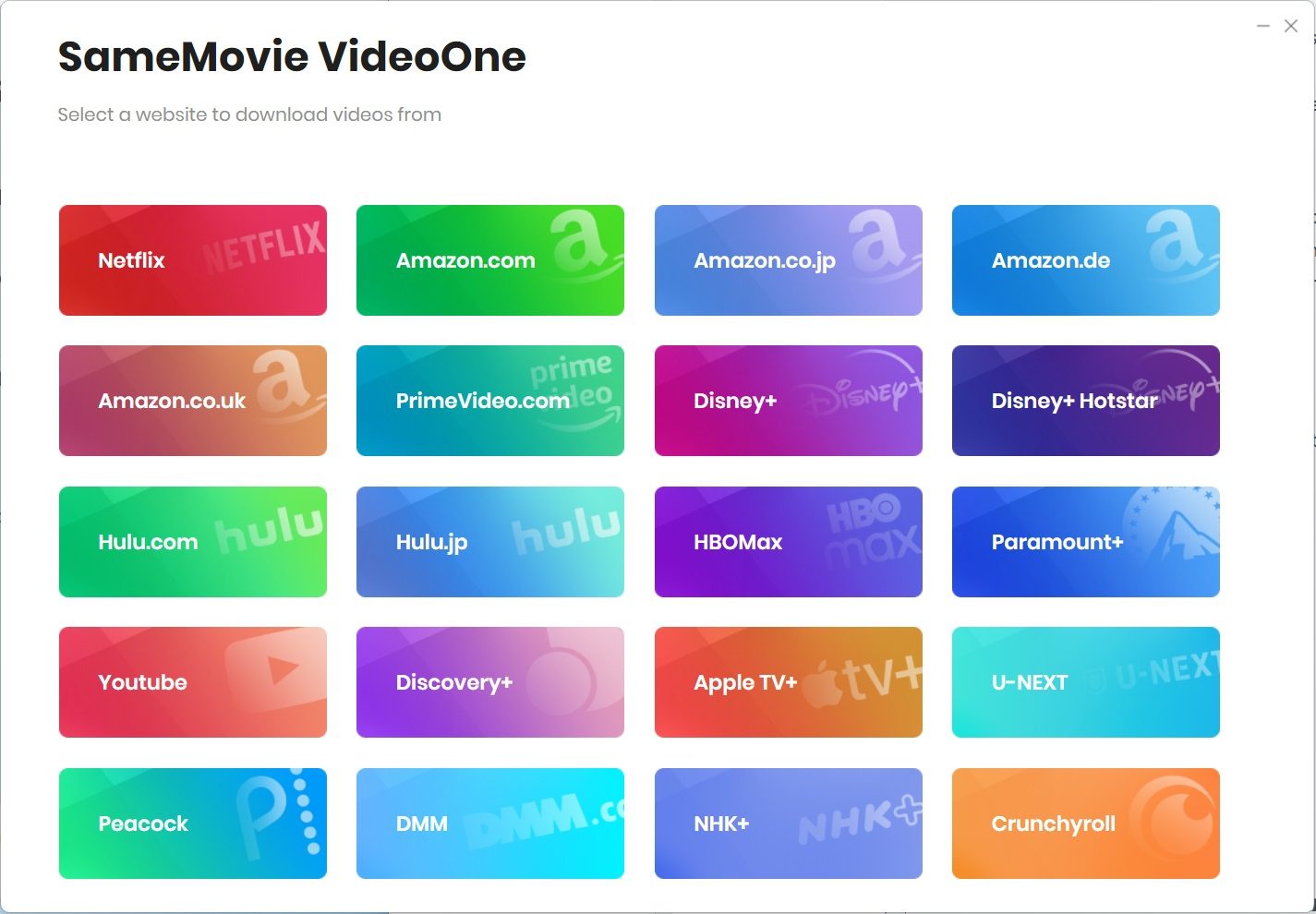
SameMovie can download content from 14 major streaming platforms, such as downloading Paramount Plus movies, downloading YouTube videos, and more. Therefore, SameMovie’s service covers most users’ commonly used platforms.
2. Flexible resolution selection
When downloading videos, SameMovie supports custom resolutions from 640p to 1080p. You can choose the video resolution according to your needs. If you want to save disk space, choose a lower resolution; if you want a better viewing experience, choose 1080p HD.
3. Preservation of multilingual audio tracks and subtitles
Videos downloaded with SameMovie can save audio tracks and subtitles in nearly 30 languages. SameMovie’s language options automatically adapt based on the original language of the video, your region, and your account settings. This feature is very useful for someone like me who enjoys watching multilingual content from overseas.
4. Batch download
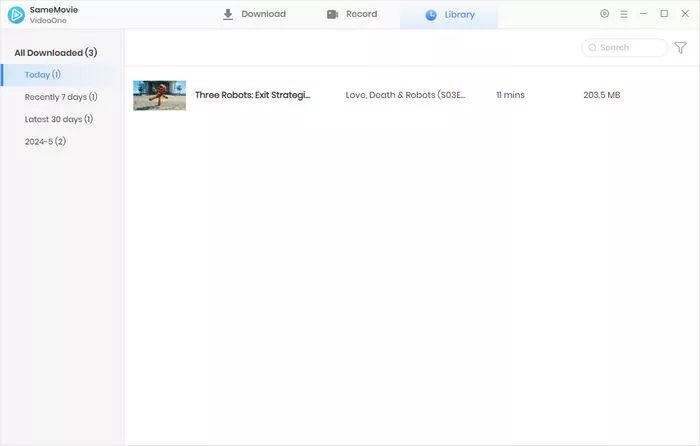
SameMovie features batch video downloading, allowing you to download multiple shows at once. You can also customize subtitles and resolution before downloading, and add new content to the download queue at any time.
5. Comprehensive after-sales service
SameMovie provides 24/7 online support and after-sales service. If you encounter any problems during use, you can contact SameMovie customer service at any time. This makes me feel quite reassured.
Pros and Cons of SameMovie
Every tool has its advantages and disadvantages. After using SameMovie for a period, I have a clear understanding of its pros and cons. Here are my objective impressions:
Pros:
1. Dual-system compatibility and simple operation
SameMovie supports both Windows and Mac. The software interface is simple and the navigation is clear. Even beginners can quickly get started. The first time I used it, I completed the basic download without needing a tutorial.
2. Strong platform compatibility
Although SameMovie only supports 14 streaming platforms, these are all mainstream platforms. Therefore, SameMovie is suitable for users who primarily use these platforms.
3. Complete audio and video experience
SameMovie retains 5.1 Dolby surround sound and multiple language audio tracks and subtitles. Therefore, downloaded videos do not lose core audio and video details. The offline viewing experience is almost indistinguishable from online viewing.
4. Free trial and money-back guarantee
SameMovie offers a free trial version and supports a 30-day money-back guarantee. If you find the tool unsuitable after purchase, you can apply for a refund within a specified time, reducing the cost of trial and purchase.
5. Excellent privacy protection
When using SameMovie, we only need to log in to our streaming platform account. SameMovie does not collect any additional personal data, which makes me feel very reassured in actual use.
Cons:
1. Strict Free Trial Limitations
The trial version of SameMovie only downloads the first 5 minutes of each video. Therefore, I couldn’t fully experience SameMovie’s key features. I could only perform basic functional verification on SameMovie.
2. No 4K Resolution Support
Currently, most mainstream streaming platforms offer 4K resolution videos. However, when downloading videos, SameMovie only supports a maximum resolution of 1080p. Therefore, for someone like me who seeks a 4K or 8K ultra-high-definition viewing experience, this is a significant drawback.
3. Slow Download Speed
SameMovie’s actual download speed is approximately 1.6MB/s. Worse still, downloading large files in batches takes even longer. Therefore, compared to similar tools, SameMovie’s download efficiency is relatively low.
4. No Automatic Download Function
After a streaming platform updates a new episode, I need to manually add it to the download queue. SameMovie cannot automatically synchronize downloads, reducing its ease of use.
5. Slow technical support response
I encountered a minor issue while using it, and after contacting official technical support, I waited a considerable amount of time before receiving a response. The problem-solving efficiency was low.
6. Strict licensing restrictions
One SameMovie account only supports licensing on one computer. If you want to use SameMovie on multiple devices, you need to purchase additional licenses. This is costly for users who need multiple devices.
Is SameMovie Safe & Legal?
This was my biggest concern before using SameMovie, and I believe it’s a core concern for many users as well. After actual verification and extensive research, I can give a clear answer: the official version of SameMovie is safe and legal, while cracked versions online pose significant security risks and lack legitimacy.
Regarding security, I verified SameMovie using multiple professional security testing tools, and all results proved that the official version is virus-free and free of malicious plugins. Furthermore, the software only requires logging into a streaming platform account for video downloads and does not collect any user data other than video data, maximizing user privacy and account security. During my use, I did not experience any device lag or data leaks.
Regarding legality, the official version of SameMovie has a legitimate software license, and users obtain legal usage rights after purchase. Downloaded videos are only for personal offline viewing, complying with relevant usage guidelines. However, it’s important to note that cracked versions of SameMovie circulating online are unauthorized and illegal. These software programs may not only carry Trojans and malicious software, potentially infiltrating devices and leaking personal data, but they also lack official technical support and version updates, and are highly likely to be unusable. Using a cracked version of SameMovie also violates regulations related to software legality and carries legal risks.
How to Use SameMovie
Downloading videos by using SameMovie is very simple, and the download steps are basically the same across various streaming platforms. I’ll use downloading a Disney Plus video by using SameMovie as an example to share the actual steps:
Step 1: Run SameMovie. Find the Disney Plus option on the homepage and click it. SameMovie will redirect you to the official Disney Plus website through its built-in browser. You’ll need to log in to your Disney Plus account as prompted on the page.
Step 2: Find the video you want to download on the Disney Plus platform. After entering the video details page, click the blue download icon in the lower right corner of the page. SameMovie will begin automatically parsing the video.
Step 3: After the video parsing is complete, SameMovie will pop up a download settings window. You can select the video resolution, audio track, subtitles, etc., according to your needs. After setting, click the "Download" button to start downloading the Disney Plus video.
SameMovie vs Competitor
To provide a more comprehensive evaluation of SameMovie, I also tested the popular all-in-one video downloader, CleverGet. I conducted a detailed comparison of the two tools across multiple dimensions, including core functionality, user experience, and compatibility. I found significant differences between the two tools, and here are my actual impressions:

-
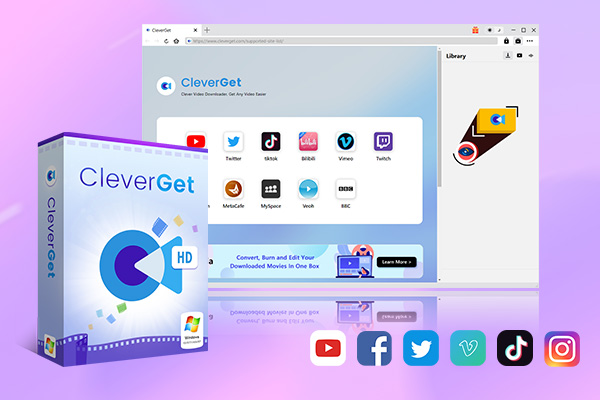
An all-in-one video downloader toolkit that can save online videos including live streams and premium OTT content from over 1,000 sites at up to 8K resolution with an ad filter.
- Batch download movies, TV episodes of certain or all seasons, playlists, etc.
- Support multiple subtitle and audio tracks download selection.
- Record videos in the background at up to 5× speed and 4K resolution.
- Convert videos to MP4, MKV, MP3 or other formats.
1. Platform Support and Download Scope
SameMovie only supports 14 mainstream streaming platforms, resulting in a narrower coverage. CleverGet can directly download videos from over 1000 websites, including YouTube, Facebook, and TikTok, and also supports mainstream streaming services like Netflix and Disney+. Furthermore, CleverGet can record videos from websites that cannot be directly downloaded, including DRM-protected streaming content. Compared to SameMovie, CleverGet covers various platforms such as streaming media, social media platforms, and video sharing websites, truly providing a one-stop solution for all video download needs.
2. Resolution and Image Quality
SameMovie only supports a maximum resolution of 1080p, which is insufficient for ultra-high-definition viewing. CleverGet can download videos up to 8K resolution from common video sharing websites and can download or record 1080p HD videos from streaming platforms. Additionally, its built-in recording module can record DRM-protected videos at 4K resolution without quality loss. For users seeking an ultra-high-definition experience, CleverGet’s advantages are extremely obvious.
3. Download and Recording Functions
Both tools support batch downloading, but SameMovie only performs basic batch downloads without additional acceleration features, resulting in slower download speeds. CleverGet not only supports batch downloads but also features GPU hardware acceleration, significantly improving download and encoding efficiency. CleverGet also supports 5x speed video recording and can automatically identify and skip ads, resulting in clean, unobtrusive videos for a better experience. Furthermore, CleverGet supports one-click download of playlists and can resume interrupted download tasks. These features are not available in SameMovie.
4. Subtitle and Audio Track Processing
SameMovie can retain audio tracks and subtitles in nearly 30 languages, but only supports basic subtitle saving. CleverGet can detect and retain all subtitles and audio tracks in a video. Furthermore, CleverGet offers two subtitle saving methods: subtitles can be packaged into the video file or saved as separate SRT/SUP files. Therefore, CleverGet is more flexible and supports a multi-language interface, adapting to the usage habits of more users.
5. Operation and Additional Functions
Both tools have built-in browsers and are relatively easy to operate, but CleverGet offers richer additional functions. CleverGet supports recording schedules, automatic shutdown, retention of video metadata, and basic processing of downloaded videos, while SameMovie has fewer additional functions, only providing basic download functionality.
Overall, SameMovie is suitable for users with limited platform requirements who only need basic 1080p streaming media downloads, while CleverGet is an all-around video download tool with broad coverage, rich features, and a superior picture quality experience, suitable for users with high demands for video downloads.
FAQs
While using SameMovie, I’ve summarized some frequently asked questions you might encounter. Based on my own experience, I’ve provided answers to hopefully help you:
1. SameMovie requires a streaming account login. Will this lead to account theft?
No. The official SameMovie only obtains login permissions for video downloads. It does not collect or store account information, nor does it disclose it to third parties. As long as you download the software through official channels, your account is safe. I have never encountered any account issues during my use.
2. What format are the videos downloaded by SameMovie, and can they be played on other devices?
Downloaded videos are in MP4/MKV format. These two formats are currently the most common video formats and can be played on most playback devices, including computers, mobile phones, tablets, and TVs.
3. Can SameMovie be used on multiple computers?
No. One SameMovie account only supports authorization on one computer. If you need to use it on multiple computers, you need to purchase a separate license for each computer.
Conclusion
After some time using it, I’ve gained a comprehensive understanding of SameMovie. If your video download needs are limited to the 14 streaming platforms it supports, and you don’t require 4K ultra-high-definition resolution, then SameMovie is a good choice.
However, if your video download needs are broader, including downloading not only streaming content but also videos from social media platforms and video sharing websites, or if you’re looking for 4K or 8K ultra-high-definition and have higher demands for download speed and feature richness, then SameMovie’s limitations become more apparent. In this case, I recommend CleverGet. CleverGet serves as a perfect alternative to SameMovie, covering all your video download needs and performing video download tasks much better.
Share this post









 العربية
 繁體中文
繁體中文 Dansk
Dansk Nederlands
 Suomi
Suomi Français
 Deutsch
 Italiano
 한국어
한국어 Norsk bokmål
 Português
 Русский
 Español
 Svenska