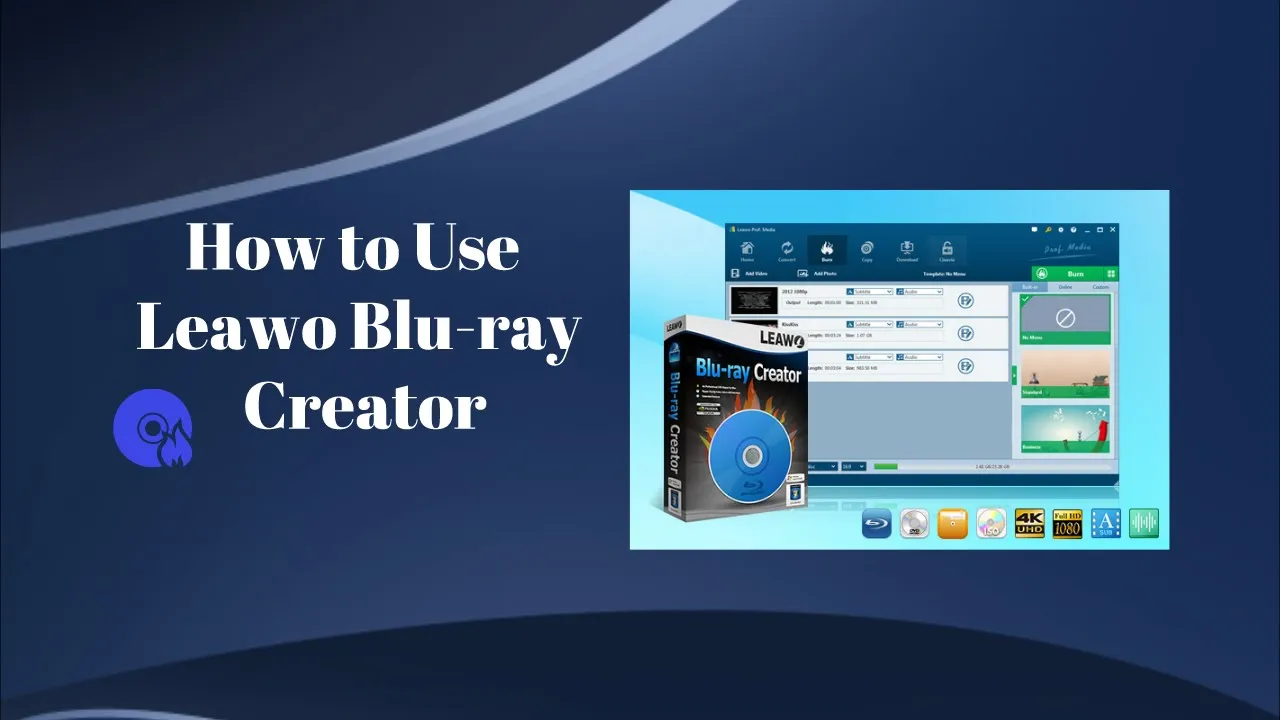


Technical Specifications of Leawo Blu-ray Creator
Easily convert and burn video to Blu-ray/DVD disc, folder and/or ISO image file with DIY disc menu and other wonderful bonuses. Get the detailed tech specification requirements here.

Works on : 

 Windows
  Mac
Mac
System requirements
| Supported OS | Microsoft® Windows 7, Windows 8, Windows 8.1, Windows 10, Windows 11 |
| Processor | 1GHz Intel or AMD CPU |
| RAM | 512MB RAM (1024MB or above recommended) |
| Free Hard Disk | 5GB+ (DVD) / 25GB+ (Blu-ray Disc) hard disk space |
| Others | Recordable Blu-ray drive, Internet Connection |
References
| Input | |
| Video | AVI, MP4, DAT, WEBM, RMVB, RM, MPG, MPEG, VOB, MOV, M4V, QT, FLV, F4V, NSV, NUT, MKV, MTS/M2TS/TS/TP/TRP(AVCHD, H.264, VC-1, MPEG-2 HD), MOD, TOD, DV, WMV, ASF, 3GP, 3G2, DVR-MS |
| Image(watermark) | TIFF,TIF, GIF, PNG, BMP, JPEG, JPG, ICO, EMF, WMF |
| Image(photo slideshow) | png, bmp, jpg, jpeg |
| ISO file | DVD ISO image file, Blu-ray ISO image file |
| Output | |
| Blu-ray Disc | BD-25/BD-50 disc, folder, and ISO image file |
| DVD Disc | DVD-5/DVD-9 disc, folder and ISO image file |
CPU and Storage Occupations
| CPU and Internal Storage Occupations | |
| CPU | 0% In standby, 6.6% in file loading, 77.6% in burning |
| Internal Storage | 118M In standby, 126.7M in file loading, 128.8M in burning |
Summary of Leawo Blu-ray Creator Features
| Burn videos to Blu-ray/DVD discs | √ |
| Burn ISO image file to Blu-ray/DVD discs | √ |
| Convert video to Blu-ray/DVD folder | √ |
| Create photo slideshow videos and burn them to Blu-ray/DVD discs | √ |
| Convert photo slideshow video to Blu-ray/DVD folder | √ |
| Photo slideshow video editor | √ |
| Trim video | √ |
| Crop video | √ |
| Rotate video | √ |
| Adjust video contrast, saturation, brightness and volume | √ |
| Add text and image to video as watermark | √ |
| 2D video to 3D Blu-ray/DVD | √ |
| Edit disc menu | √ |
| Changeable disc menu background | √ |
| Add background music to disc menu | √ |
| Limitation of trial version | Convert only the first 5-minute content |
| UI language | English, German, Japanese, Simplified Chinese, Traditional Chinese, Russian, Spanish, French, Portuguese, Dutch, Italian, and Danish. |
System requirements
| Supported OS | macOS High Sierra (10.13), macOS Majave (10.14), macOS Catalina (10.15), macOS Big Sur (11), macOS Monterey (12), macOS Ventura(13), macOS Sonoma (14), macOS Sequoia (15), macOS Tahoe(26), macOS Golden Gate(27) |
| Processor | 1 GHz or above Intel Processor and Apple M1/M2 chip |
| RAM | At least 512M physical RAM |
| Free Hard Disk | 5GB+ (DVD) / 25GB+ (Blu-ray Disc) Free Hard Disk Space |
| Others | Recordable Blu-ray drive, Internet Connection |
References
| Input | |
| Video | AVI, MP4, DAT, WEBM, RMVB, RM, MPG, MPEG, VOB, MOV, M4V, QT,FLV, F4V, NSV, NUT, MKV, MTS/M2TS/TS/TP/TRP(AVCHD, H.264, VC-1, MPEG-2 HD), MOD, TOD, DV, WMV, ASF, 3GP, 3G2, DVR-MS |
| Image(watermark) | TIFF,TIF, GIF, PNG, BMP, JPEG, JPG, ICO, EMF, WMF |
| Image(photo slideshow) | png, bmp, jpg, jpeg |
| ISO file | DVD ISO image file, Blu-ray ISO image file |
| Output | |
| Blu-ray | BD-25/BD-50 disc, folder, and ISO image file |
| DVD | DVD-5/DVD-9 disc, folder and ISO image file |
CPU and Storage Occupations
| CPU and Internal Storage Occupations | |
| CPU | 0% In standby, 6.6% in file loading, 77.6% in burning |
| Internal storage | 118M In standby, 126.7M in file loading, 128.8M in burning |
Summary of Leawo Blu-ray Creator for Mac Features
| Burn videos to Blu-ray/DVD disc | √ |
| Burn ISO image file to Blu-ray/DVD disc | √ |
| Create photo slideshow videos and burn them to Blu-ray/DVD disc | √ |
| Convert video to Blu-ray/DVD ISO image file | √ |
| Create photo Blu-ray/DVD ISO image file | √ |
| Convert video to Blu-ray/DVD folder | √ |
| Create photo Blu-ray/DVD folder | √ |
| Photo slideshow and video editor | √ |
| Trim video | √ |
| Crop video | √ |
| Rotate video | √ |
| Adjust video contrast, saturation, brightness and volume | √ |
| Add text and image to video as watermark | √ |
| 2D video to 3D Blu-ray/DVD | √ |
| Edit disc menu | √ |
| Changeable disc menu background | √ |
| Add background music to disc menu | √ |
| Limitation of trial version | Convert only the first 5-minute content |
| UI language | English, German, Japanese, Simplified Chinese, Traditional Chinese, Russian, Spanish, French, Portuguese, Dutch, Italian, and Danish. |


