

6 Best Tools to Download YouTube Playlist Fast

What This Guide Covers:
- Downloading an entire YouTube playlist can save time and energy, but recent platform changes have caused many online tools to fail. In this guide, I share my own experience with the 6 best tools to download YouTube playlists fast, including their pros, cons, and how to choose the right YouTube playlist downloader for your needs.
If you’ve tried to download YouTube playlist content online recently, you may have noticed that many online YouTube playlist downloaders suddenly stopped working. Over the past few years, YouTube has made several backend updates to its streaming system and API structure. These updates have broken compatibility with many older web-based tools, causing frequent YouTube playlist download failures.
As a person who regularly archives tutorials, music playlists, and educational videos, I quickly realized that not all downloaders can handle YouTube playlist downloads reliably anymore. To help you avoid YouTube playlist download failures, I tested several popular tools that still work well. Below are the six tools that performed best in my testing.
Quick AccessCLOSE
6 Best YouTube Playlist Downloaders
You can find dozens of online and desktop YouTube video downloaders out there, but only a few can reliably download YouTube playlists without errors. The following tools stand out for their stability, speed, and features.
1. CleverGet YouTube Downloader Ultimate
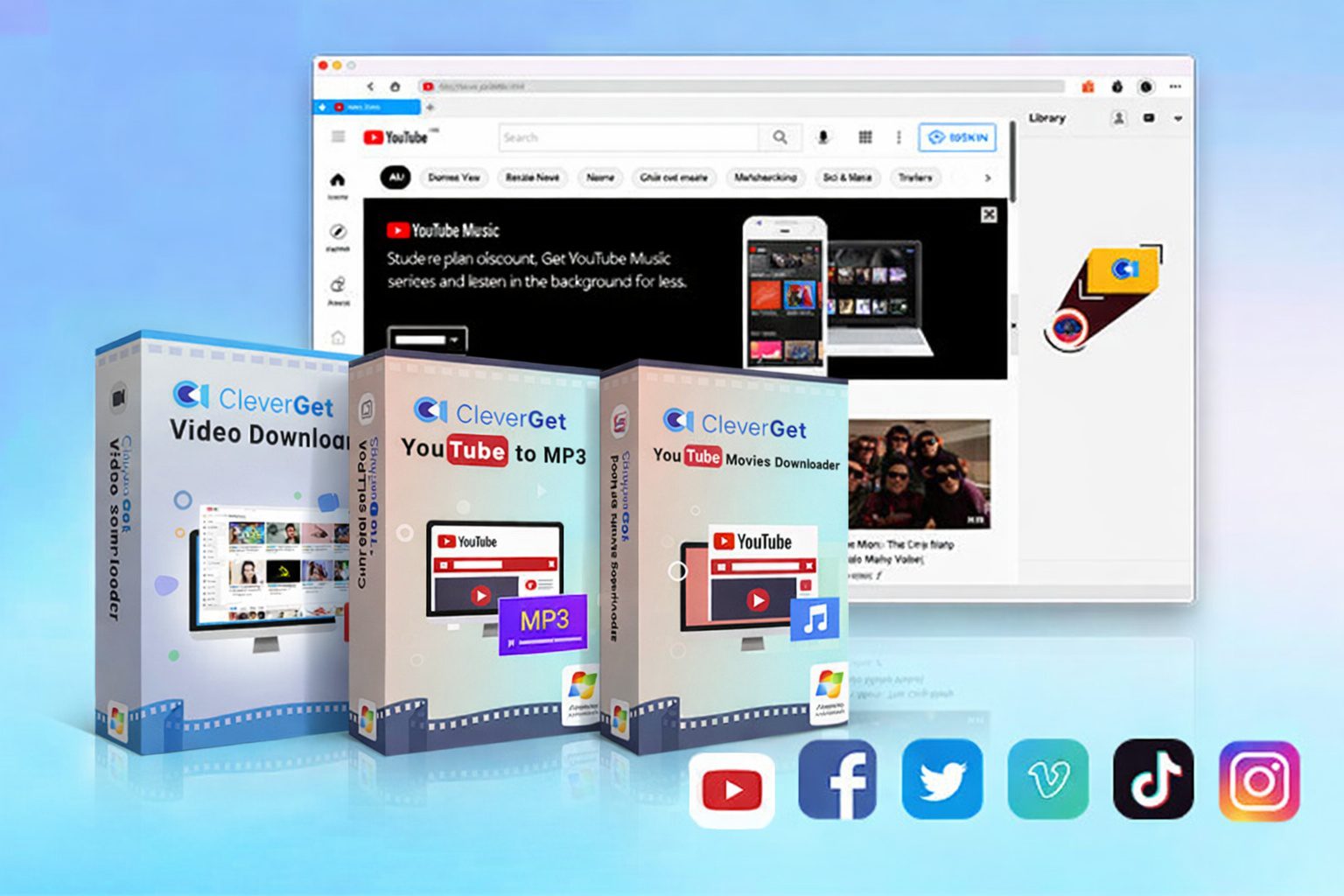
In my experience, CleverGet YouTube Downloader Ultimate is one of the most powerful desktop tools for downloading YouTube videos. It comprises CleverGet Video Downloader, CleverGet YouTube to MP3 Converter, and CleverGet YouTube Movies Downloader. It can detect entire playlists automatically and download all videos in batch, about both regular YouTube playlist and that in the YouTube Movies & TV channel and members-only channels. What impressed me most is its ability to download videos in high resolution – up to 8K, while preserving audio quality and subtitles.
| Pros | Cons |
|
|
Because of its stability and high-quality downloads, I personally consider it one of the most reliable options for YouTube playlist downloader tasks.

-
CleverGet YouTube Downloader Ultimate
- Download videos, playlists, movies, TV shows, members-only videos, etc. from YouTube.
- Download up to 8K YouTube video and 320 kbps audio without quality loss.
- Convert YouTube video to MP3/MP4/MKV formats.
- Remove ads for ad-free offline viewing.
- Support downloading videos from 1000+ online websites.
2. 4K Video Downloader
Now known as 4K Video Downloader Plus, it is a popular and cross-platform desktop software program to help download high quality videos (up to 8K), playlists, channels and subtitles from YouTube, Vimeo, TikTok, etc. It could save YouTube playlist and videos as MP4/MKV/MP3 files. It is famous for its simple interface and stable performance.
| Pros | Cons |
|
|
3. YTD Video Downloader
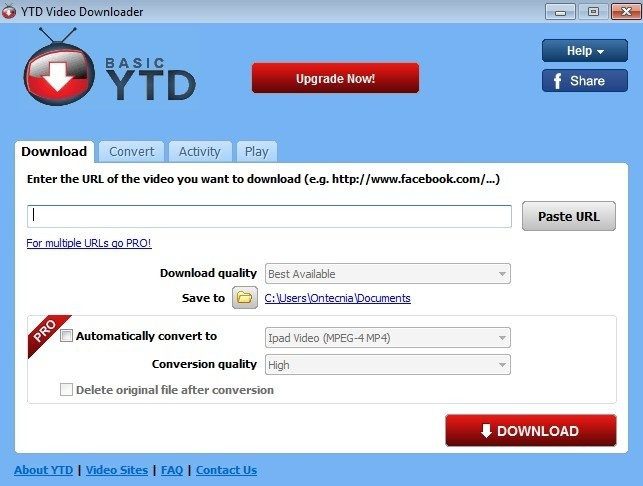
YTD Video Downloader is another desktop software application for Windows and Mac users to download, convert and play videos from YouTube, Facebook, Vimeo, etc. It could batch download YouTube videos and convert videos to MP4/MP3/WMV/MOV files for unlimited offline viewing. For YouTube playlist download, it is particularly useful for downloading and converting YouTube playlist to MP3 files at high quality.
| Pros | Cons |
|
|
4. Free YouTube Download
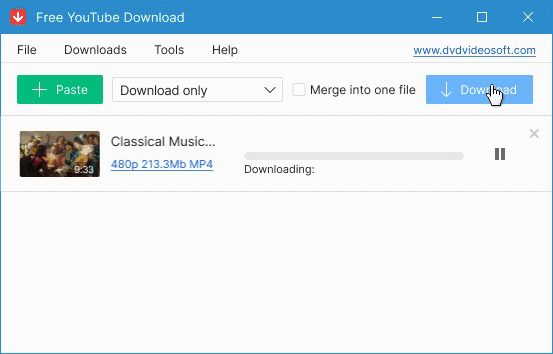
Free YouTube Download by DVDVideoSoft is a popular, user-friendly desktop application for Windows and Mac users to download and convert YouTube videos, playlists, and channels at high quality (up to 8K). It saves individual videos, playlists and even channels in MP4, AVI, or MP3 formats, and supports subtitle downloading and batch downloading.
| Pros | Cons |
|
|
5. SnapDownloader
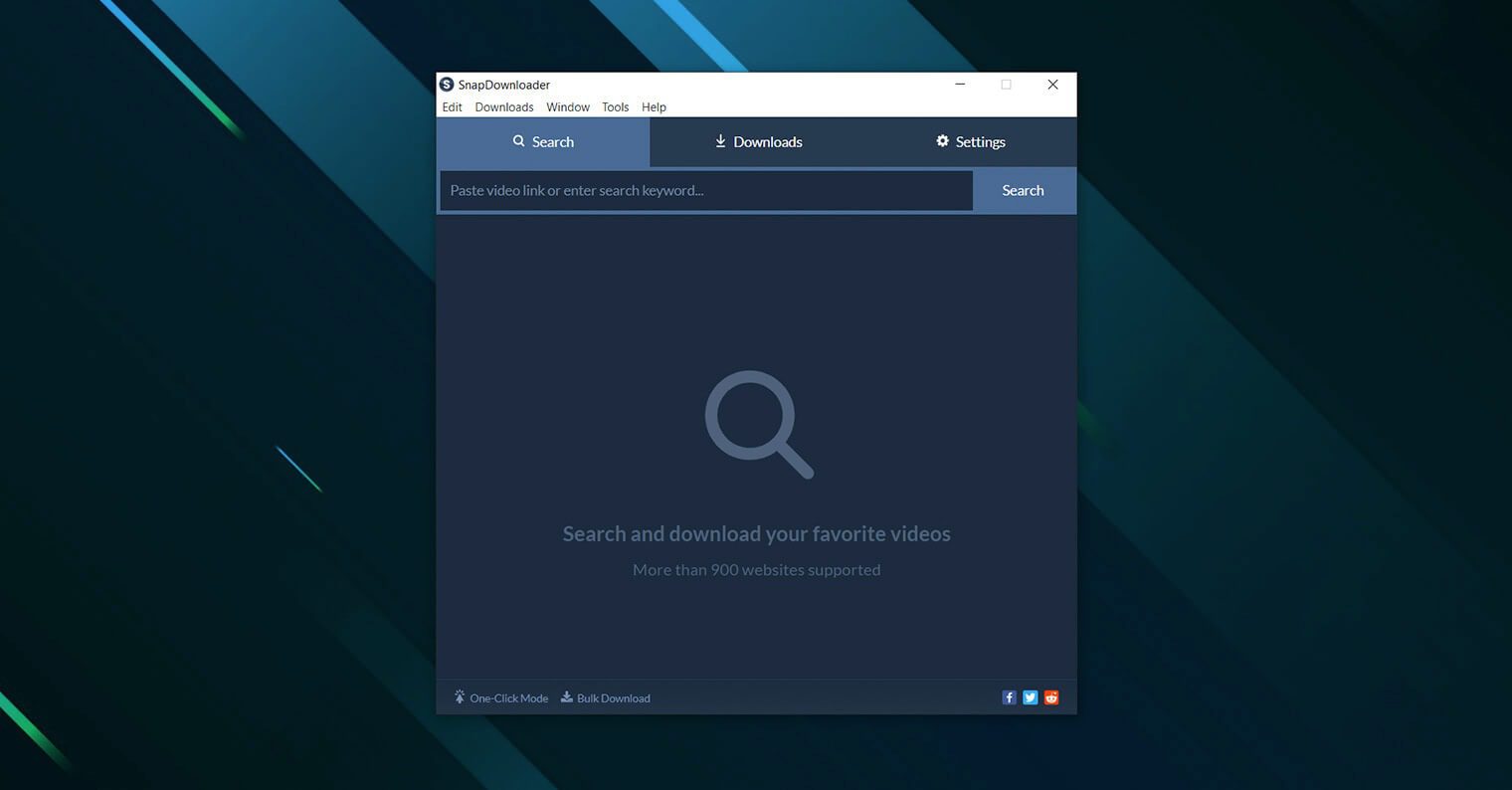
Similar to CleverGet, SnapDownloader is another desktop video downloader program that can batch download videos from YouTube and hundreds of other sites to save as MP4/MP3/AVI/AAC files. It could download up to 8K videos, including private videos or contents that require login. During my testing, it performed well with long playlists and large video files.
| Pros | Cons |
|
|
6. YTMP3 Playlist Downloader
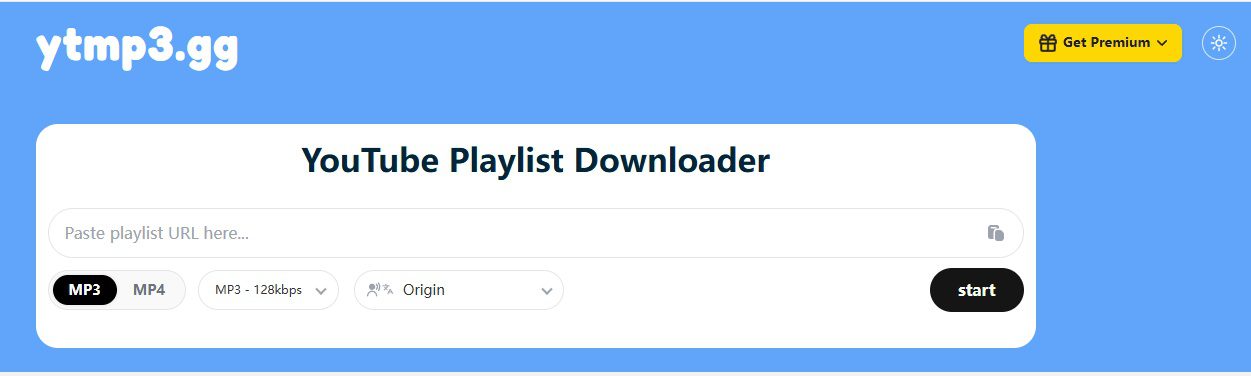
Different from the above desktop YouTube downloader programs, YTMP3 Playlist Downloader is an online YouTube downloader that could download both single videos and full YouTube playlists. By simply inputting the YouTube playlist URL, you can then freely select to download YouTube playlist to MP4 video or convert YouTube playlist to MP3 audio files.
| Pros | Cons |
|
|
Tools Comparison Table: How to Choose the Best YouTube Playlist Downloader
After testing, I have made a comparison table of these 6 YouTube playlist downloader tools as below. You could get more specific feature comparisons.
| Features | CleverGet | 4K Video Downloader | YTD Video Downloader | Free YouTube Download | SnapDownloader | YTMP3 Playlist Downloader |
| Software type | Desktop app | Desktop app | Desktop app | Desktop app | Desktop app | Online web tool |
| Batch download YouTube playlist | Yes | Yes | Yes (Premium feature) | Yes | Yes | Yes |
| Download video quality | Up to 8K | Up to 8K | Up to 8K(Premium) | Up to 4K | Up to 8K | Up to 8K |
| Supported formats | MP4, MKV, MP3 | MP4, MKV, MP3, M4A | MP4, MKV, AVI, MP3, MOV | MKV, MP4, MP3 | MP4, MKV, MP3, AAC | MP3, MP4 |
| Subtitle download | Yes (SRT/SUP) | Yes | Limited | No | Yes | No |
| Download YouTube channels | Yes | Limited | Limited | Limited | Limited | Limited |
| Download members-only video | Yes | No | No | No | No | No |
| Download Movies & TV channel | Yes | No | No | No | No | No |
| Free version | Fee trial | Yes (Feature limits) | Yes | Yes | Free trial | Yes |
| Supported OS | Windows/Mac | Windows/Mac/Linux | Windows/Mac | Windows | Windows/Mac | Web browser |
CleverGet is best for high-quality batch YouTube playlist downloads, and it even handles members-only video and YouTube Movies & TV channel download. Other tools here lack the support of downloading protected videos. SnapDownloader is also an ideal 8K video downloader, while 4K Video Downloader is suitable for simple YouTube playlist downloads on more platforms. Free YouTube Download is simple and beginner-friendly with straightforward YouTube playlist downloads. YTMP3 is ideal for those who prefer not program installation, but it is not stable.
FAQs
1. Can I download an entire YouTube playlist at once?
Yes. Most dedicated YouTube playlist downloader tools, like CleverGet, allow you to paste a playlist URL and automatically download every video in that list.
2. Can I convert YouTube playlists into MP3 files?
Yes. Many tools include YouTube to MP3 playlist downloader features that extract audio from every video in the playlist to save in MP3 format.
3. Why do many online playlist downloaders fail?
YouTube regularly updates its streaming infrastructure. These updates often break older tools that rely on outdated methods for accessing playlist data. Meanwhile, other issues might also result in download failure such as their server error, file size limitation, etc.
4. Is it legal to download YouTube playlists?
Downloading videos for personal offline viewing is common, but redistributing or sharing downloaded content may violate copyright rules depending on your region.
5. Can I download members-only videos from YouTube in batch?
Yes, you can, as long as you get the right tool and are able to play back them normally, since not all YouTube downloaders support downloading members-only videos.
Conclusion
Downloading YouTube videos one by one is quite easy and many YouTube downloader tools could do this, including online web tools. However, for downloading YouTube playlist at once, not all YouTube downloaders work. From my testing of the 6 YouTube downloader tools mentioned above, I found that tools like CleverGet, 4K Video Downloader, and SnapDownloader offer the best balance of reliability, speed, and quality. However, the best solution always varies upon users, since different people have different needs. It mainly depends on whether you want high-resolution video downloads, audio extraction, or simple playlist archiving. By choosing the right tool, you can easily complete any YouTube playlist download task and enjoy your favorite videos offline anytime.
Share this post







 العربية
 繁體中文
繁體中文 Dansk
Dansk Nederlands
 Suomi
Suomi Français
 Deutsch
 Italiano
 한국어
한국어 Norsk bokmål
 Português
 Русский
 Español
 Svenska