The newest model of play station, PS3, has pushed the video game entertaining to a new height. Video capability is enhanced and it is able to play Blu-ray high-definition movies. However, video playing on PS3 is highly restricted to several formats. That means, if you download FLV videos from YouTube, you can not simply have PS3 played them unless you convert the FLV videos to PS3 compatible ones. It seems as if it needs a lot of knowledge lookup to make the conversion work. However, modern video converters have been responsible for most of the work and made the conversion rather simple for the users. As one of the successful Mac FLV to PS3 video converters, Leawo Video Converter for Mac—the powerful Mac FLV Converter can help Mac users convert FLV to PS3 for Mac in the blink of an eye.
The trick to fast converting FLV to PS3 is mostly attributed to the profiles that prepare all the settings needed in the conversion. The profiles imply that some tests have been carried out on a combination of settings which are meant to produce high-quality output. The users are recommended to use the profile so as to simply meet their goals and avoid unexpected problems. Here you can take a look at the profiles of Leawo Mac FLV Converter. Then with a few steps the conversion is done without suspense. There is a guide to show you to convert FLV to PS3 on Mac. Just focus on it you will learn how to convert FLV to PS3 videos with Mac FLV converter successfully.
Full Guide
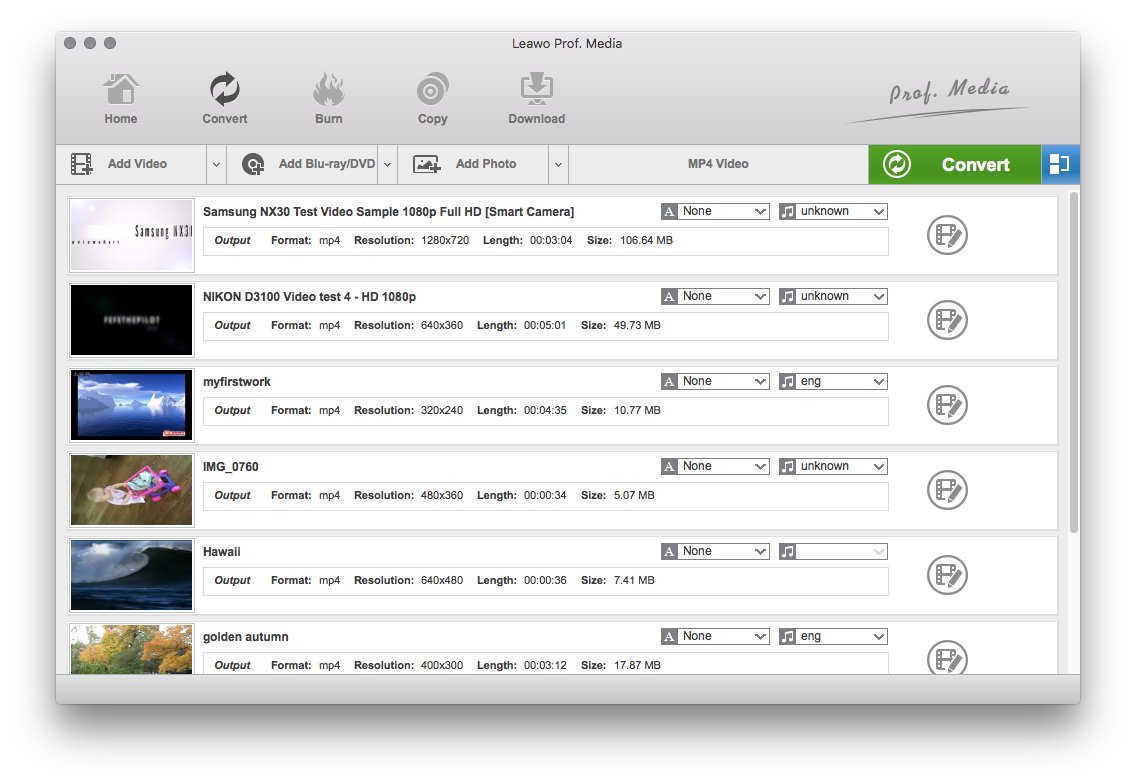
Add video files to the program
You can either click on the Add button to import videos or directly drag the video files to the software. The loaded videos will be presented on the processing list. You can double click on the video to have a preview of the video.
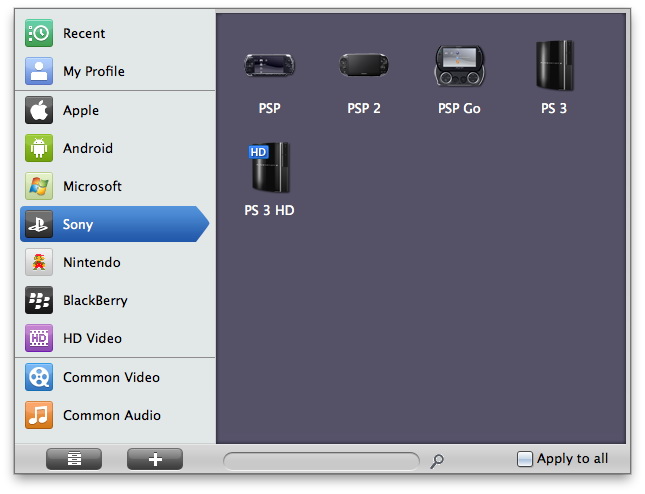
Select the output file format
In the "Profile" menu, just choose PS3 compatible format as output.
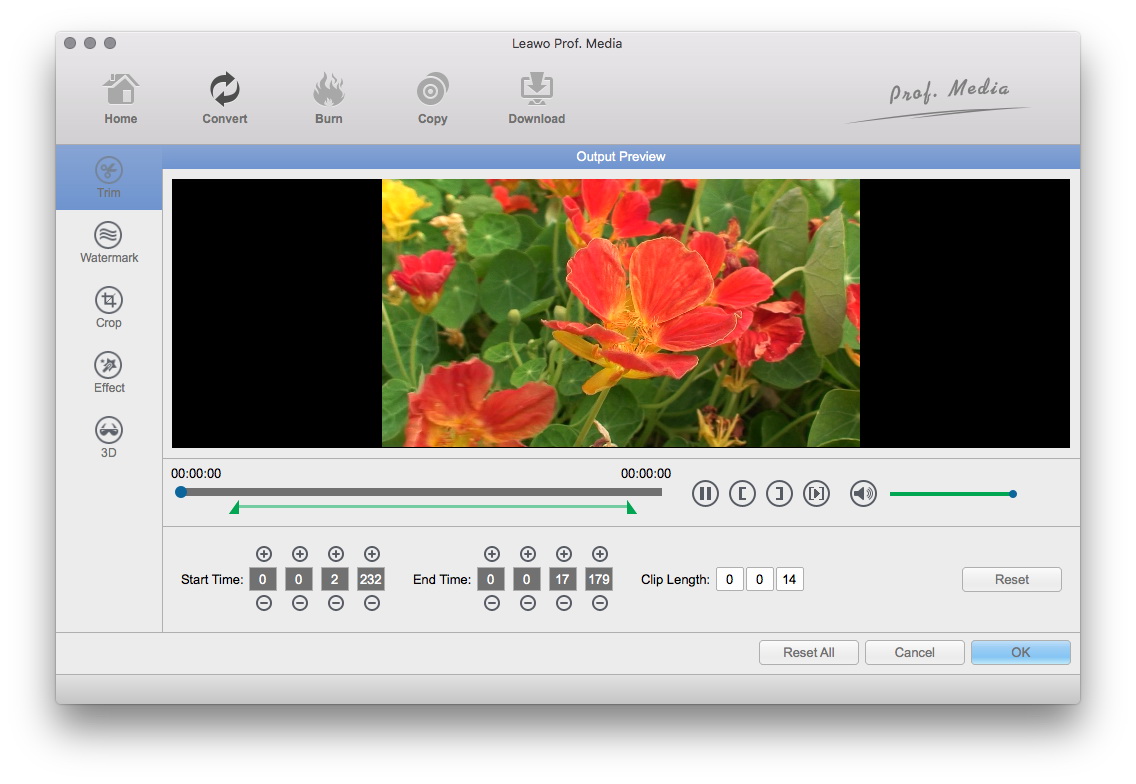
Apply video editing features to the output
You can give some features to the output video through Trim, Crop, Rotation, Effect and Watermark.
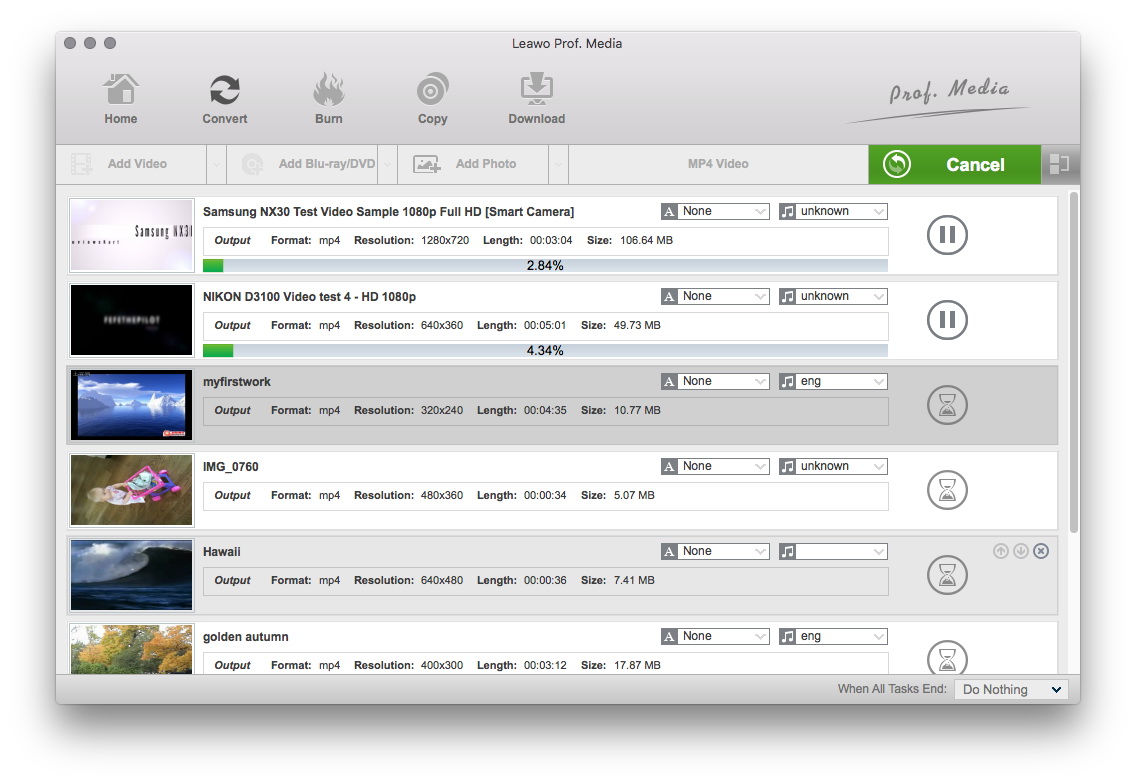
Begin the conversion
After all settings have been done, start to convert FLV to PS3 videos by clicking on the Convert button.
Extended Knowledge
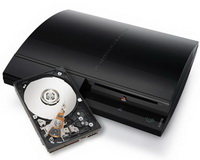
The PlayStation 3 (officially abbreviated as PS3.) is the third home video game console produced by Sony Computer Entertainment and the successor to the PlayStation 2 as part of the PlayStation series. The PlayStation 3 competes with Microsoft's Xbox 360 and Nintendo's Wii as part of the seventh generation of video game consoles.
