What happens if the video you want to put to your iPod turns out to be FLV video? Although FLV video has solid popularity online, iPod does not share the enthusiasm at least for the time being. So you have to convert FLV to video formats that are compatible with iPod player. To convert FLV to iPod videos on Mac platform, there are numerous options. Take Leawo Video Converter for Mac, the best Mac FLV Converter for an example. It is an outstanding FLV to iPod Converter for Mac users with high-quality output and extra video editing features. FLV to iPod conversion is one of its strength. Besides, this Mac FLV to iPod Converter can even do more than you think.
Follow the guide below to convert FLV to iPod on Mac with Mac Video Converter. Download and install Leawo Mac Video Converter.
Full Guide
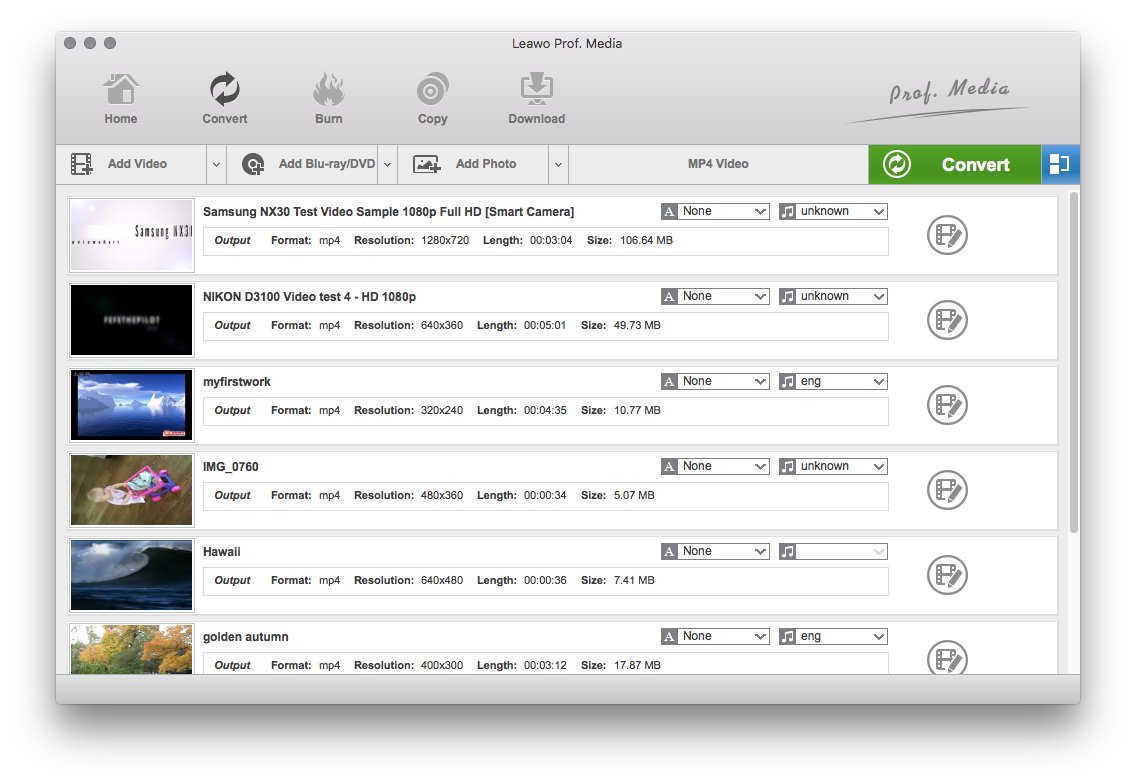
Add your FLV files to the process list
Click "Add" button to load FLV files you want.

Select the output video format
Click on the file format of the original video on the video processing list, and then it will switch to the following output file format choosing panel. Select a target format for the output according to your requirement. Or you can take advantage of the "Profile Search Function" and get access to the target format quickly.
Arguments are everywhere on the internet, and people usually base their opinions on variable evidences. Why not leave that to the experts who design the video converter program? Such expert advices have been turned into accurate profiles like those in Leawo Mac FLV Converter's output format list.
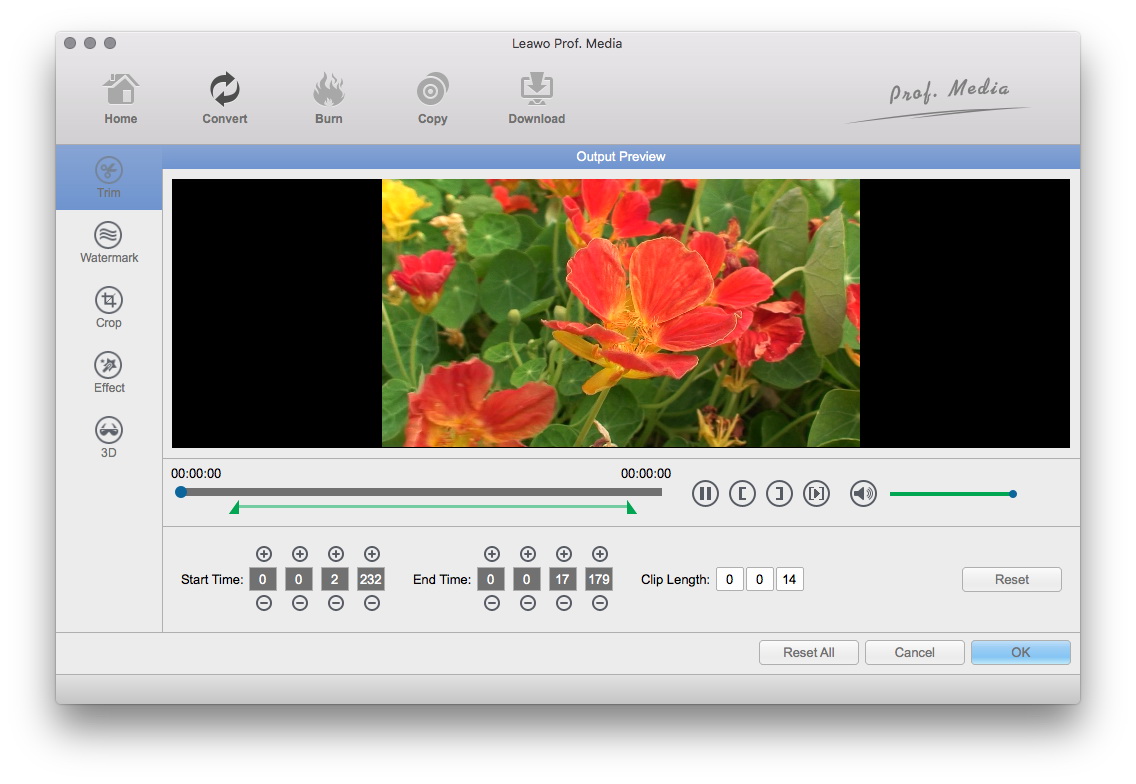
Edit video with customized features
You are permitted to add video features through Trim, Crop, Rotation, Effect and Watermark.
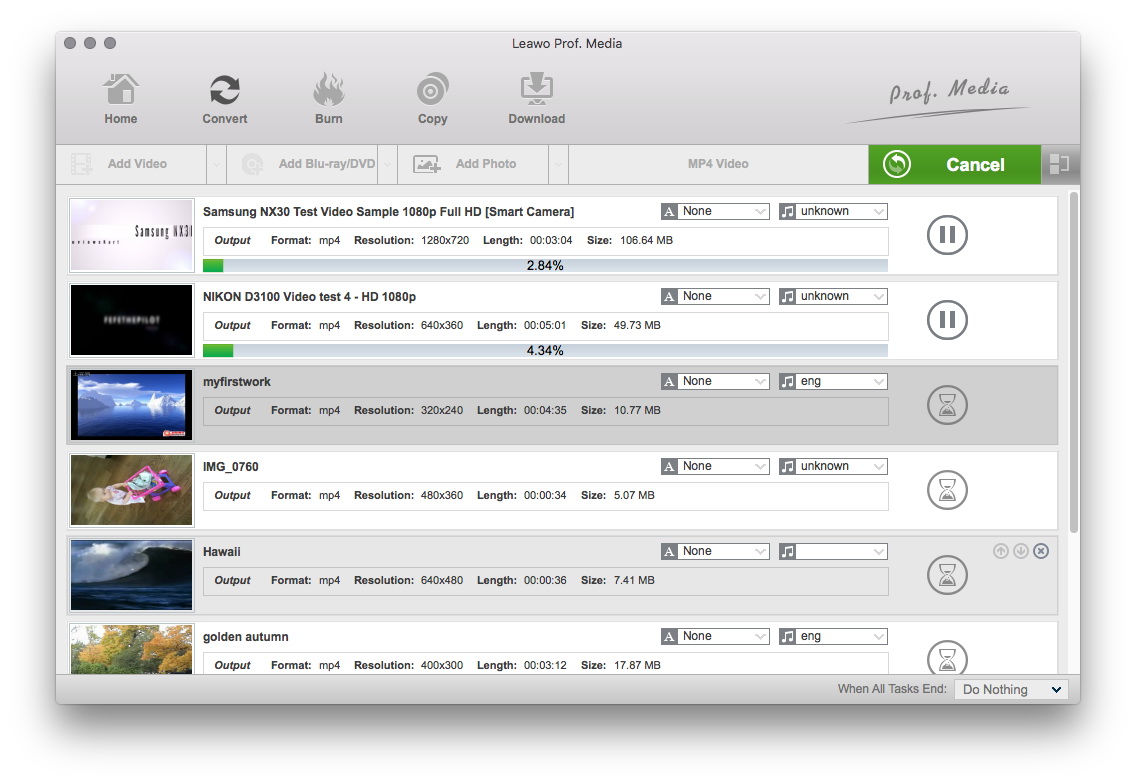
Begin the conversion
With this Mac FLV to iPod Converter, you can also crop, trim and add watermark to the FLV for converting. When the modification is being done, the result is shown on the preview window in a snap. For more information, see the website of Leawo Mac Video Converter.
Extended Knowledge

iPod is a portable device for storing and playing audio files encoded by MP3 or AAC compression algorithms. Designed by Apple Computer, iPods have distinctive styling and can hold anywhere from a few hundred to ten thousand songs. Popular iPod features include a calendar, address book, to-do list, alarm clock with sleep timer, games and text reader. Currently, iPod support MP4 video file in many different resolutions and sizes.
