Leawo Mac FLV Converter
Convert FLV to video and audio on Mac OS. More... or Get Win Version
Download Intel Version
Download PowerPC Version
How to Convert FLV to DVD Videos for Mac?
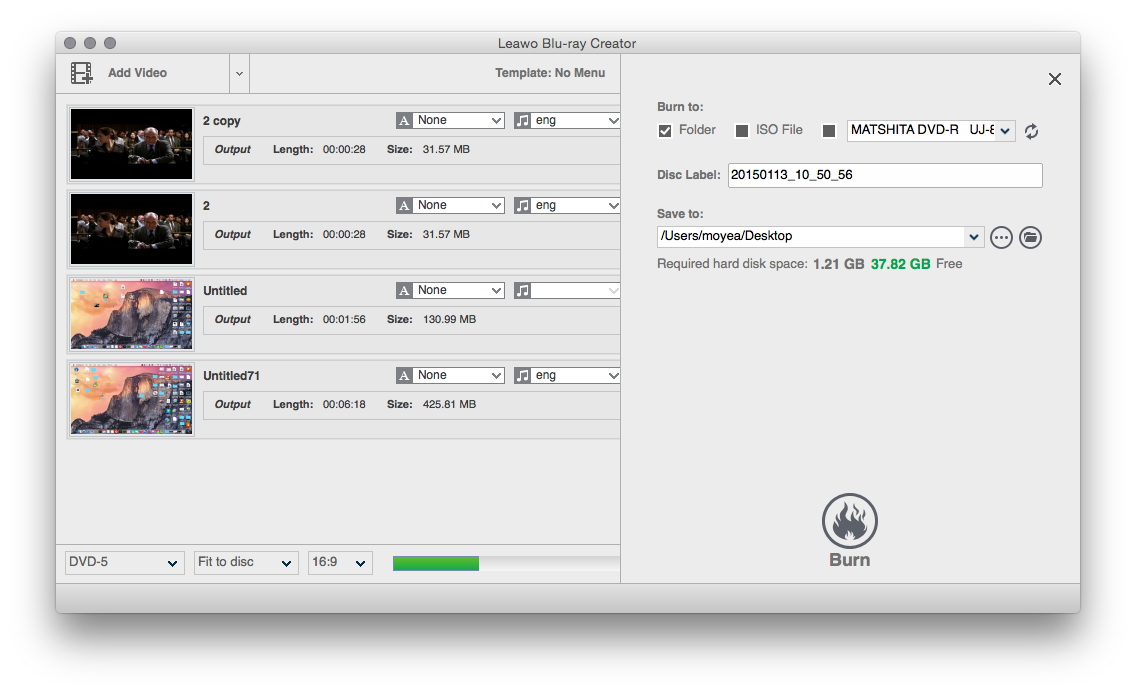
If you want to backup your favorite FLV videos, DVD should be on top of your choices, which provides large accommodation as well as long lifespan of safe storage. As we know, the most intuitive video file format on a DVD is VOB, so it is the target file format to convert FLV to VOB. How to convert FLV to DVD for Mac anyway? Feel a little confused? Just leave it to the video converter. If you are using Mac OS, a smart Mac FLV to DVD converter like Leawo Mac FLV converter would be much of your help. Additional editing capability of this video converter enables you to customize the backup at will.

Key Features of the FLV to DVD converter - Leawo Mac FLV Converter
**Support a wide range of video&audio formats
Input videos:
FLV format videos like YouTube video, Google video, Yahoo video, DailyMotion video, Myspace video, Hulu video, etc.
Output video&audio formats by the extension:
Video - AVI, DV, DAT, VOB, FLV, MOV, MP4, MPG, RMVB, WMV, ASF, TS, 3GP, 3G2
Audio - AAC, AC3, AIFF, AMR, M4A, MP2, MP3, OGG, RA, AU, WAV, WMA, FLAC
Output Portable devices by the profile: iPod, iPhone, PSP, Zune, Apple TV, 3GP/3G2 Cell Phones, Pocket PC, MP4 Player, MP3 Player, and so on. (More than 100 specific profiles in total)
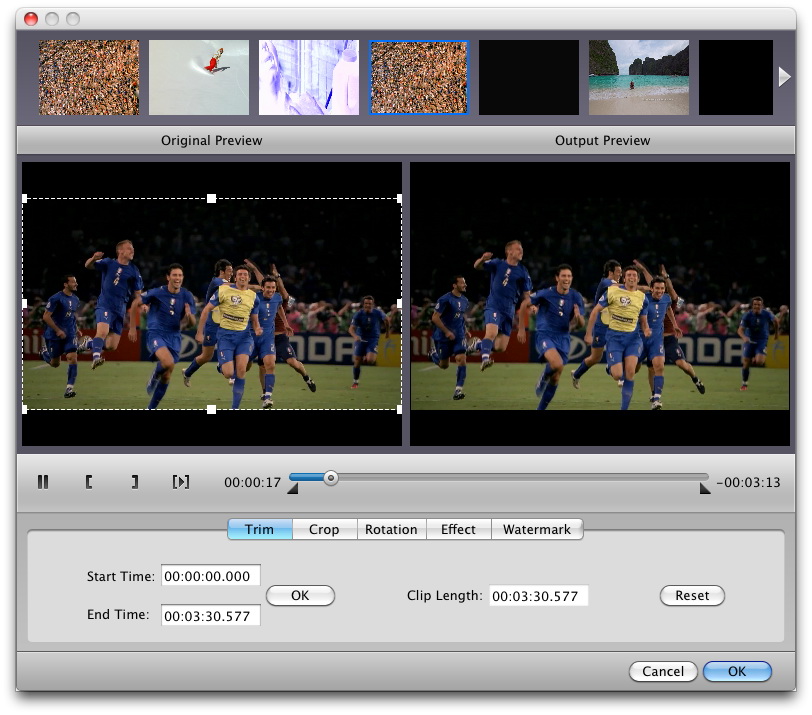
**Extra editing functions as Crop, Trim, Effect and Watermark
Brightness, contrast and saturation handles are available in Effect function.
**Live preview assists the accuracy of editing
**High trim precision of millisecond in this FLV to DVD converter for Mac
**Batch and Merge functions are supported by this Mac FLV converter
Able to rearrange the order of input files as that of the merge.
Allow different settings for the same video in one batch
**Allow up to 4 threads processing to squeeze the computer performance for time-efficiency
** The Mac FLV to DVD converter has the ability to capture thumbnails
**Audio can be ripped from video with this Mac FLV converter
** Also can Drag&Drop files in this Mac FLV converter
Guide: FLV to DVD on Mac. How to convert FLV to DVD with Mac FLV converter?
- Download and install Leawo Mac FLV Converter.
- Add your FLV files to the process list.
- Select the output profiles and give it an extra editing if you wish to.
- Begin the conversion.
Tips: Convert FLV to DVD.
Step One, convert them to VOB files first. Pay attention to the settings guide below in order to generate playable VOB files.
(Image of the settings dialog box)
- Video standard NTSC vs PAL/SECAM. This setting determines whether the output DVD video is compatible with your DVD player. The video standard is relative to the region of where you live. The distribution map below will help you through.

- The most influential settings are the quality controls of the video and the audio. They are each graded into three levels, and take your pick at will.
- Knowledge of other ignorable settings:
**Video Codec is fixed to MPEG-2 only. This is because MPEG-2 is the standard video format on DVD which is contained in DVD file format.
**Bit Rate and Frame Rate are both set to auto for safe play. The higher the better, but with a larger output size.
**Aspect Ratio can be changed between 4:3 and 16:9 for normal screen and wide screen.
**Interlaced scan should be off when you are not going to output to an older DVD player.
**Besides quality control, other audio settings won't make much difference. Change it only when necessary.

Step Two, rename the VOB files and use tools like myDVDEdit or infoEdit to build an .ifo and a .bup file, the two of which are indispensable for the DVD player to correctly read the VOB file.
**Place the VOB files in a folder named VIDEO_TS in compliance with the naming order as is below, exactly as is shown in the picture.
VTS_01_0.VOB
VTS_01_1.VOB
VTS_01_2.VOB
VTS_01_3.VOB
…

**Then open myDVDEdit and generate the .ifo and the .bup file. (Details of the steps can be found on its official website.)
Step Three, input the VOB files along with the .ifo and the .bup file in Nero and start the DVD burning.
Leawo Mac FLV Converter is capable of converting FLV to quality DVD video, that is, VOB video file. In fact, with more than 100 profiles, Leawo Mac FLV Converter determines to serve as a handy tool for everyday multitasks. For more information, see the website of Leawo Mac FLV Converter.Guide & Tips Catalogue
- Hot Tips for Windows
- Convert AVI to DVD
- Convert MP4 to AVI
- Put WMV video to iPod
- Convert DVD to AVI
- Convert DVD to MP4
- Sync DVD to my iPod
- How to insert DVD into PowerPoint?
- Convert YouTube video to MP3
- Convert FLV to 3GP for cell phones
- Convert FLV to AVI
- Download YouTube videos
- Download YouTube video to iPod
- Convert PowerPoint to AVI
- Promote your business using PowerPoint
- Put PowerPoint to YouTube
- Publish PowerPoint on web
- Do mobile PowerPoint presentation
- More Tips
- Hot Tips for Mac
- Convert video to AVI for Mac OS users?
- Convert video to MPEG for DVD player on Mac OS?
- Convert video to 3GP and 3G2 for cell phones on Mac OS?
- More Tips