If you synchronously have a 3GP cell phone and a Mac OS computer, you may feel a little bit frustrated and inconvenient when enjoying videos, as on the one hand, many video formats are not supported by the 3GP cell phones; and on the other hand, there are little programs that are compatible with Mac OS, even you want to purchase a program to convert the videos for your 3GP cell phones, let alone the free ones.
However, Leawo Video Converter for Mac can help you to eliminate such inconvenience with powerful function of Mac 3GP Converter. This free Mac 3GP converter can convert videos in all formats to 3GP and 3G2 video format for video enjoyment on cell phones.
The following is the guide to show you how to convert video to 3GP or 3G2 for cell phone on Mac OS step by step. First please download Leawo Video Converter for Mac in the following.
Full Guide
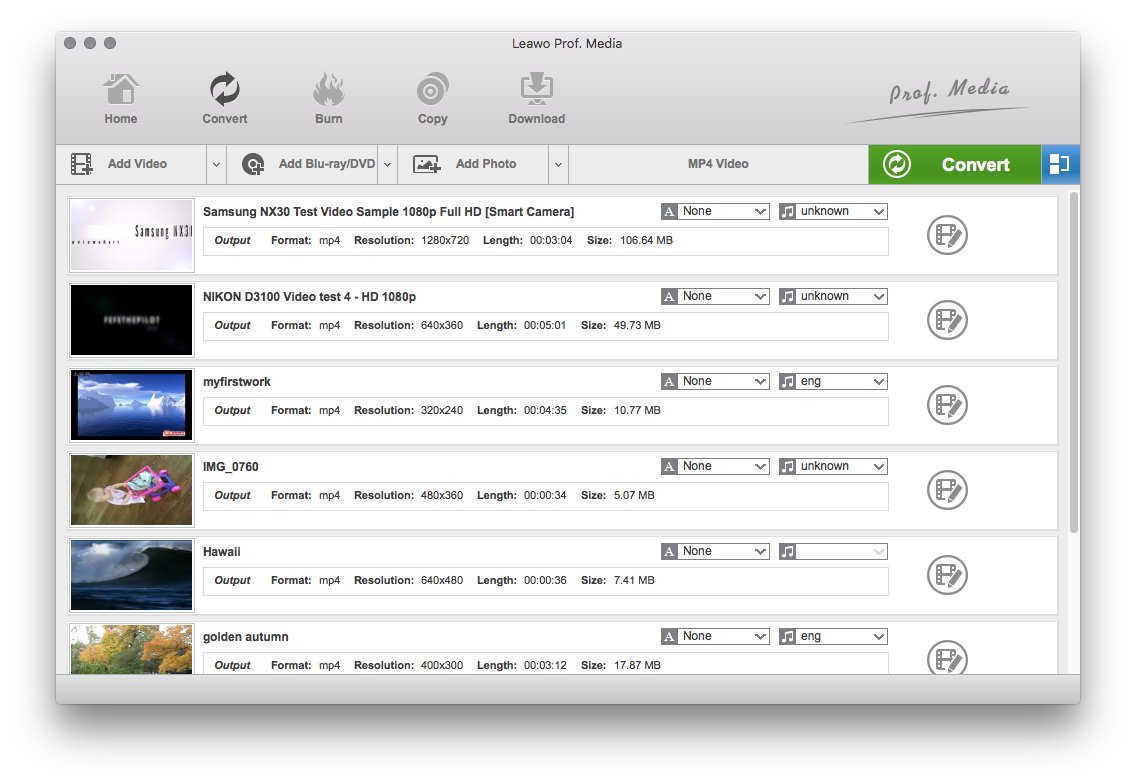
Run program and add files
After downloaded and run the program, you can click “Add Files” to import the video files to the program, and then you will see the following interface.
Properties: you can get the detail properties of the original video file by clicking “Properties” icon or double-clicking the video file in the file list.
Rename: the program would use the original file name for the converted file by default. If you want to change it to another name, there are 2 ways available: double-click the destination file in the list or click “Rename” icon.
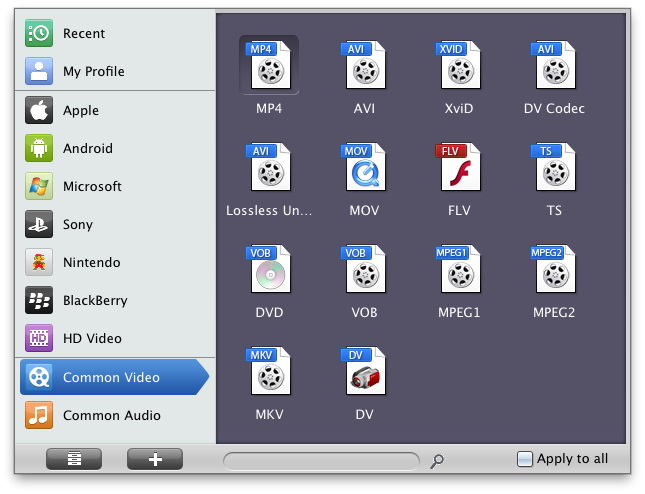
Choose format for output
Profile: Check a video file, and then select “3GP Video (*.3gp or *.3g2) as the output style by clicking the drop-down button next to the Profile.
If you have a BlackBerry and want to play the converted video to it, you should select the “BlackBerry Video (*.3gp; *.3g2; *.mp4; *.avi; *.wmv) as the output style.
Apply to all: If you want to convert all the files in the list to the same format destination 3gp file, you just click “Apply to all” after completed one file settings.
Output: select an output folder to save the converted file.
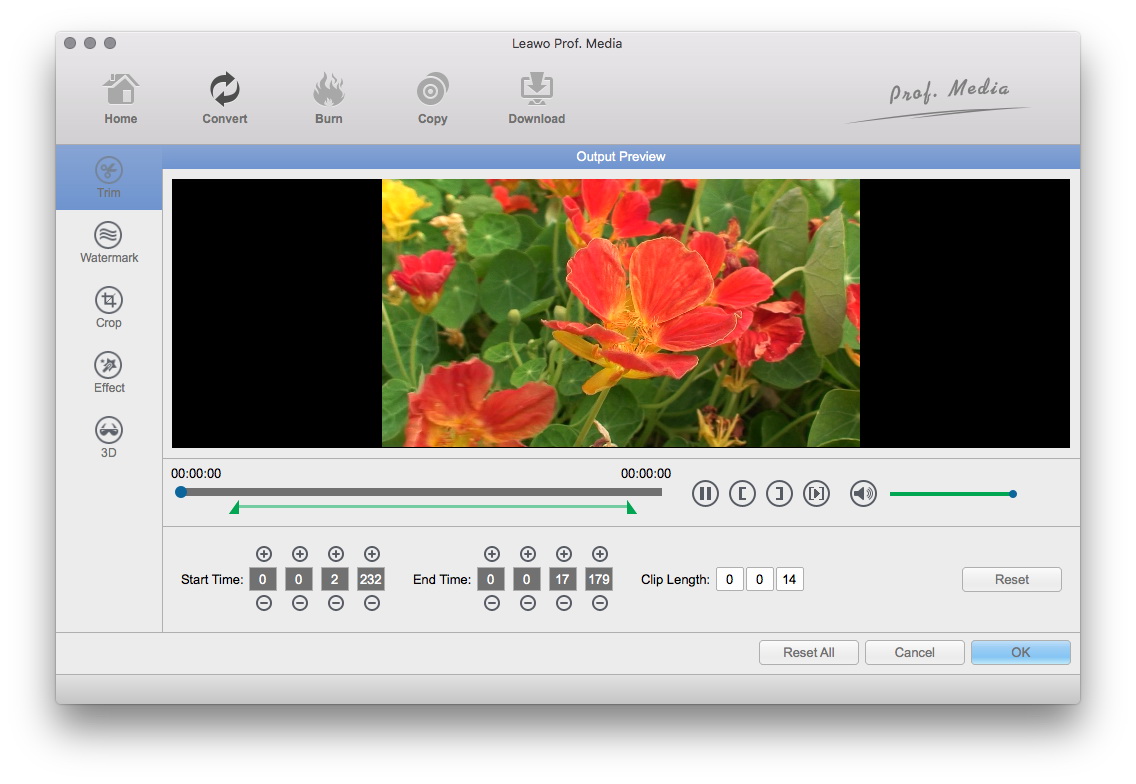
Start conversion
Click big “Convert” button to start the conversion. This program has fast conversion speed. After the conversion completed, you can transfer the 3gp file to your mobile phone for enjoyment. Everything is easy.
Extended Knowledge
3GP is the mpeg4 based video format used in mobile terminals, like cell phones.3GP is a multimedia container format defined by the Third Generation Partnership Project (3GPP) for use on 3G mobile phones but can also be played on some 2G and 4G phones.
3G2 (3GPP2 file format) is a multimedia container format defined by the 3GPP2 for 3G CDMA2000 multimedia services. It is very similar to the 3GP file format, but has some extensions and limitations in comparison to 3GP. 3G2 stores audio streams as EVRC, EVRC-B, EVRC-WB, 13K (QCELP), SMV or VMR-WB, which was specified by 3GPP2 for use in ISO base media file format.
