Leawo DVD Ripper is the best and simplest DVD to iPod Converter that let you convert DVD to iPod, Classic, Nano, Shuffle or Touch. This DVD to iPod Converter has the best audio/video quality with very easy-to-use interface, instructing the conversion from the beginning to the end. With this DVD to iPod converter, you can not only convert DVD to iPod for both video and MP3 music, but also edit video and audio files. This useful DVD to iPod converter can rip DVD to iPod, iPhone, and Apple TV formats. What's more, with this DVD to iPod converter, you can convert 2D DVD to 3D video to watch 2D DVD in 3D effect on your 3D players freely. If you are using Mac computer, then Leawo Mac DVD Ripper would be your best Mac DVD to iPod converter for you to rip DVD to iPod on Mac and watch DVD on iPod or listen DVD audio on iPod freely.
Full Guide
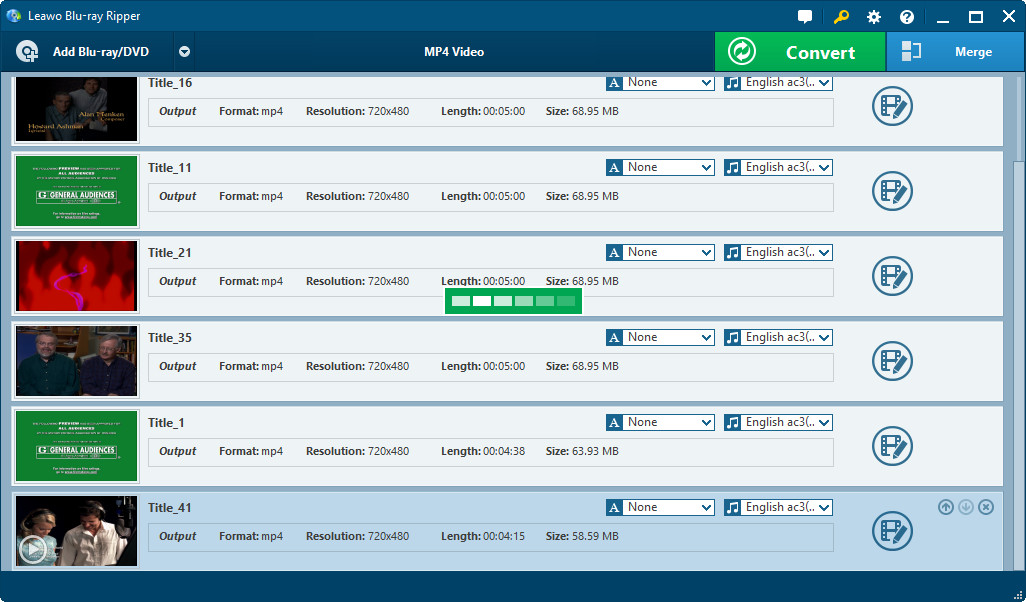
Import DVD to iPod converter
Run this DVD to iPod converter and import source DVD files to this iPod converter for processing by clicking Load DVD button. You can select DVD Subtitle, Audio and Angle after loading DVD files.
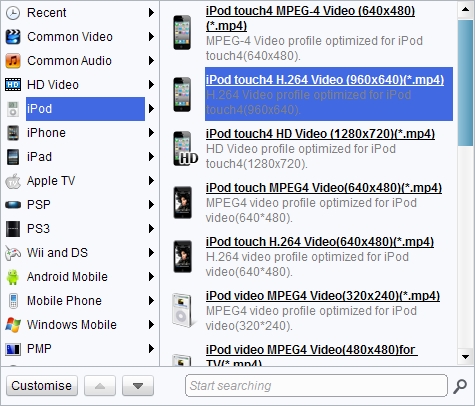
Set output profile for iPod
In Profile (click the icon before 3D button on Mac DVD to iPod converter), select output profile from iPod group (Apple group on Mac DVD to iPod converter).
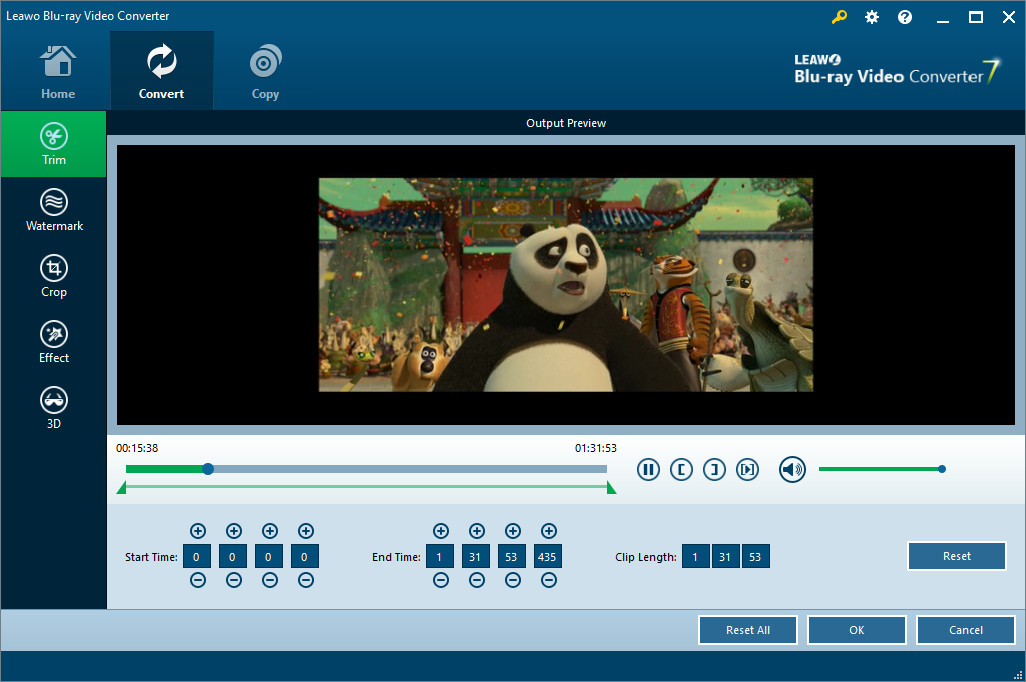
Edit DVD video for iPod (optional)
Click “Edit” button on the right preview player screen to edit video in your desire: Trim, Crop, Effect, Watermark, etc.
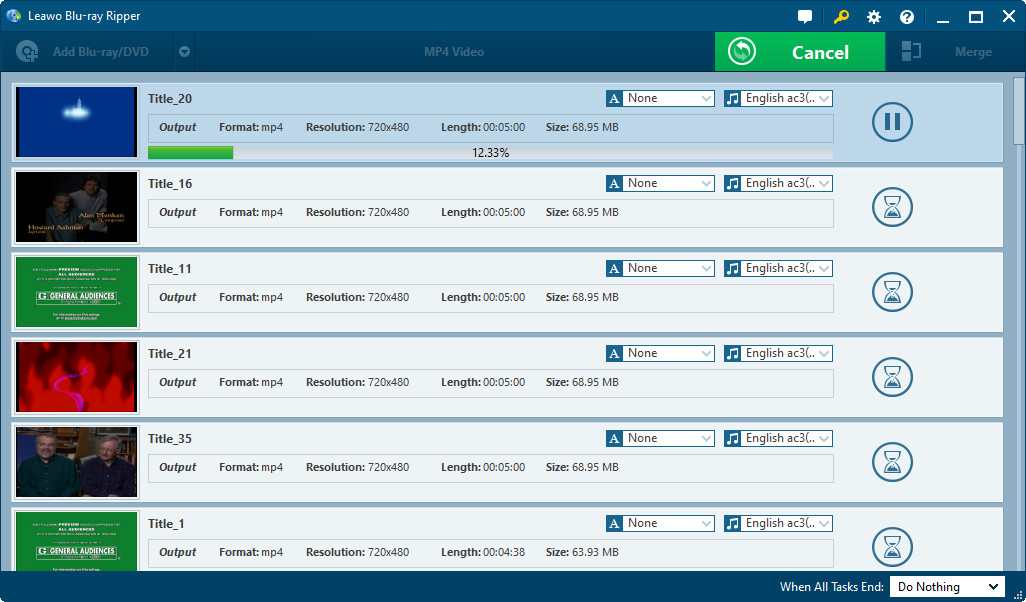
Convert DVD to iPod video
Click the button "convert" on the bottom right to start to convert DVD to iPod video within this DVD to iPod converter. When DVD to iPod conversion finished, transfer DVD to iPod through iTunes and freely watch DVD video on iPod or enjoy DVD audio on iPod.
If you want to rip Blu-ray to iPod, please use Leawo Blu-ray Ripper.
Extended Knowledge
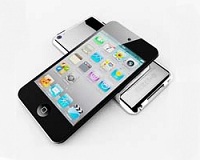
An iPod is a portable device for storing and playing audio files encoded by MP3 or AAC compression algorithms. Designed by Apple Computer, iPods have distinctive styling and can hold anywhere thousands of songs. Popular iPod features include a calendar, address book, to-do list, alarm clock with sleep timer, games and text reader. When connected to a personal computer (PC), Windows or Macintosh, the iPod communicates with a piece of Apple software called iTunes. iPod and iTunes work together to synchronize the songs available on the iPod to those available on the PC. This happens automatically, without any intervention being required from the user.
