
"We were going on skiing holiday and my wife wanted to watch the movie Red whilst we are away. I had a bluray only copy (no digital or DVD) so was looking for a way to rip the disc to our iPad 1. I have a number of other bluray only movies, so decided that a piece of software that performed the ripping task in one pass would be useful. Any suggestion?"
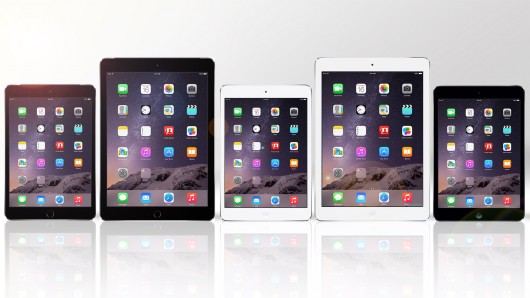
Apple iPads come with large and HD screen display, which makes it quite enjoyable for HD movie watching. If you want to watch Blu-ray movies on iPad, you need a professional Blu-ray to iPad converter that helps convert Blu-ray to iPad videos with high quality and speed. This post would be the right place for you to get detailed info on iPad videos and Blu-ray to iPad video conversion.
Part 1: iPad supported file formats
Obviously, to convert Blu-ray to iPad video files, you need to make clear what video formats Apple's iPad tablets are friendly with. The below table shows you detailed info.
| Supported Video Formats | Supported Audio Formats | |
| iPad | MOV, MP4, M4V, H.264, MPEG-4 | HE-AAC (V1), AAC (16 to 320 Kbps), Protected AAC (MP4 from iTunes Store), MP3 (16 to 320 Kbps), MP3 VBR, Audible (formats 2, 3, and 4), Apple Lossless, AIFF, WAV |
iPad supports MOV, MP4, and M4V in H.264 or MPEG-4 codec. If your file isn't supported by iPad, you need to use a video converter to convert it to make it compatible with iPad.
If your video file format is iPad supported, but the video doesn't meet the technical specifications for iOS devices like video size, bitrates, sample rate and etc, it still can't be played on iPad. In this case, you can use the presets of a video converter for iPad to easily convert videos compatible with iPad.
Part 2: Best Blu-ray to iPad converter
Apparently, watching Blu-ray movies on iPad requires a Blu-ray to iPad converter. The problem now might become which Blu-ray to iPad converter should be chosen to handle the Blu-ray to iPad video conversion task. Leawo Blu-ray to iPad Converter is highly suggested for you.
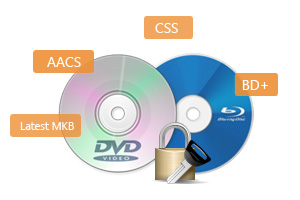
* Decrypt and rip Blu-ray discs with disc protection and region code;
* Convert Blu-ray to MP4, MKV, AVI, MOV, FLV, and other 180+ HD/SD formats;
* Convert Blu-ray main movie to videos for space saving;
* Convert 2D Blu-ray movies to 3D movies with 6 different 3D effects;
* Fast conversion with NVIDIA CUDA, AMD APP and Intel Quick Sync acceleration technologies;


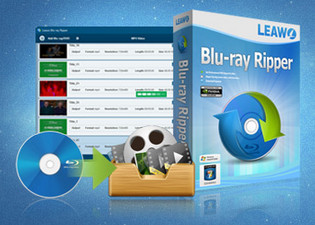
Why choose Leawo Blu-ray Ripper to rip Blu-ray to iPad videos
Leawo Blu-ray Ripper is a professional Blu-ray ripping and converting program to decrypt, rip, and convert Blu-ray/DVD movies to 180+ video and audio files for diverse players and devices, and backup Blu-ray to hard drive or blank disc. This Blu-ray to iPad converter could successfully rip Blu-ray movies and then convert Blu-ray to iPad MP4 videos for unlimited playback on iPad tablets on the go, be it iPad, iPad 2, iPad mini, iPad Air, iPad 4, etc.
Part 3: Convert Blu-ray to iPad Video
Step 1: Load Blu-ray Movies
Click "Add Blu-ray/DVD" button to load Blu-ray movies from your computer hard drive or Blu-ray disc after you launch this Blu-ray to iPad converter. If you want to convert Blu-ray disc to iPad, make sure you have inserted the disc into BD-ROM on your computer.

Tip: The Blu-ray to iPad Converter allows you to select desired subtitles and audio tracks from source Blu-ray movies. You can achieve the selections via opening the drop-down boxes of "Subtitles" and "Audio tracks" in each loaded Blu-ray file.
Step 2: Select output format
Click the drop-down box named "MP4 Video" by default, and click "Change" to select output format.

After you have set output format, you could even click "MP4 Video > Edit" button to adjust the video and audio parameters of output files, including video codec, audio codec, bit rate, aspect ratio, frame rate, channel, etc.

Step 3: Convert Blu-ray to iPad videos
At last, click the big green "Convert" button and then set output directory to save the final converted Blu-ray movies in the “Save to” box. Click the bottom “Convert” button on the popup sidebar to start converting Blu-ray to iPad videos. After the conversion, you could transfer the converted Blu-ray movies (now in iPad compatible video format) to your iPad tablets through iTunes for unlimited Blu-ray movie playback.

Part 4: Transfer converted Blu-ray movies to iPad
After the Blu-ray to iPad MP4/MOV/M4V video conversion, you only need to transfer the converted Blu-ray movies onto your iPad tablets before you could play back Blu-ray movies on iPad. This process could be as simple as it could be with the help of iTunes since you must have synced movies from your computer to your iPad for many times. You could get a recall here.
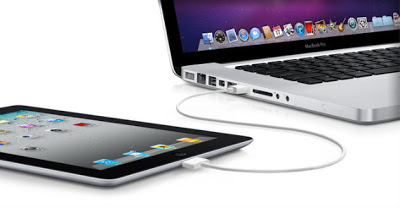
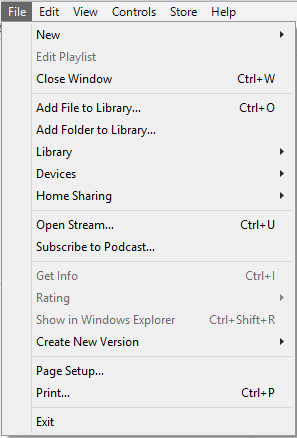
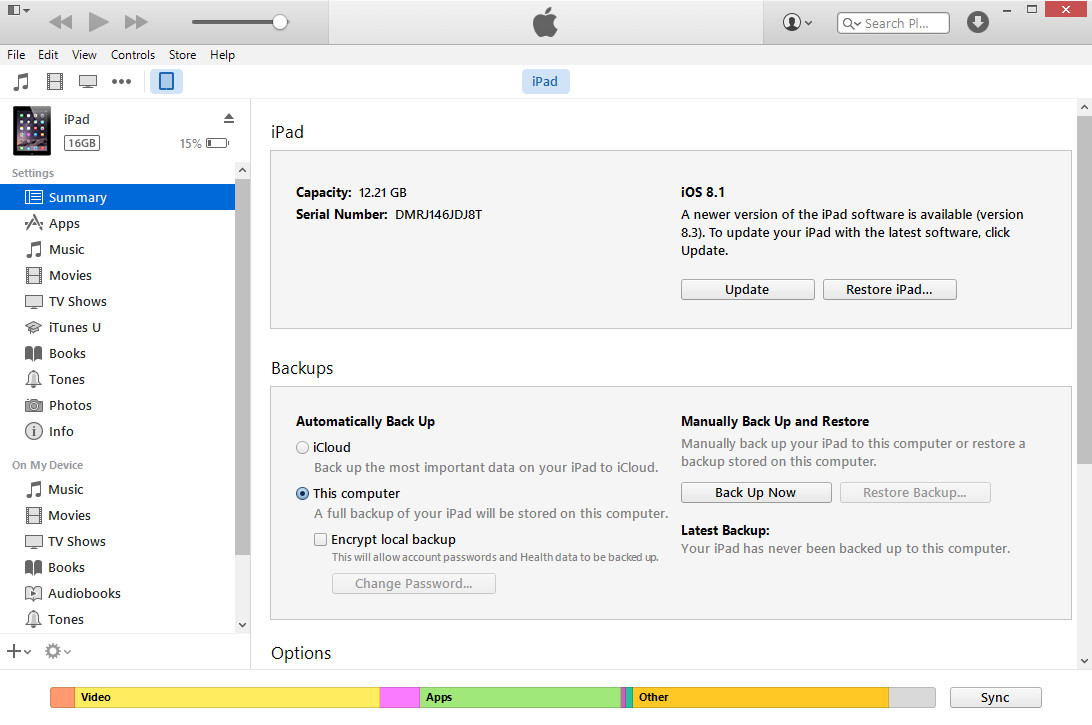
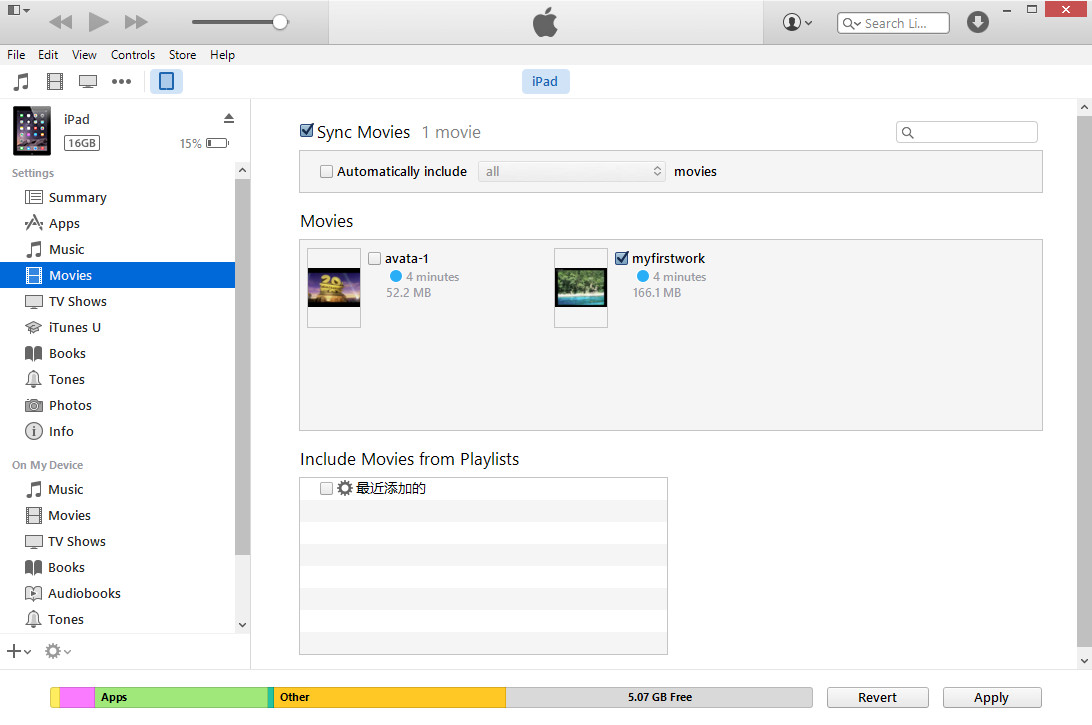
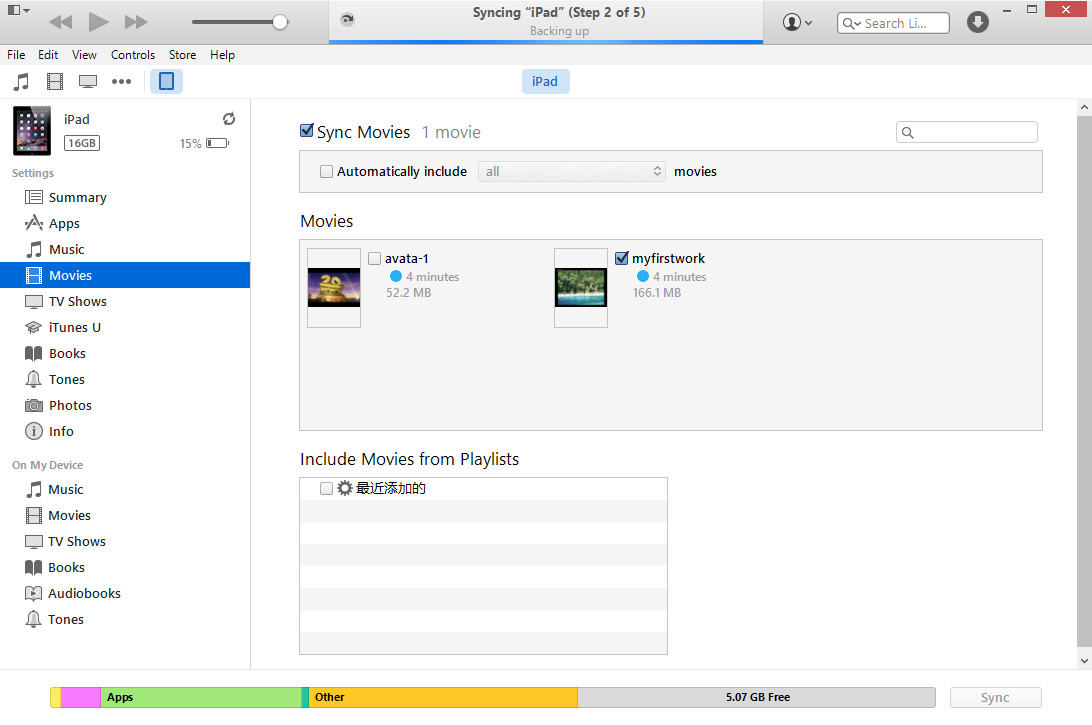
If you find it's extremely complicated to transfer the converted Blu-ray movies to iPad via iTunes, or you've failed to do this with iTunes, you get an alternative to iTunes to carry out the transfer here. That's Leawo iTransfer – a professional 3rd-party data transfer app to transfer data and files between computer, iTunes and iOS devices.
Part 5: Tips and notes
-
- 1. Is Internet connection required during Blu-ray to iPad conversion?
- Yes. Since some of Blu-ray discs are encrypted. You need to get well-connected Internet so that the Blu-ray to iPad converter could decrypt encrypted Blu-ray discs and continue Blu-ray to iPad MOV/MP4/M4V video conversion process.
-
- 2. How is the encrypted Blu-ray discs decrypted?
- Leawo Blu-ray Ripper would automatically decrypt and remove the disc protection during disc reading and loading at the background. You have to do no operation for this. Just make sure the Internet is well connected and you've registered this program.
-
- 3. How to get a small sized iPad video in Blu-ray to iPad video conversion?
- 1st: you could try to rip and convert the main movie of Blu-ray disc to iPad video by selecting "Main Movie" mode in loading source Blu-ray movie. It saves storage and has no bad effect to output movie quality and movie watching. 2nd: adjust the video quality, bitrate and resolution as mentioned above in "Step 2 of Part 3".
-
- 4. How long it will cost to finish a Blu-ray to iPad conversion?
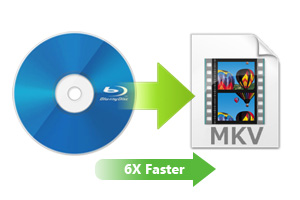
- It depends on several things: original Blu-ray movie size, computer performance, output iPad video quality and resolution, graphics card acceleration, etc. Leawo Blu-ray Ripper offers 6X faster speed for Blu-ray to video conversion. It also supports graphics card acceleration, including: NVIDIA CUDA, AMD APP and Intel Quick Sync.
-
- 5. How to enable graphics card acceleration on Leawo Blu-ray Ripper?
- Click the wheel icon on the top-right corner of Leawo Blu-ray Ripper and then navigate to "Performance" tab on the popup settings menu. Under the GPU box, you could choose to activate graphics card acceleration or not.
-
- 6. How to ensure smooth performance of other apps on computer during converting Blu-ray to iPad videos?
- Open the wheel settings icon on the top-right corner and then navigate to the "Performance" tab. Set CPU cores in "CPU" box. The more it occupies, the faster the conversion will be.
 Feb. 20, 2014 by


 Prof. Media
 Blu-ray Ripper
 Blu-ray Copy
 iOS Data Recovery
 [12/29/23] MAX Downloader V15.0.0
 10,000,000 people are using Leawo!
 All Transactions are protected!
 30-Day Money Back Guarantee!