This is a question involving two things: download Myspace video to your computer and convert Myspace video to DVD. Downloading Myspace video is easy with Leawo Free YouTube Downloader, simply click and save will do the job. Convert MySpace video to DVD is easy with Leawo YouTube Downloader which can convert the downloaded videos into the converter and start the conversion.
YouTube Downloader can not only download Myspace video, but also YouTube video, Google video, etc. Any Flash video or FLV can be downloaded and converted to any other common video formats with Leawo YouTube Downloader.
Full Guide
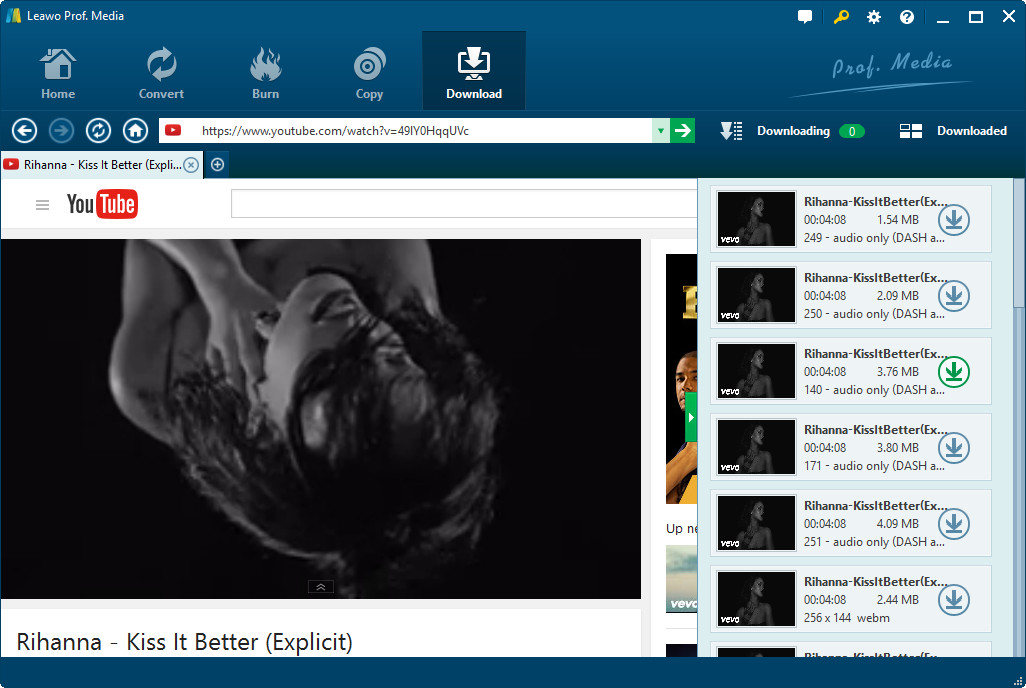
Run YouTube Downloader
Launch Leawo Free YouTube Downloader to download online videos from Myspace you like. Browse Myspace videos in the browser address and then choose the one you want to download. When the downloading information window pops out, click Save as.
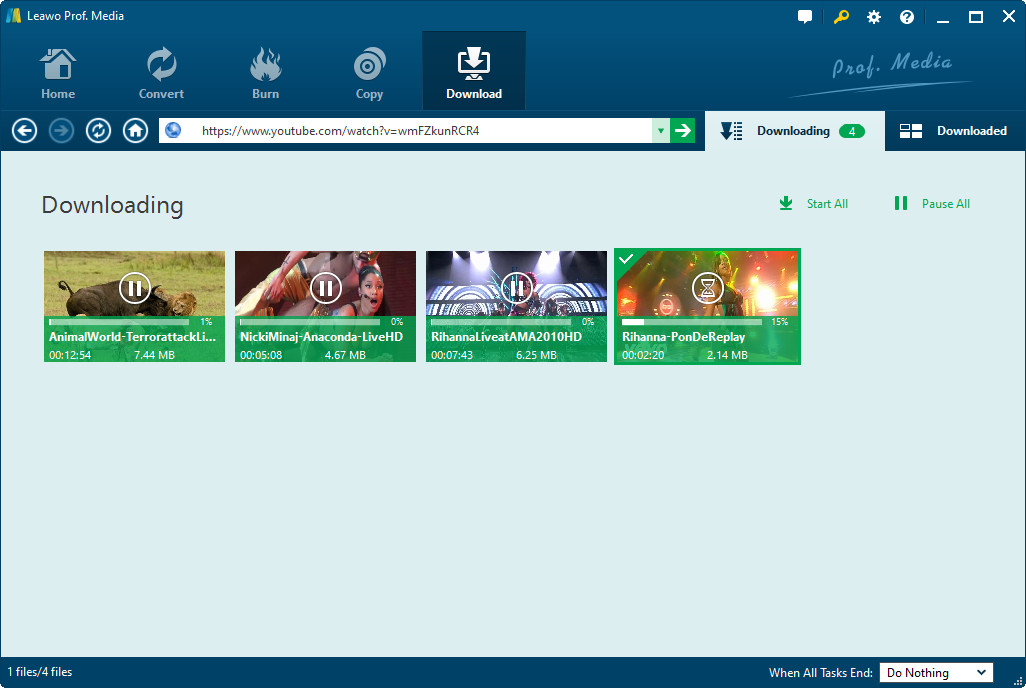
Do some settings
You can freely download Myspace videos and convert Myspace videos to other video file formats like MP4 or 3GP. Do the related conversion settings, like output profile parameter settings, audio quality, video quality, folder, etc.
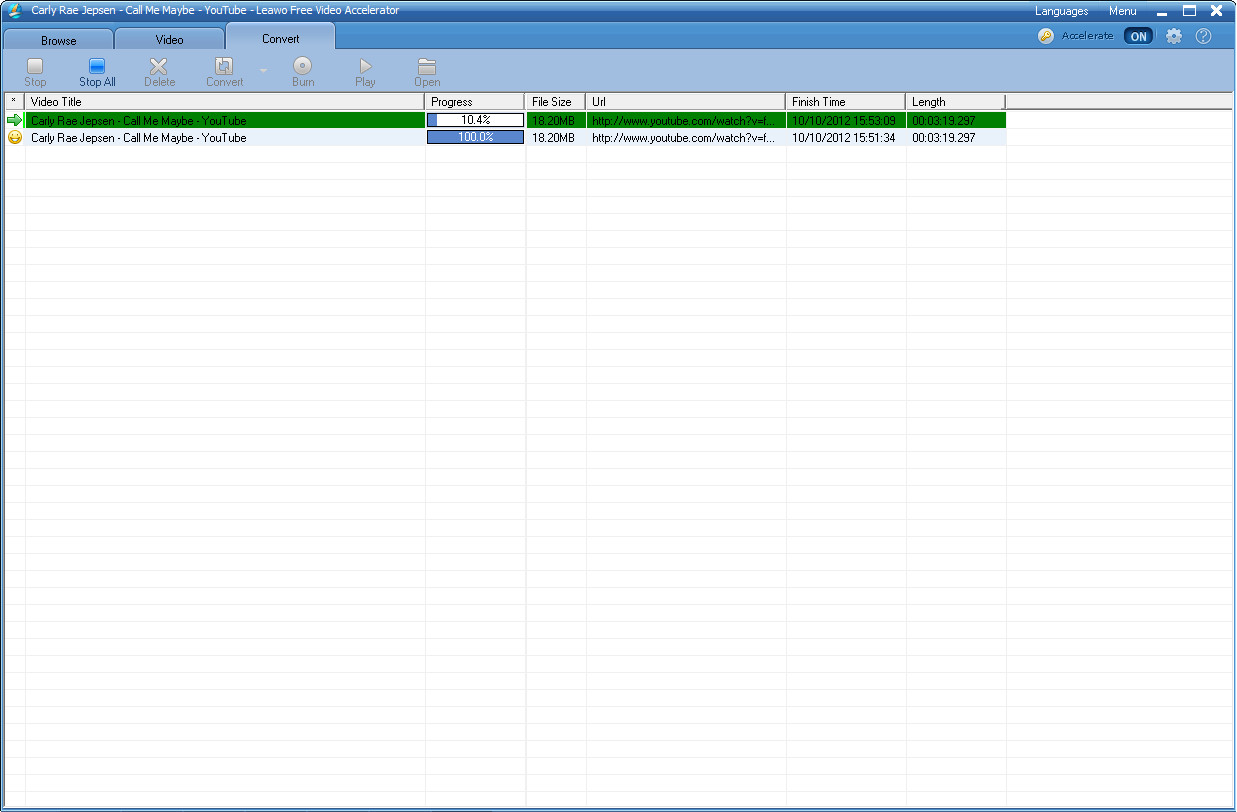
Download Myspace videos
Click the convert button to start to download Myspace videos and convert Myspace video to other popular videos within Leawo free YouTube Downloader.
Extended Knowledge

Myspace is a social networking service owned by Specific Media LLC and pop star Justin Timberlake. Myspace launched in August 2003 and is headquartered in Beverly Hills, California. In August 2011, Myspace had 33.1 million unique U.S. Since early 2006, Myspace has offered the option to access the service in different regional versions. The alternative regional versions present automated content according to locality, offer local languages other than English, or accommodate the regional differences in spelling and conventions in the English-speaking world
Related Articles
