YouTube Videos are great for enjoyment, so you can download them from YouTube to your local computer for further appreciation. But if you have the demand to enjoy YouTube files on MP3 players, you need to convert YouTube to MP3 after downloading. Since you can not always download YouTube MP3 files for listening on MP3 players, or converting YouTube to MP3 online is seldom feasible, a YouTube to MP3 Converter is in urgent need.
Leawo Free YouTube Downloader is a powerful video to MP3 converter which helps you download YouTube videos at first and then lets you convert YouTube videos to MP3. Free to download this YouTube to MP3 converter to get YouTube MP3 files off videos. Mac users can refer to Leawo YouTube Downloader for Mac. Simple guide is shown below to help you fast and easily convert YouTube videos to MP3.
Full Guide
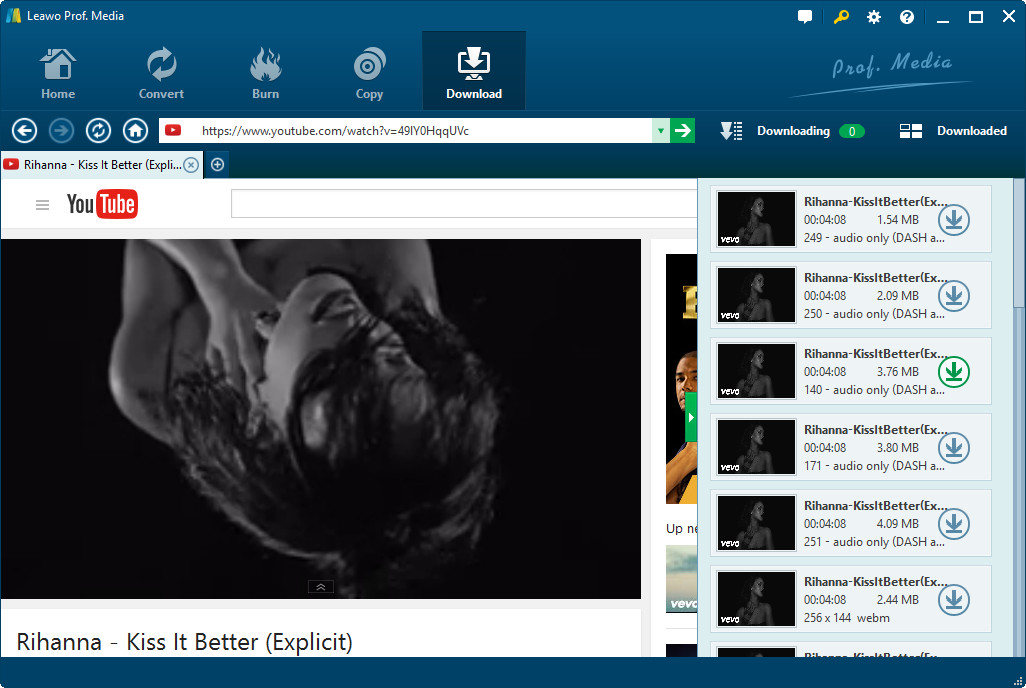
Find YouTube Videos
This step will be fulfilled within the Browse panel. There are two ways for you to go to the wanted YouTube videos: in the first way all you need is a YouTube video URL which makes you fast reach to the video page; in the second way all you have to do is to enter the YouTube video keywords to the searching box and head to the videos. Once get into the target YouTube video page, there will be a video downloading message at the right bottom for you to do YouTube video downloading.
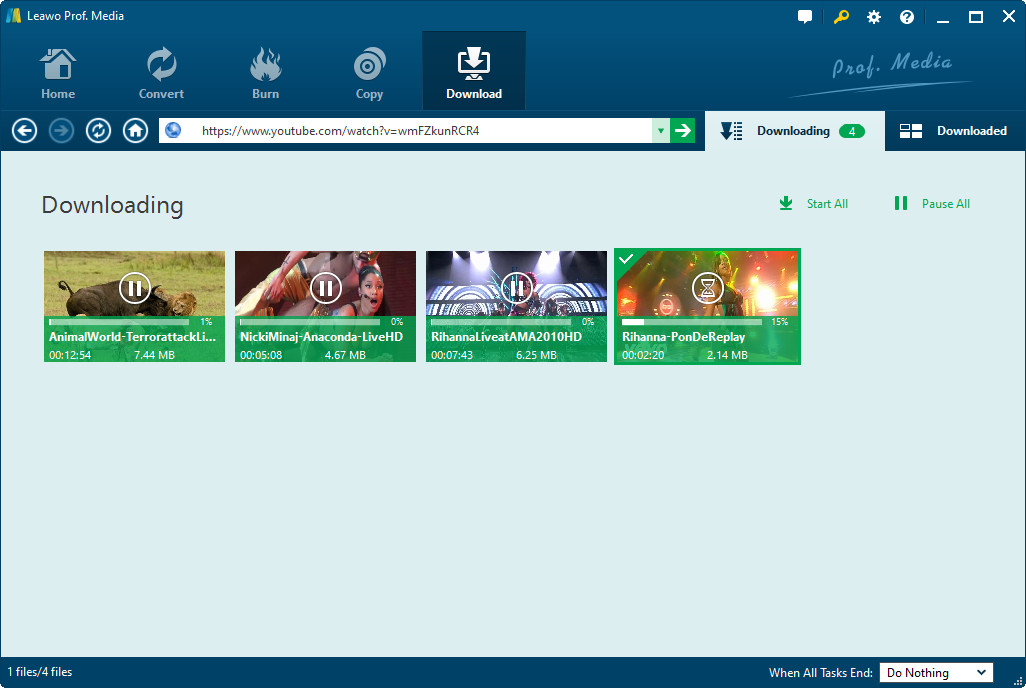
Convert YouTube to MP3
This step will be finished within the Video panel. You can preview the video with the built-in video player if necessary. And then the program will function as a video to MP3 converter for you to carry out YouTube video to MP3 conversion. Tab on the Convert button on this panel and then you will get a window popping up with which you are able to choose MP3 as the output audio format, and then confirm the conversion process to extract MP3 from YouTube video.
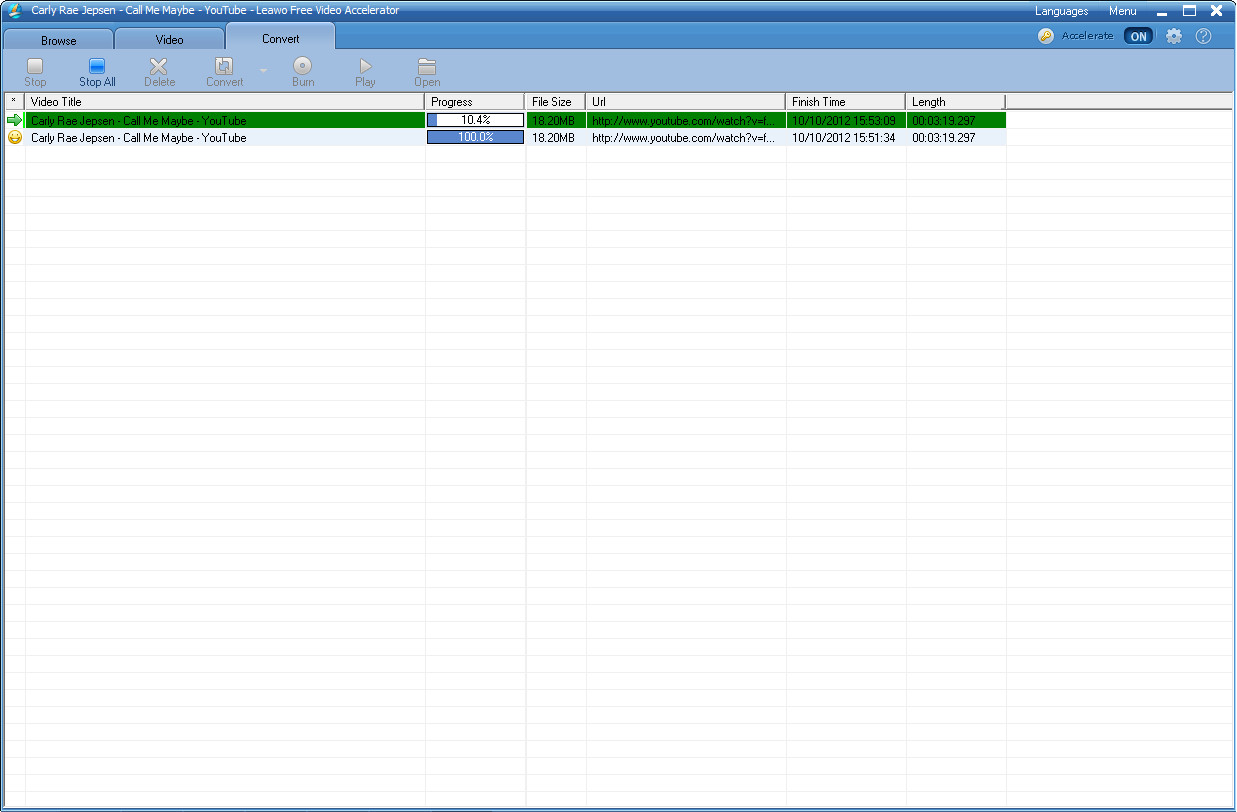
YouTube Video to MP3 Conversion
This step will be accomplished within the Convert panel. You can get detailed video to MP3 conversion status here. And a series of after-done actions are also available within this step, do feel free to carry out these actions if needed. With fast video conversion speed you get the YouTube MP3 files for an instant.
Extended Knowledge

YouTube is a video-sharing website, created by three former PayPal employees in February 2005, on which users can upload, share and view videos. The company is based in San Bruno, California, and uses Adobe Flash Video and HTML5 technology to display a wide variety of user-generated video content, including movie clips, TV clips, and music videos, as well as amateur content such as video blogging and short original videos. Most of the content on YouTube has been uploaded by individuals, although media corporations including CBS, BBC, VEVO, Hulu, and other organizations offer some of their material via the site, as part of the YouTube partnership program.
Related Articles
